Participant
February 26, 2018
Answered

change color with dotted line

  • February 26, 2018
  • 3 replies
  • 8771 views

hi. I am using illustrator Cc program using annual plan.

I used to using dotted line changing black to other color .

someday, i cannot change color to any color without black.

i could see the color on line palette what i changed, but the line is still black.

I need answer .

thanks.
    This topic has been closed for replies.
    Correct answer pixxxelschubser

    Hi leeh51715214​,

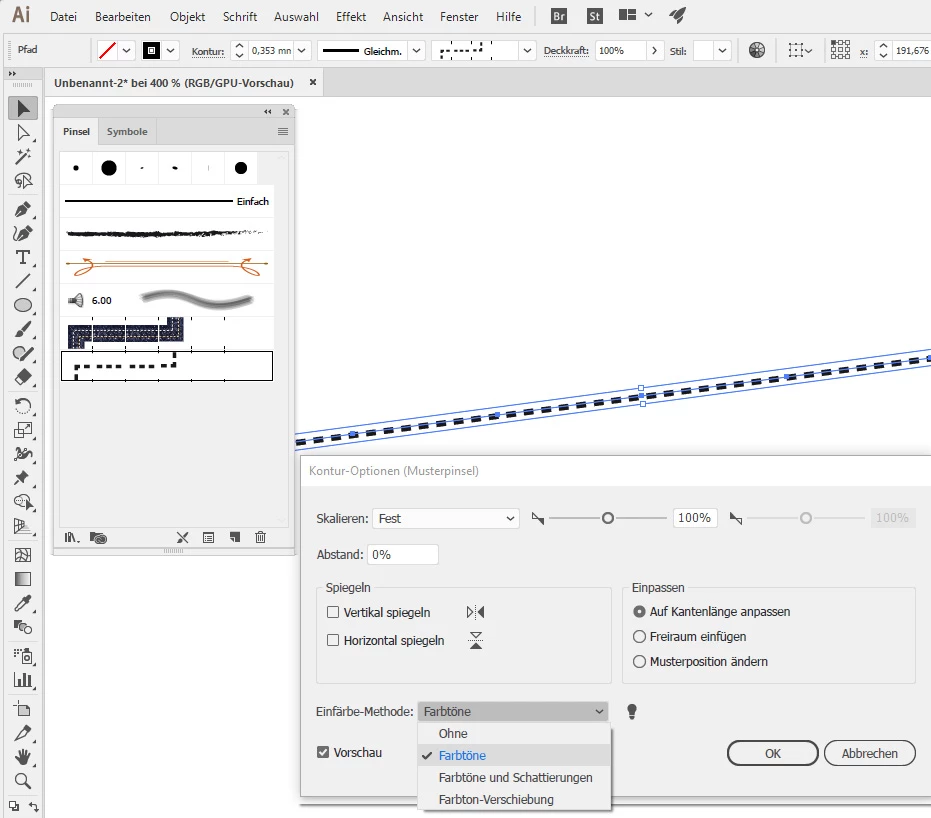
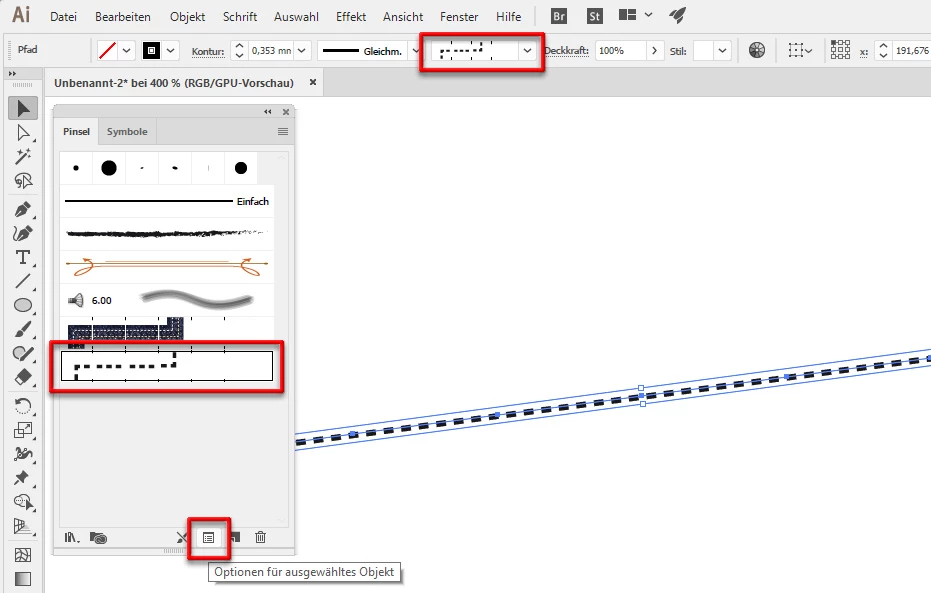
    if a brush is applied you have to check the brushes options first:

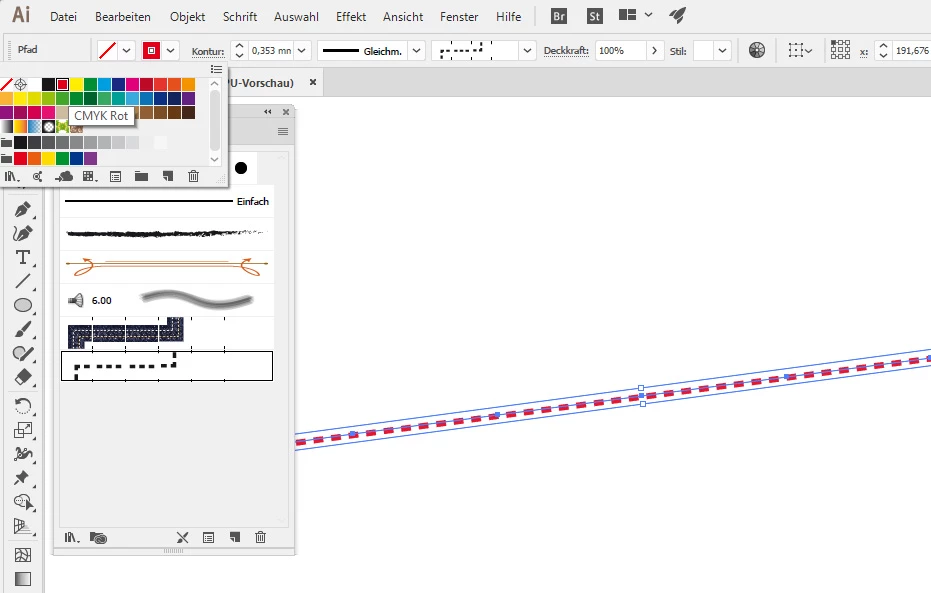
    Now you can change the stroke color.

    Have fun

    3 replies

    pixxxelschubser
    Community Expert
    pixxxelschubserCommunity ExpertCorrect answer
    Community Expert
    February 26, 2018

    Hi leeh51715214​,

    if a brush is applied you have to check the brushes options first:

    Now you can change the stroke color.

    Have fun

    Participant
    February 27, 2018

    it really helpful and it worked well thank you so much !!!!

    Ton Frederiks
    Community Expert
    Community Expert
    February 26, 2018

    That's because it is not a real dashed stroke, you applied a pattern brush to the line.

    Change the stroke to a dashed stroke instead of using a brush

    Monika Gause
    Community Expert
    Community Expert
    February 26, 2018

    Please check in the appearance panel if a stroke color is assigned to the layer or you have an additional stroke assigned to the line.