Answered
Change the arrangement of anchor points in a continuous line
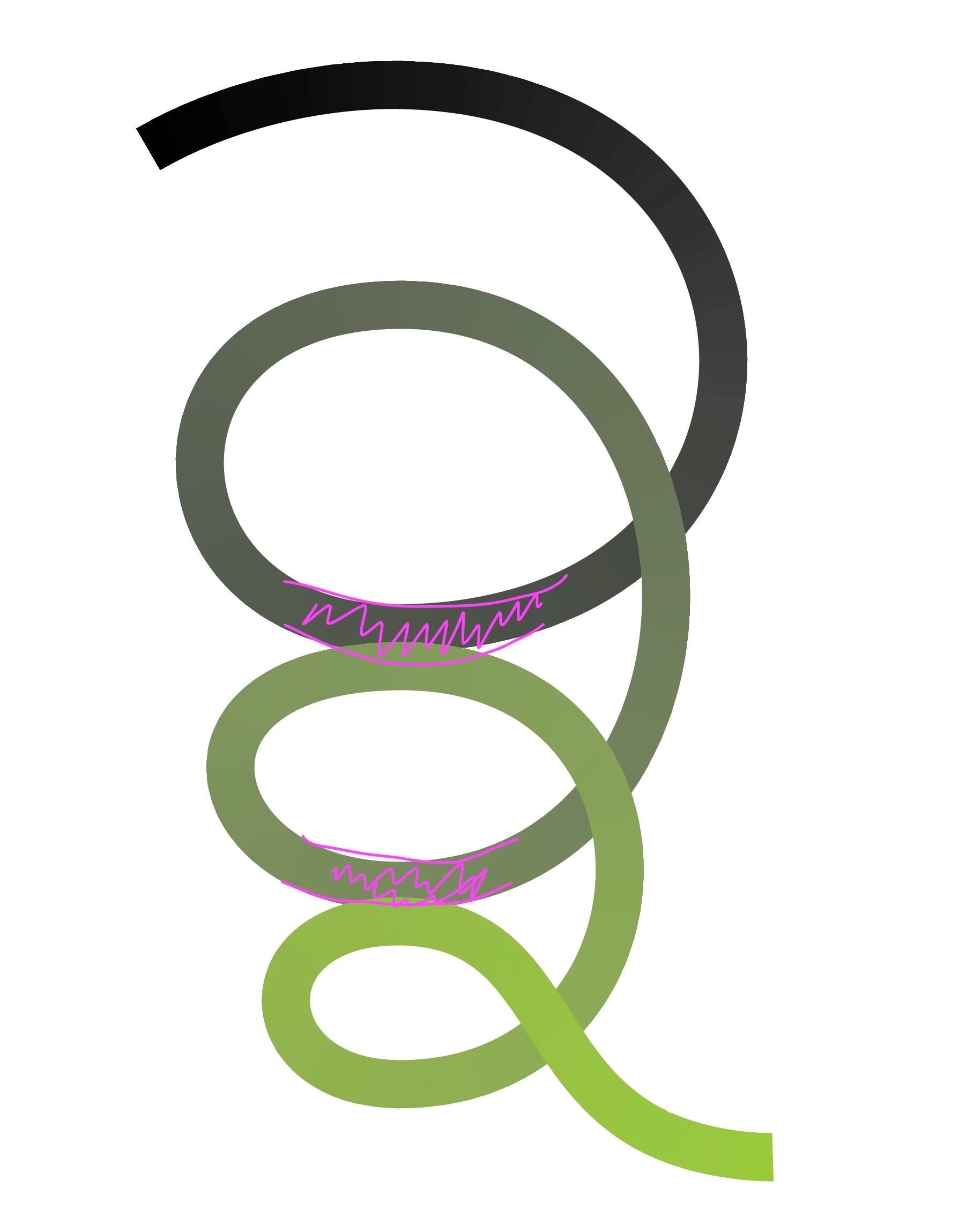
How can I, or can I at all, change the order/overlay of the line at these two points (see screenshot)?
This should look like a spatial spiral.

How can I, or can I at all, change the order/overlay of the line at these two points (see screenshot)?
This should look like a spatial spiral.
Non actually, I want the darker line behind the brighter one, just where these parts overlap
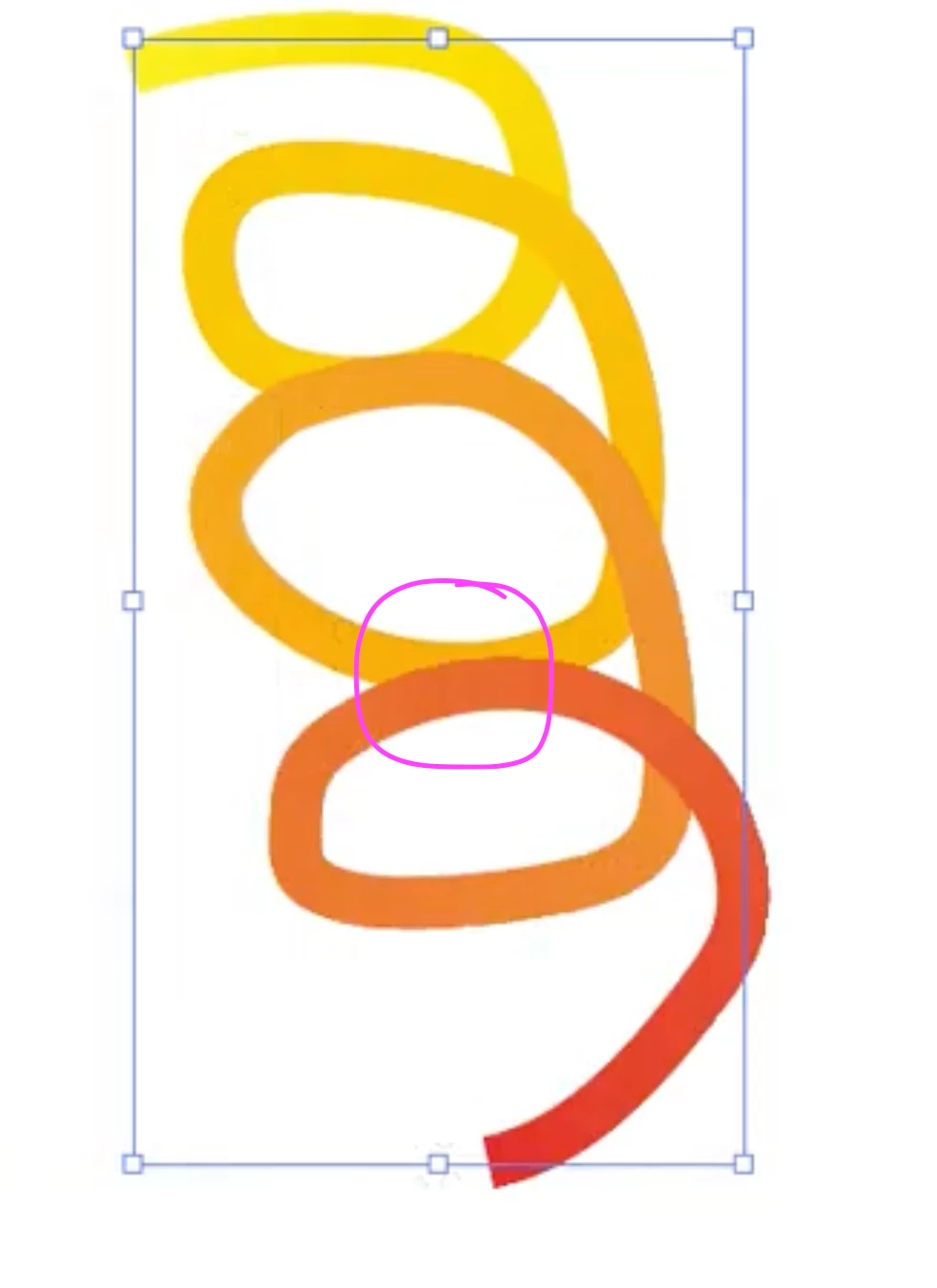
If you are talking about a gradient along a path, cutting and rearranging the paths may produce some undesired results and things can get pretty complicated.
I would probably just use a compound clipping path to do it. See sample Illustrator file below.
Already have an account? Login
Enter your E-mail address. We'll send you an e-mail with instructions to reset your password.
 AdChoices