
Character Panel Font Names Not Autofilling - Illustrator CC
When selecting a new font, I used to be able to start typing the name of the font in the character panel and it would automatically open the drop down menu and start filtering out fonts that matched what I had typed so far (super useful for finding bold, script, or condensed versions of fonts). Now, it does not do that and will only change the font if I type in part of the font name and hit enter/tab - but what if it wasn't the font I wanted but a font with a similar name? I have to go back and manually choose it from the list (and I have about 1,200 fonts so you can see what a hassle that is).
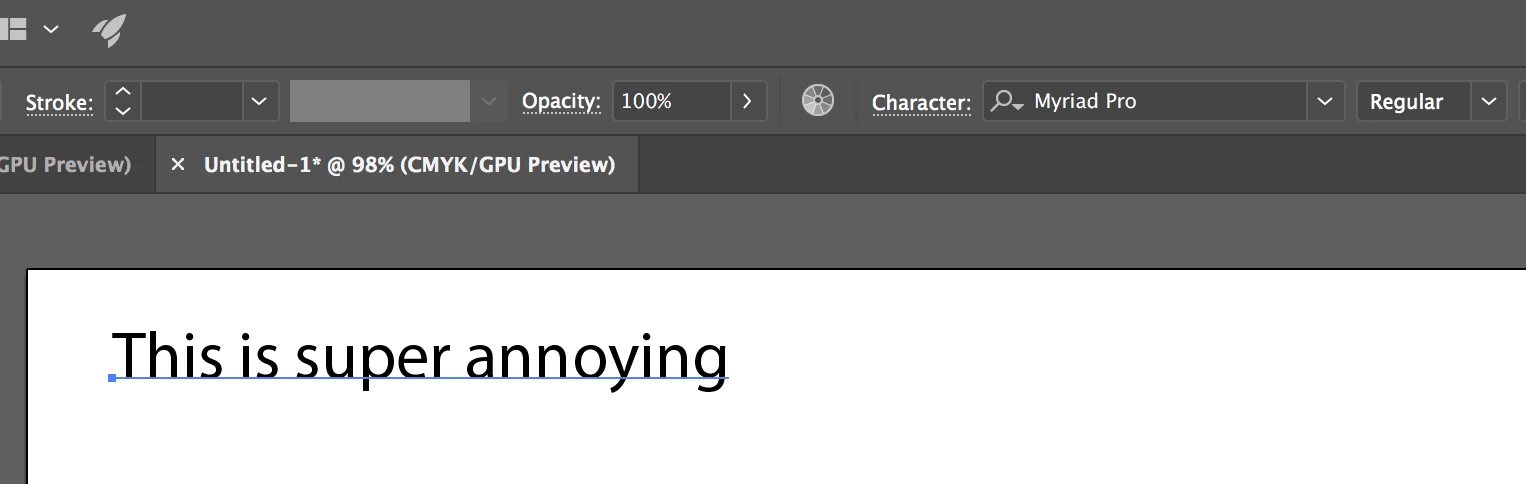
So here I have entered some text and you can see it is Myriad Pro
Now I am attempting to change it to Futura and a blue box shows around the Character panel, but the menu does not appear.
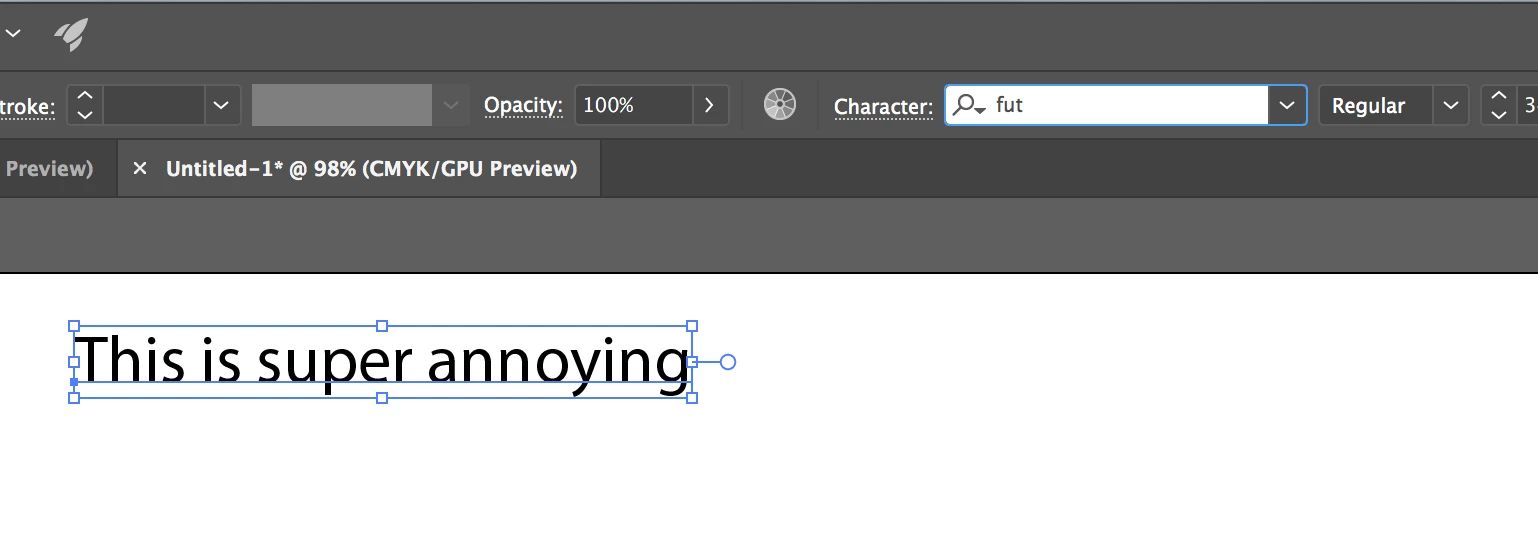
I've attempted to reset Illustrator preferences, font preferences, and any other settings that seemed relevant. Any ideas on how to fix this issue? All help is appreciated!
 AdChoices