
Participating Frequently
April 2, 2024
Question

Check colors in image

  • April 2, 2024
  • 3 replies
  • 3799 views

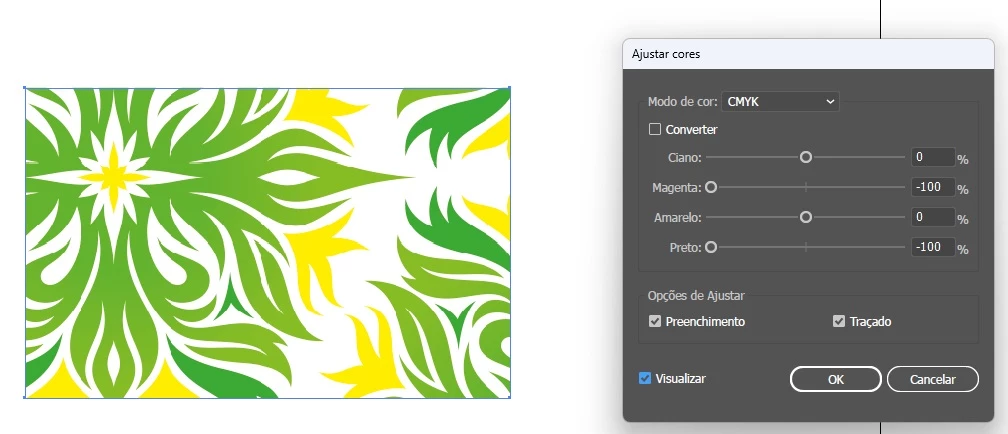
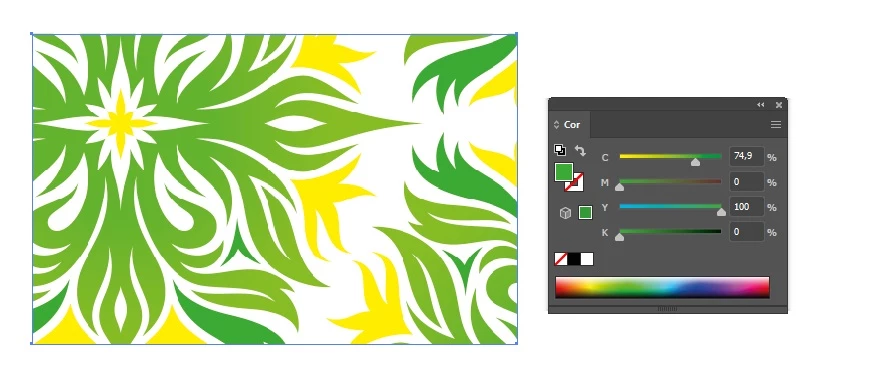
I'm trying to find a way to check which CMYK colors are actually in the selected image, because even though the image doesn't have Magenta and Black for example, when checking the channels four will always appear but I need to know if the color exists in the image.
This topic has been closed for replies.

3 replies

Legend
April 3, 2024
Ton Frederiks
Community Expert
Community Expert
April 2, 2024

If you select that object, you can click the folder icon at the bottom of the Swatches panel to get all the used colors for that object.

Community Expert
April 2, 2024

You can use the Eyedropper to tool to sample colors in a placed pixel-based image.


Depending on the color mode, be it CMYK or RGB, all of the color channels will be listed even if none of the objects in the document have any color in a certain channel. That's the nature of that process color space. In order for Magenta to have a zero value that color channel has to be present in the CMYK color mode.


A print document that has only one or two colors could have those colors defined using spot color inks, where you pick a specific green. One color plate is used to print that pre-mixed green. In CMYK process printing it always has to be at least a combination of Yellow and Cyan, if not Black and maybe even some Magenta.