Participant
February 6, 2020
Answered

Circle disappears after typing text

  • February 6, 2020
  • 4 replies
  • 2036 views

Hello,


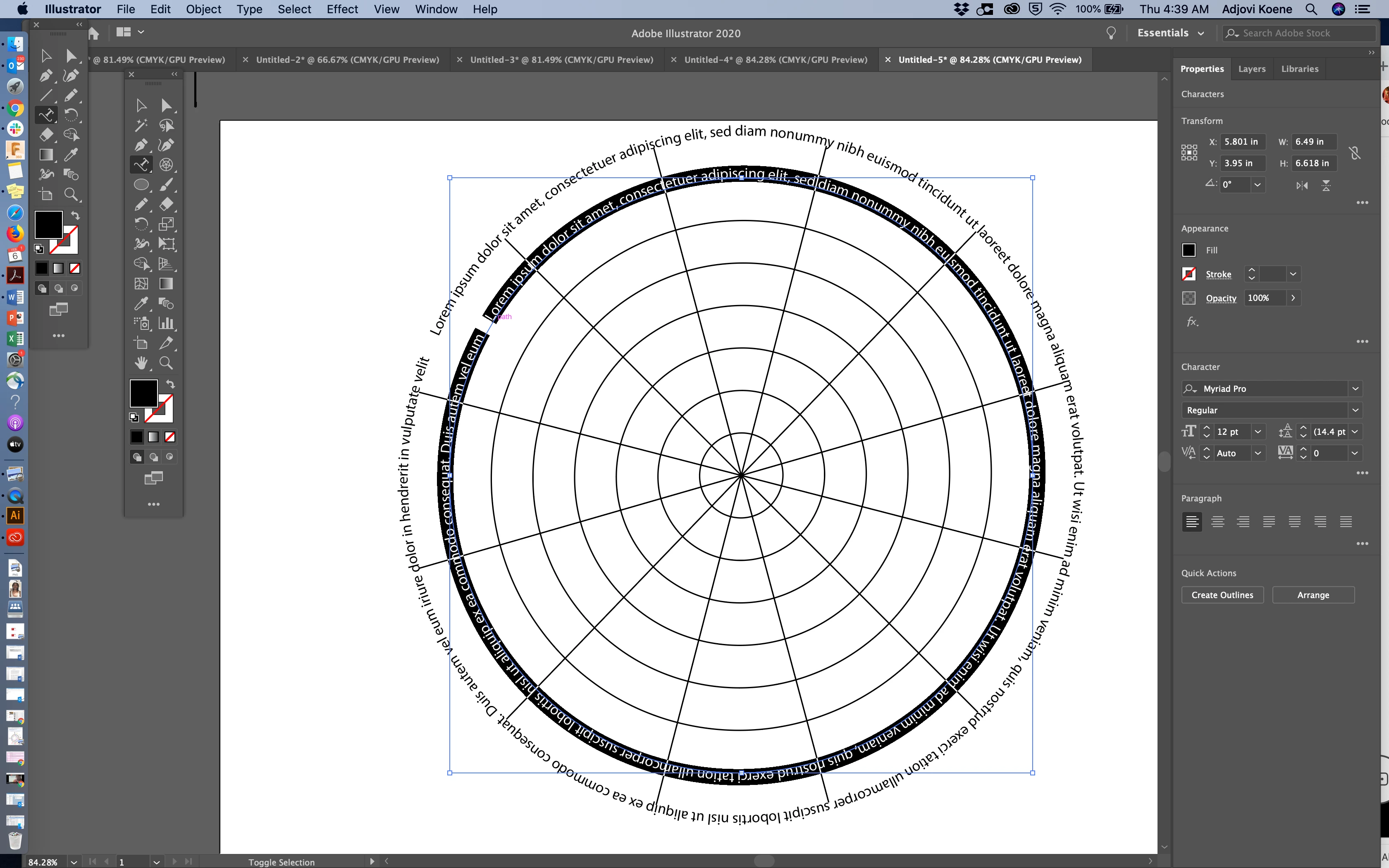
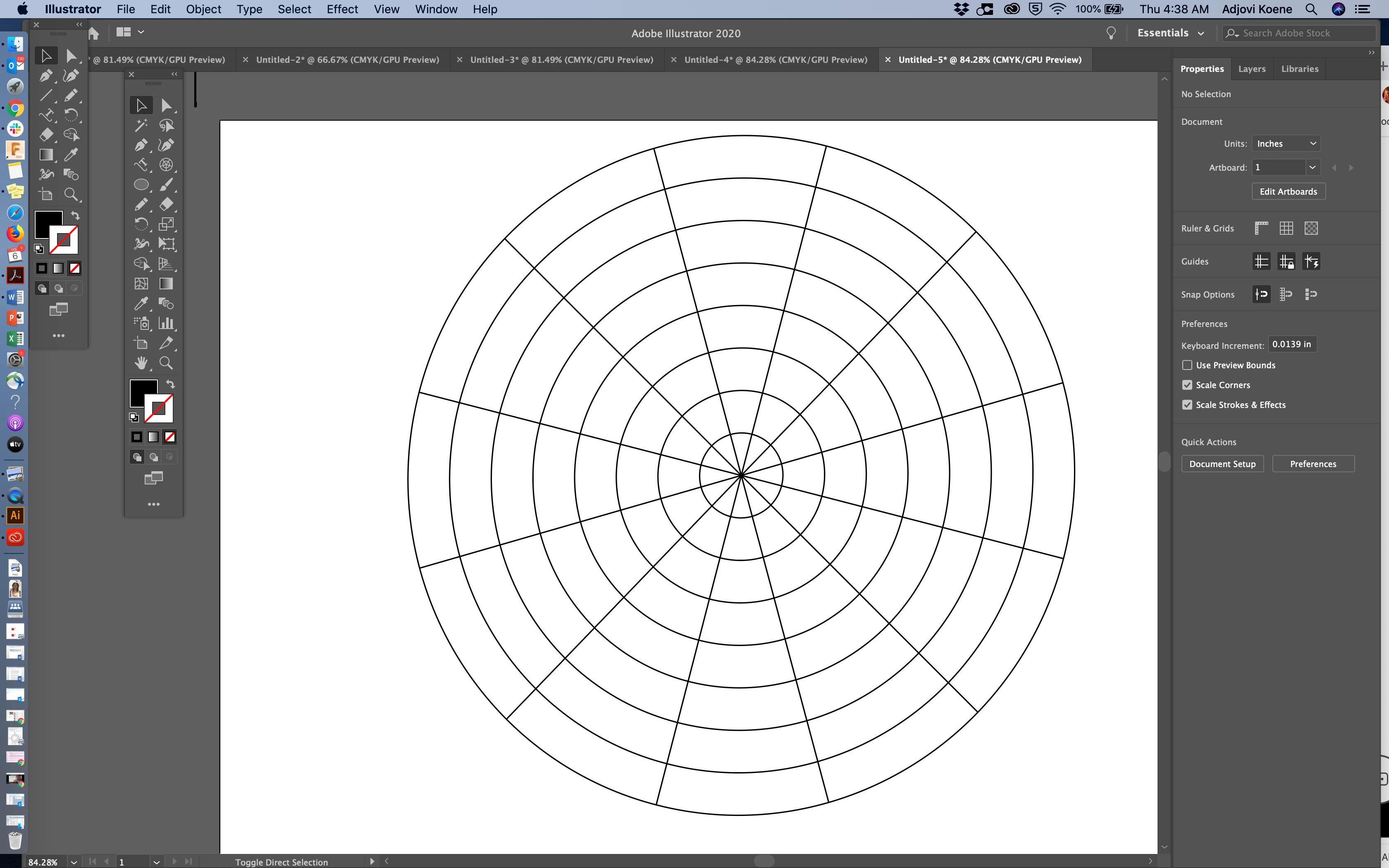
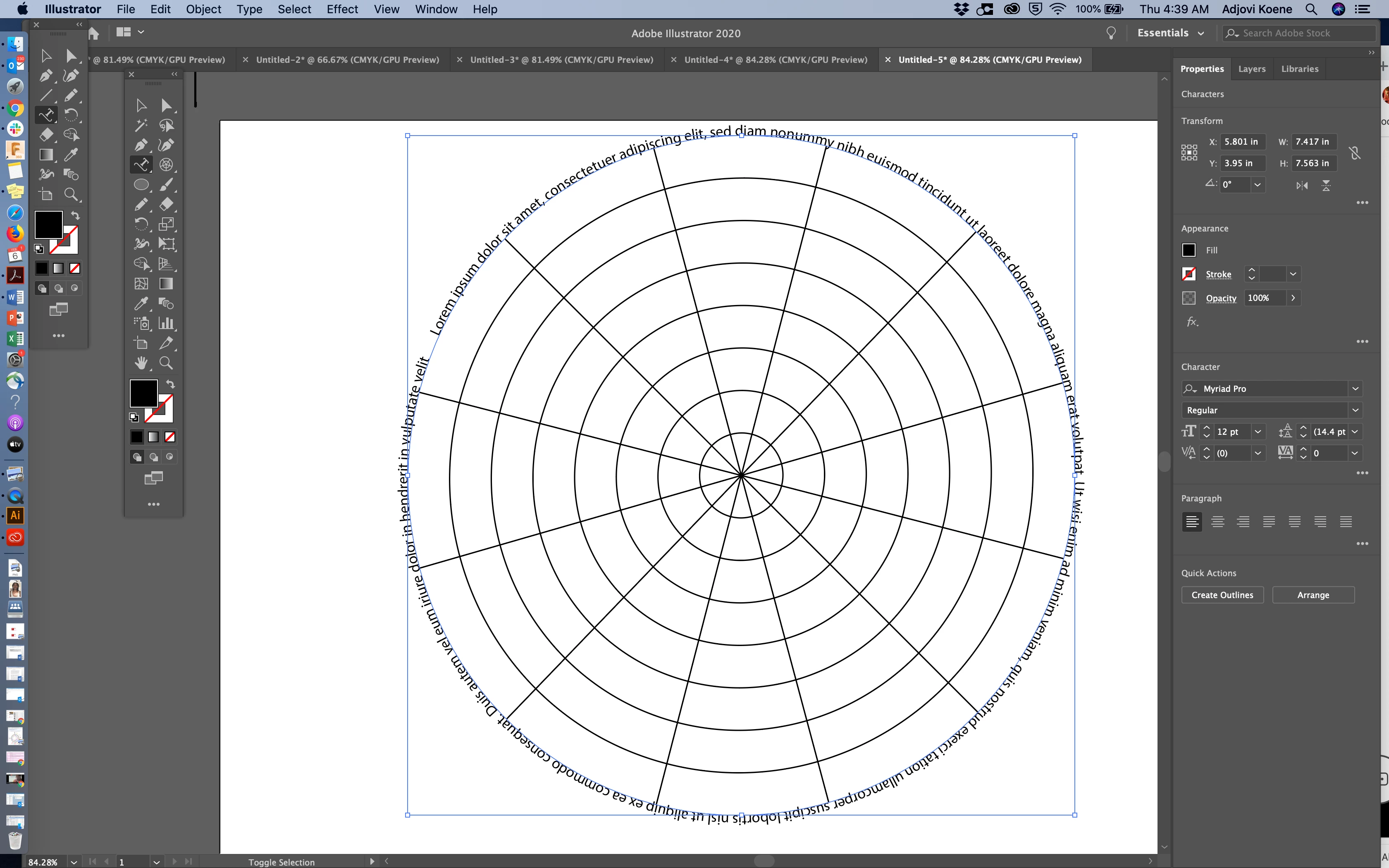
I'm trying to write on my polar grid, but after completing the text, the circle disappears, leaving only the text in a circular format. Is it possible to write on the line and have it remain visible as it important to the design or do I have to write what I need then rotate each text at a time? 

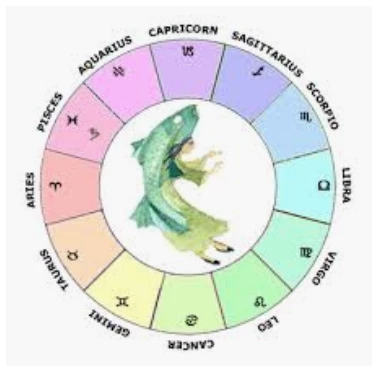
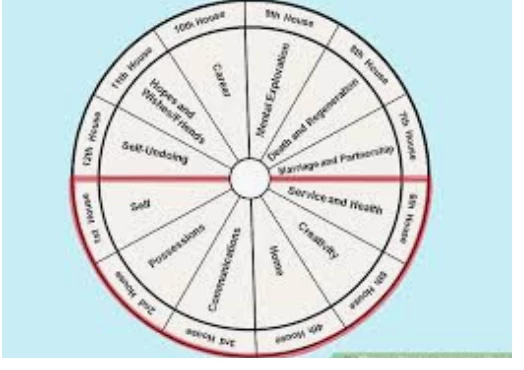
I've attached screenshots and images(not mine) of what i am trying to complete.


Thx
This topic has been closed for replies.
Correct answer Jovik16

So it's not possible to actaully write on the line,  but only above or below it?


4 replies

Jacob Bugge
Community Expert
Community Expert
February 7, 2020

For my part you are welcome, Jovik.


Jacob Bugge
Community Expert
Community Expert
February 6, 2020

Jovik,


"So it's not possible to actaully write on the line, but only above or below it?"


It is indeed possible: with Type on a Path you turn the curved path into a curved baseline to get curved text (somewhat like using a curved path and Replace Spine for a Blend to get a curved Blend), and then you can reapply the stroke of the very same path as I described.


Jovik16Author
Participant
February 7, 2020

Thank you so much JB,


I'll  check out some youtube videos using your ansswer, if you have any suggestions as well that would be great in regards to my question.


Thank you so much

Jacob Bugge
Community Expert
Community Expert
February 6, 2020

Jovik,


To recreate the line, you can Alt/OptionClick it away from the text, then reapply the stroke.


Or, as Sam said.


But the two images seem to show quite different appearances: in both cases the text can be written on circles that are unneeded, outside the outermost circle in the first case, between the two outermost circles in the second case.

Jovik16Author
Participant
February 6, 2020

Hmm....all the circles are needed though. I'm just baffled that I can't write on the circle.


J

sishamIAGD
Community Expert
Community Expert
February 6, 2020

I would suggest doing the text on a layer above so all elements are seperate for editable reasons.

Jovik16AuthorCorrect answer
Participant
February 6, 2020

So it's not possible to actaully write on the line,  but only above or below it?