

Heenaaah
Known Participant
June 12, 2025
Answered

CMYK colour looking dull in illustrator

  • June 12, 2025
  • 5 replies
  • 603 views

Hi, all I have to send a few holographic stickers for printing, now the colour in srgb looks great but as soon as I convert the colour mode to cmyk the colours are extremely dull which would be a huge problem for holographic printing and in general I have observed the cmyk gamut to be dull because of their nature. How do you guys work around it ? what is the resolution to get exact shiny reflective holographic stickers printed?


what would be the general solution to have cmyk documents looking similar to rgb
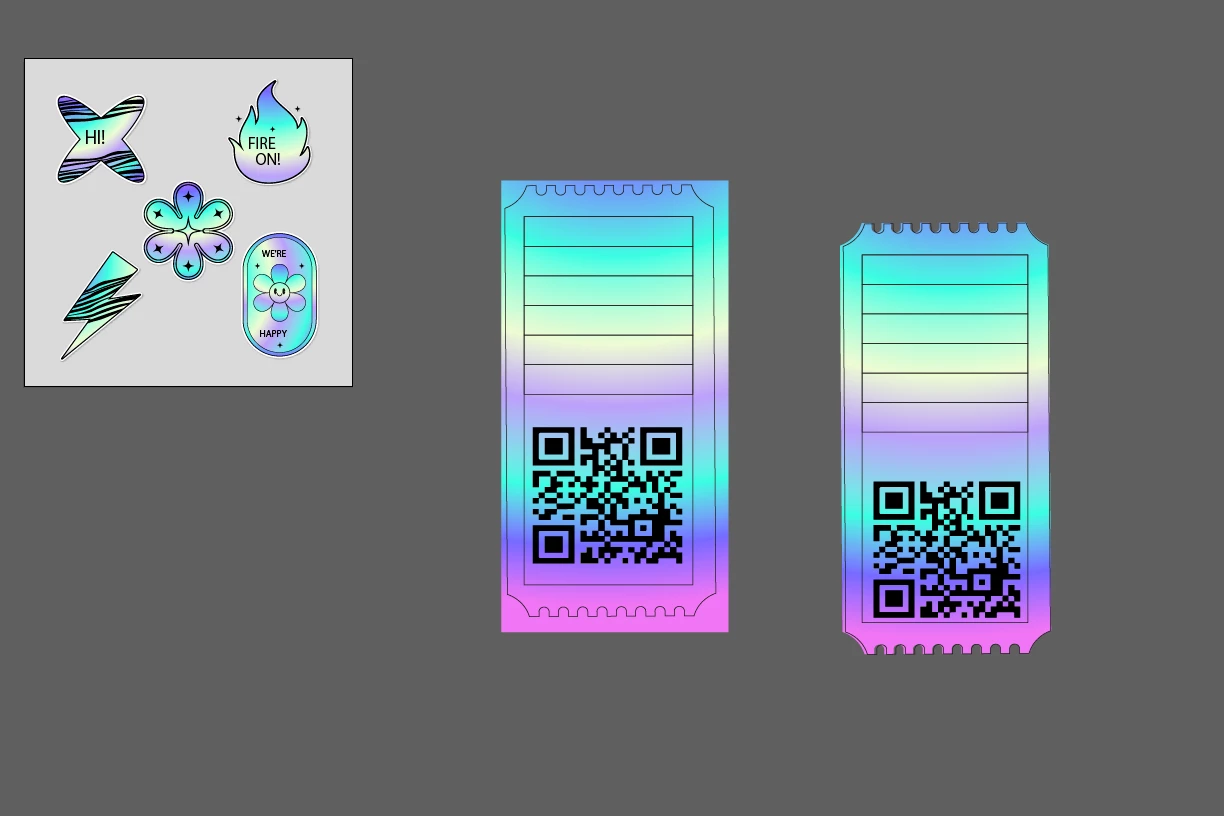

RGB
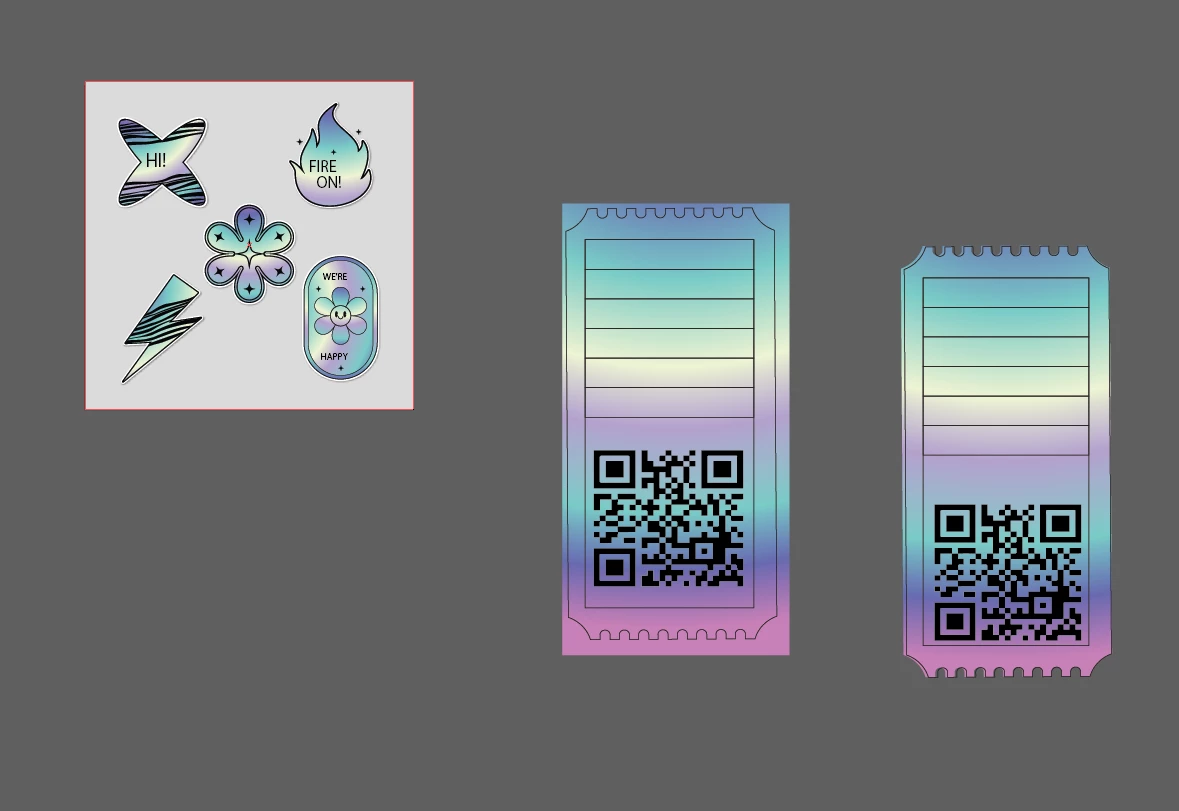
CMYK


Correct answer Monika Gause

The shinyness comes from the material.


You should definitely talk to the printer and have them explain to you how the process works and which part of the desired result you actually need to design and which part not.

5 replies

Monika Gause
Community Expert
Monika GauseCommunity ExpertCorrect answer
Community Expert
June 12, 2025

The shinyness comes from the material.


You should definitely talk to the printer and have them explain to you how the process works and which part of the desired result you actually need to design and which part not.

Dave Creamer of IDEAS
Community Expert
Community Expert
June 12, 2025

>>>How do you guys work around it ? what is the resolution to get exact shiny reflective holographic stickers printed?


I work within the limit for jobs requiring both CMYK and RGB output by working only within CMYK colors. As you saw, RGB-to-CMYK can be quite shocking. CMYK-to-RGB hardly changes as all. My motto is "better to be disappointed up front than after the fact!".


However, I have never printed a holographic sticker. Google the file process to learn more about it and make SURE you talk to your printer.


David Creamer: Community Expert (ACI and ACE 1995-2023)
Ton Frederiks
Community Expert
Community Expert
June 12, 2025

Yes there are limits to CMYK printing, I would talk to your printer and ask if they accept sRGB.

Maybe they have a printing process that has a wider gamut than standard CMYK.

Community Expert
June 12, 2025

The RGB color model has a much wider gamut range than CMYK. The most intense colors in RGB, particularly the brightest green and purple colors, can't be printed in standard CMYK process.


Some large format printers and other specialized printers that use 6 or 8 ink colors can print colors beyond normal CMYK limits, but they can't print everything in the RGB model either. RGB-based files can be used, but the colors have to be adjusted to fall within range of what the printer can output.

Anubhav M
Community Manager
Community Manager
June 12, 2025

Hello @Heenaaah,

Are you using Illustrator on Windows? If yes, would you mind trying the suggestions shared in this community post (https://adobe.ly/3SKUFNZ) to check if they help.


If you're on macOS, please try recalibrating your monitor for sRGB (https://adobe.ly/3HwHUnU), restarting your computer, and then relaunching Illustrator to see if it helps.


Also, kindly synchronize color settings across Adobe applications by following the steps here (https://adobe.ly/4jSUqvj) and share your observations.

Looking forward to hearing from you.

Anubhav