
Participant
February 3, 2020
Question

Color block copied from one AI doc, pasted to another AI doc changes the color settings

  • February 3, 2020
  • 3 replies
  • 4137 views

In one document I have a square that starts as one color. When I copy this square and paste it into another Illustrator document (with the same settings, web, RGB, etc.) it changes the color settings and color itself. 


Here is what I start with:
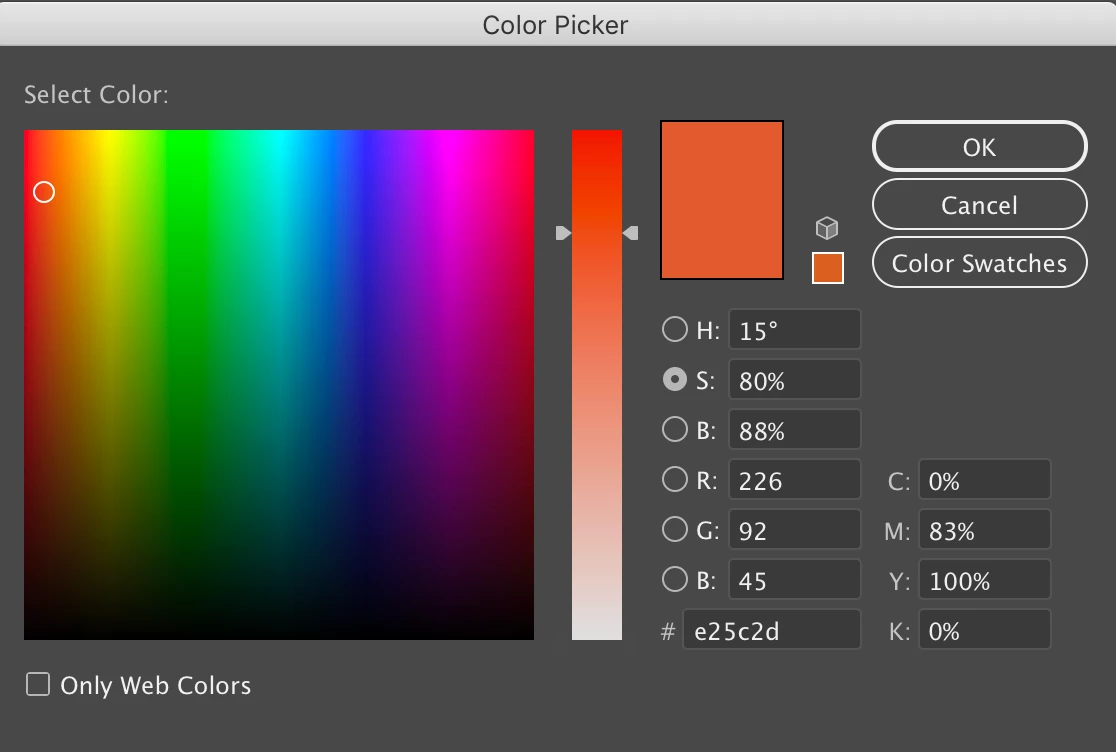


And when I paste that square into another Illustrator document and click into the color, here is what it shows:
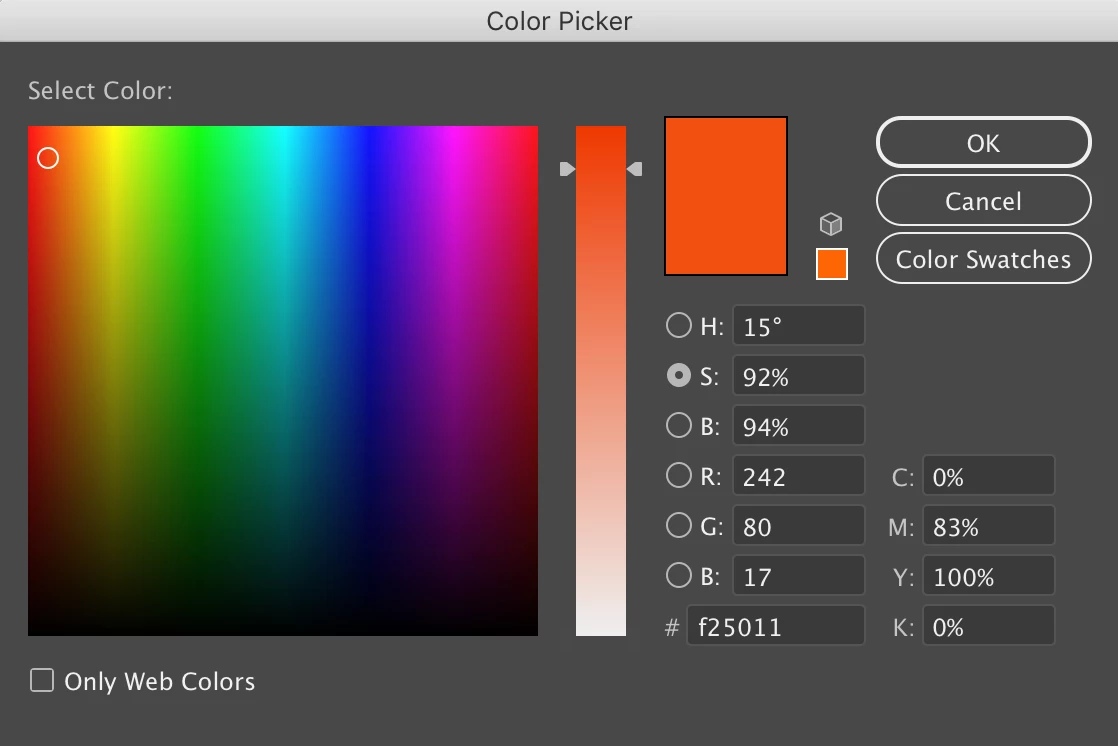


I updated Illustrator, I updated my computer, I've checked all color settings in both documents....anyone have any idea of why this is happening? Basically, I want to know what the actual hex code is for the CMYK color: 0/83/100/0 and how to get it to stop changing the color with a simple copy/paste. 

Thank you!

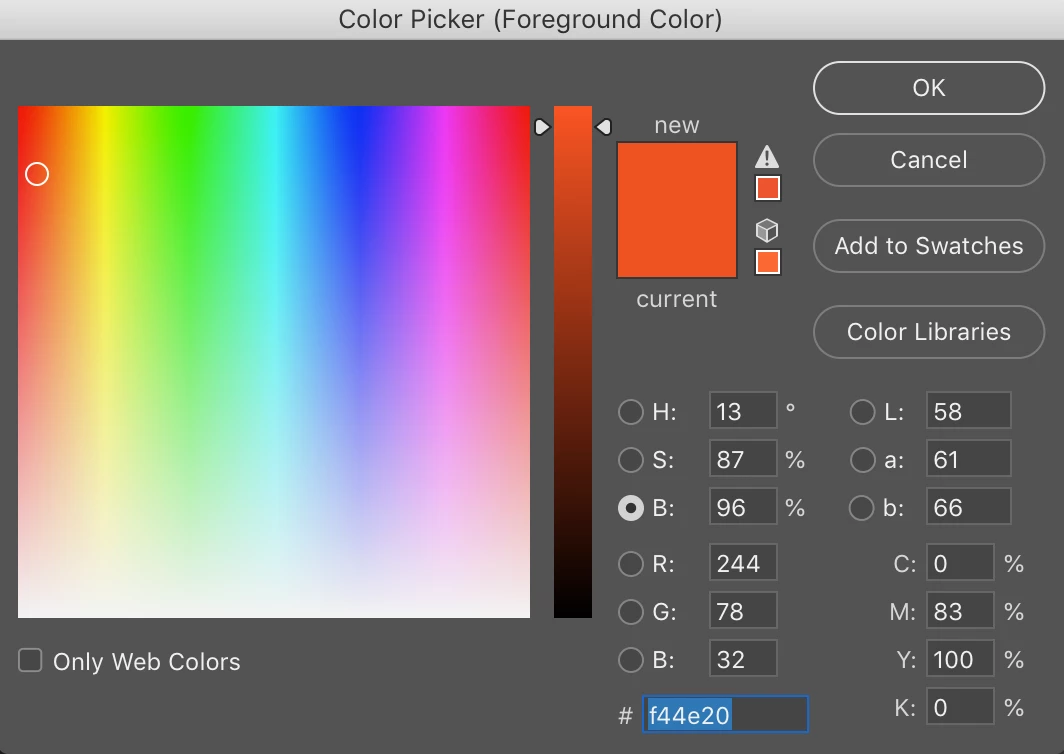
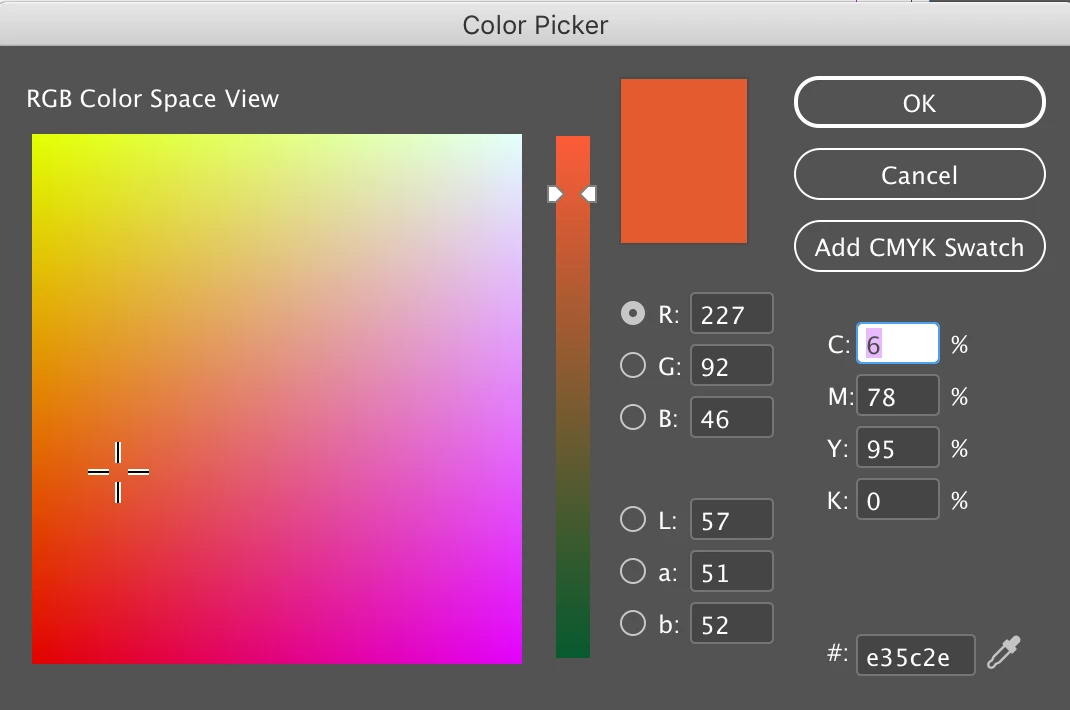
Additional info: when I paste into Photoshop and Indesign it's different as well.

This is when pasted into Photoshop:


And this when pasted into Indesign:
This topic has been closed for replies.

3 replies

Participant
January 15, 2021

I've been having a similar problem too, for quite some time, but despite seaching many time have only just found this thread so apologies for the delay.


Can I ask you to try something for me? I consistantly get slightly in correct CMYK values when copying and pasting between AI docs unless I hit command+C three or four times before pasting. Could you see if this is the same with your problem please?


A similar issue happens when pasting text. Unless I copy three times the text pastes into the second document unformated in the default font, size and colour.


I'm not sure if this is an illustrator problem, apple problem or if something is corrupt on my machine, and wondered if anyone else had the same issue.

January 29, 2021

I was having this profile too and think I might have found a solution! I went to Edit - Assign profile - Display on both my illustrator documents and now I am no longer receiving an error when I copy and paste from one doc to another. My colours now look the same as well! 

Ton Frederiks
Community Expert
Community Expert
January 29, 2021

Display is not a good working profile. 

What happens if you set your Color Settings to sRGB and your documents to sRGB too?

Ton Frederiks
Community Expert
Community Expert
February 3, 2020

Can you check a couple of things?

What is the color mode of both Illustrator documents, RGB or CMYK?

Is there a difference between the document color profiles of both documents? You can check that at the bottom of your window (see screendump below)

If you go into your Edit > Color Settings and turn on the warnings for Profile mismatches, what are the warnings you get when pasting?

Participant
February 3, 2020

Hi Ton, thanks for your response!

Here are shots from the color settings of the 1st AI doc:


And from the second AI doc:

Looks like the only difference is that Document Color Profile, one being Display and the other sRGB... ? Is this the problem? Do you know how I make these the same?

Many thanks!!

Ton Frederiks
Community Expert
Community Expert
February 3, 2020

Different document color profiles can explain the difference in color..

You can try to change the Display one by selecting Edit > Assign Profile and choose sRGB.

Lukas Engqvist
Community Expert
Community Expert
February 3, 2020

I suspect you have different colour settings. A CMYK value is dependent on the printer profile, how you have configured your colour settings, and document settings will affect this. If you want programs to warn you when you have a missmatch you can get that to happen, but it may also frustrate you unless you first learn about colour management. There is no easy way to master colour.
Colour has both a value and a currency (ICC Profile defines what the numbers mean). There are also at least 3 main logic ways to carry colurs between program, and only one of them can be used as a match, RGB, CMYK or LAB.
In Illustrator you are copy pasting between two documents but with different colour settings, Your CMYK values are identical, Not seeing enough information but one could be in coated paper the other uncoated paper?
To photoshop the CMYK colour is also converted, I'm assuming the document to be in RGB here? Indesign you are in RGB colour space view, did you doubble click the colour swatch in the tool bar? 
It is a little similar to calulating a price in different countries. 100 dollars (us/canadian/austrailian) which one they are all different? is not the same as 100 pounds (there are many countries with pounds)