
Known Participant
October 28, 2022
Answered

Color change in eps preview

  • October 28, 2022
  • 2 replies
  • 8127 views

Hi, I have uploaded some items EPS files in Adobe Stock and I am seeing a huge color difference in shades.

These usually happens in blue and purple shades.

attached img.
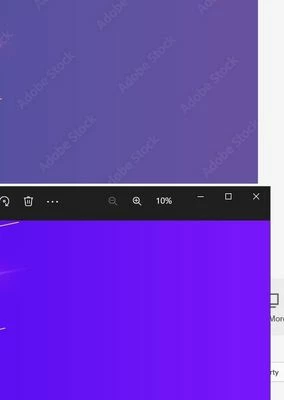


Previously we use to upload eps and jpg both, in which jpgs were used to create preview but with recent change I believe Adobe Stock takes EPS file as a preview and generates its own image out of it.


I have even tried contacting Adobe Stock support but have not got any solution.

What is right way to export so that colors are preserved in EPS preview.
This topic has been closed for replies.
Correct answer sttk3

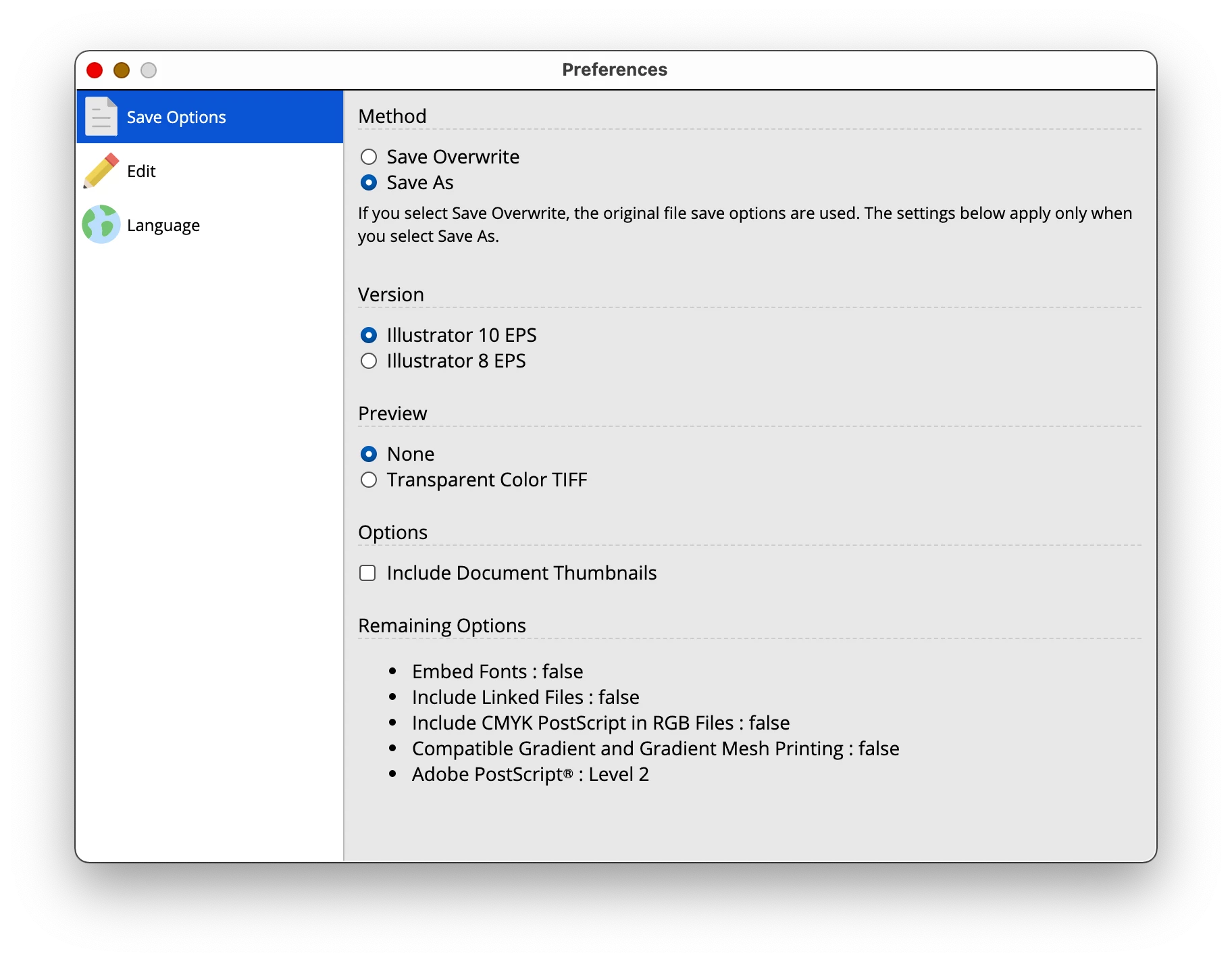
Ok, I got your point that script is doing no change and the possiblility to change EPS save options is not available.


I request you, if you can modify the script and when batch is being started we get the possibility to choose Save As option where I can manually change the preferences and save it.

But this should only happen one time. Like if I have around 100 files then the script should not ask the Save As option 100 times.


I thankyou for your time in debugging this and I appritiate your efforts in this.


Scripts cannot reproduce everything Illustrator can do. In your hope, there is no possibility to specify the transparency flattener options in detail.


Other than that, the EPS save options are only available for items that the user might need to change. Since the new version is an Electron application, the settings are controlled on the GUI.

You are welcome to visit the online store where you purchased it and download it at no additional charge.

2 replies

Participant
May 23, 2023

If you would like to test this, save the colour profile as a RGB file and see how it works.

StarAG​Author
Known Participant
May 23, 2023

Already tested. I just want to mention that I use a tool to upscale the vector to 4MP


https://sttk3.com/blog/tips/illustrator/minimumarea-1.html


Can this be culprit?

Nancy OShea
Community Expert
Community Expert
May 23, 2023

Here is what I have noticed at this point.


## "2. source file (eps)" does not have a color profile embedded in it.


This means that the eps file itself does not know in which color space it should be handled and expects the surrounding environment (Illustrator or other image processors) to miraculously handle the colors correctly. sRGB should be embedded at this time.


However, this is probably not the main cause of the problem.


## "3. file enlarged with minimumArea (eps)" does not match the output of minimumArea


The "3" file I received from you does indeed appear to have a color change in the thumbnail. I opened the file and it seems to have an embedded sRGB profile. However, this is inconsistent with the behavior of minimumArea. It will not embed a color profile that is not embedded in the source file.


Also, in my environment, when I process the source file with minimumArea, the resulting file weighs about 1.6 MB. But the file I received from you is about 1.8 MB.


Did you use some other application to embed the sRGB profile? Or did you export the file in minimumArea and then open it in Illustrator and edit it yourself?


Botched colors with EPS is no suprise given that EPS is a zombie file type that doesn't retain ICC color profile.  For these & other reasons, I stopped using EPS more than a decade ago. 


For best results, submit vector graphics as native Adobe Illustrator (.ai) files which do support ICC.  Or submit vectors as SVG (glorified XML) files. 


Save your JPG previews for the web and convert to sRBG color space which all web browsers recognize.


Good luck.


Nancy O'Shea— Product User & Community Expert
Nancy OShea
Community Expert
Community Expert
October 28, 2022

Thumbnail previews in Adobe Stock are compressed RGB versions of the originals. 


Speaking as a customer, EPS is a zombie file type I don't use anymore. Among other limitations, EPS is not color managed.  I prefer vector graphics files in Illustrator AI or SVG format. 


Nancy O'Shea— Product User & Community Expert
StarAG​Author
Known Participant
October 29, 2022

What can be solution to it. I will be using EPS format only EPS10

Abambo
Community Expert
Community Expert
October 29, 2022

Save your own preview as JPEG and upload both together in a zip file. Adobe stock will take your JPEG instrad of generating its own.

ABAMBO | Hard- and Software Engineer | Photographer