


CallMeC
Participating Frequently
August 6, 2021
Question

Color overlay not exporting to JPG

  • August 6, 2021
  • 4 replies
  • 3484 views

Hey y'all!


I'm running into an issue when exporting illustrator to JPG and PNG. I have an element with a colored overlay, but when exported the image is in grayscale only. My document is set to RGB and I am trying to export to RGB.
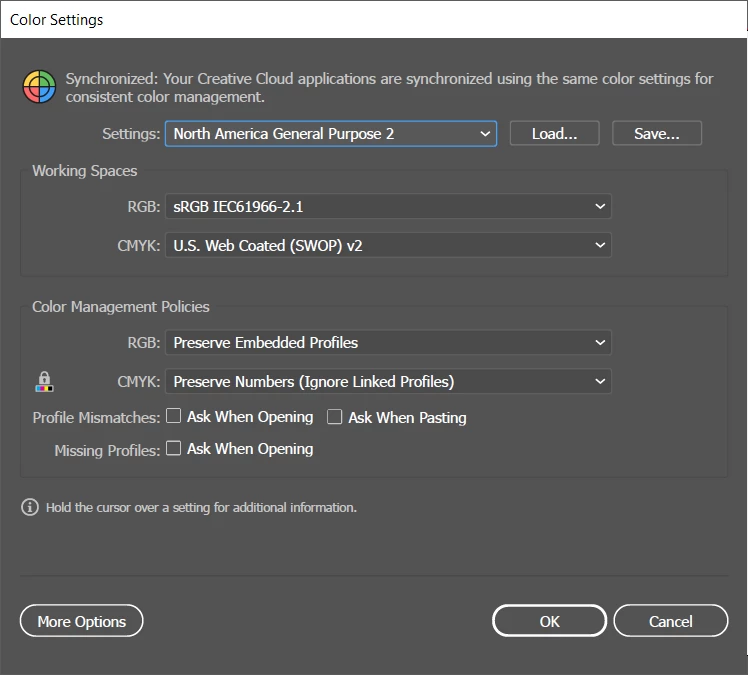
 

Document settings
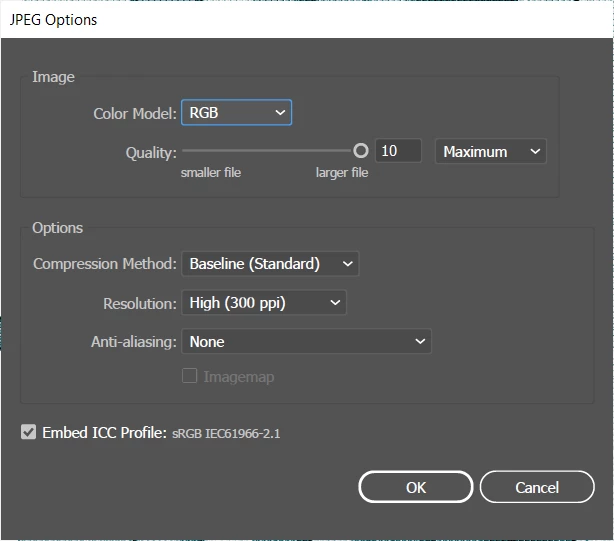
Export settings (export as)
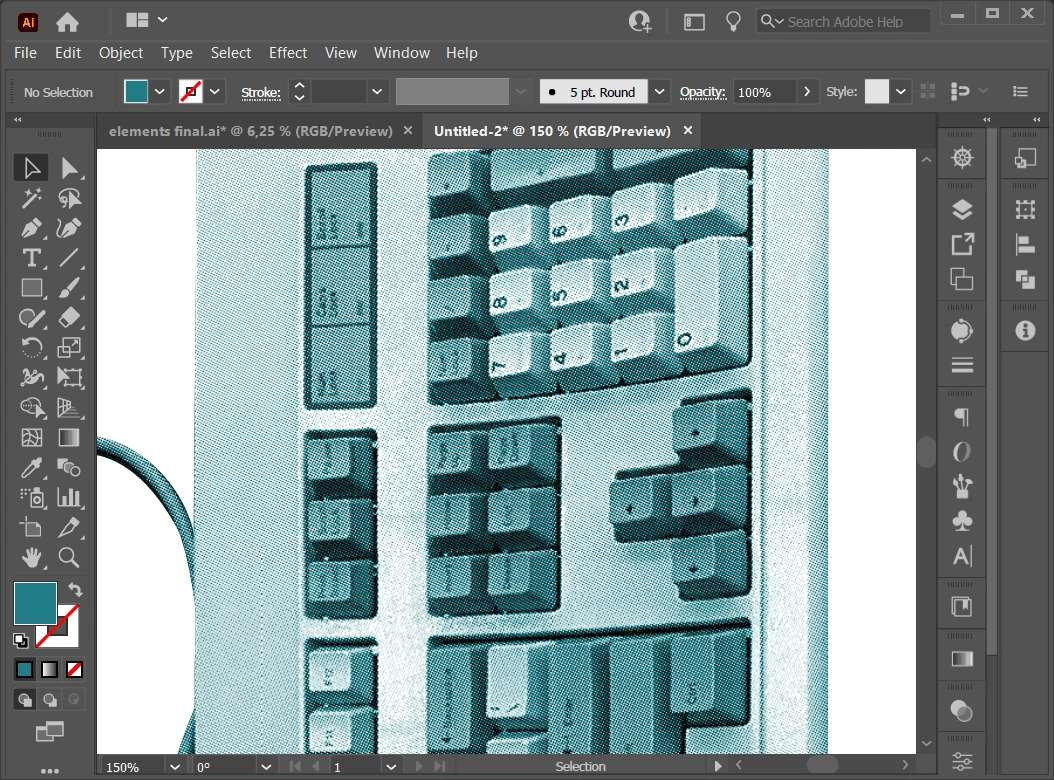


Image in Illustrator before export
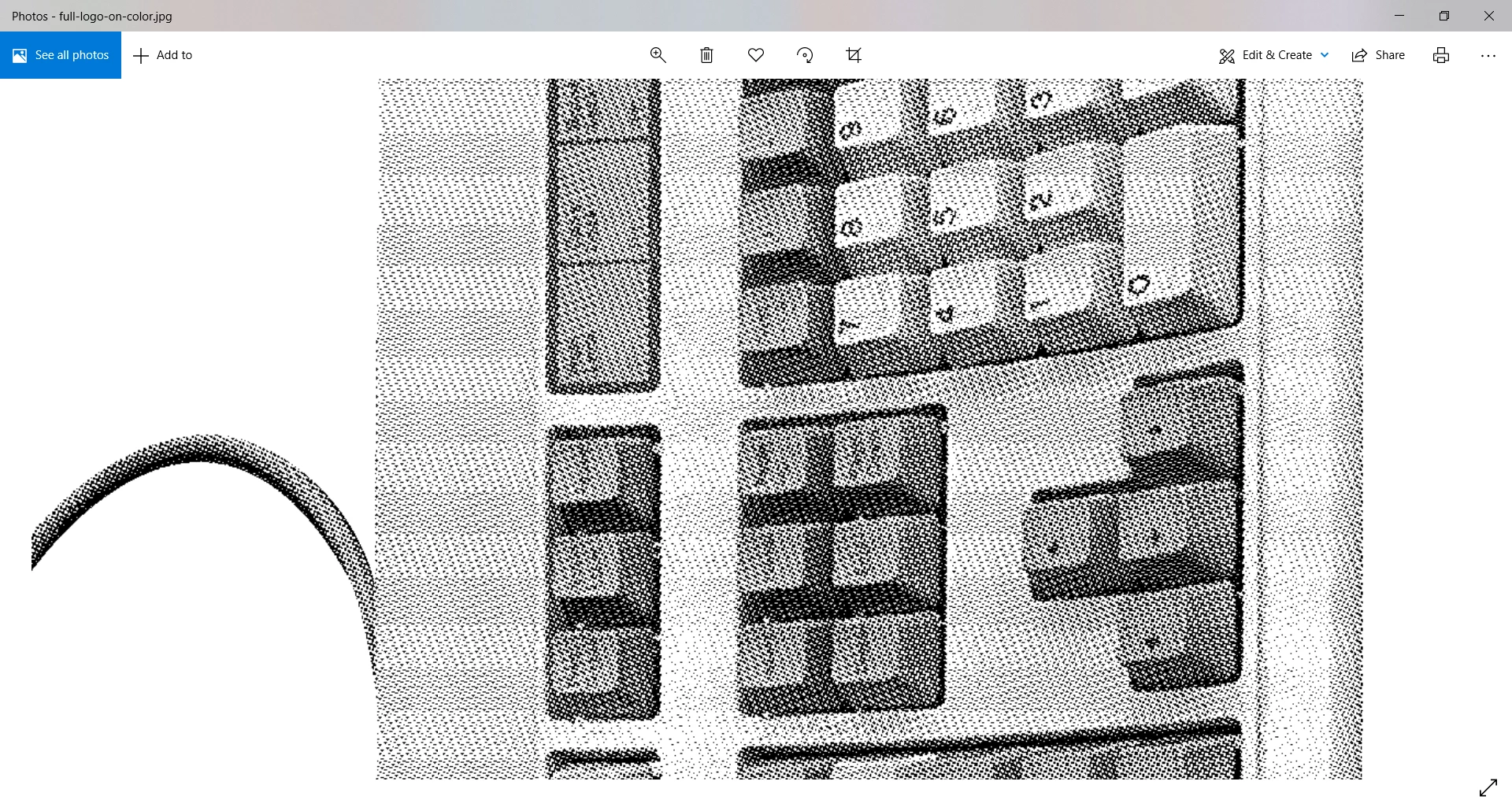


After export JPG


Any help welcome! What am I missing here?

This topic has been closed for replies.

4 replies

Ton Frederiks
Community Expert
Community Expert
August 6, 2021

Hard to replicate, can you share the problem file (or the part that shows the problem)?

CallMeC
CallMeCAuthor
Participating Frequently
August 11, 2021

Hi,

I'm new to the adobe community, how do I share a problem file?

Ton Frederiks
Community Expert
Community Expert
September 2, 2021

Hi!


Better late than never, here the problem file. Thanks for any pointers!


https://drive.google.com/file/d/1u-Ir2OVojuB0tqv38ThFWgxUb6gtwa80/view?usp=sharing


To add to the comments given:

Don't use an additional overlay object, just place the bitmap image and choose a color.

Illustrator can color greyscale and bitmap images.

marliton
Community Expert
Community Expert
August 6, 2021

Hi. Ypu can try rasterizing the image and the effect before export. Image > Rasterize.


Marlon Ceballos
CallMeC
CallMeCAuthor
Participating Frequently
August 6, 2021

Rasterizing the entire image automatically turns the image black and white again. I tried expanding and rasterising the elements (color layer effect and black and white image underneath) seperatly but no dice, when I export I get a black and white image again.

marliton
Community Expert
Community Expert
August 6, 2021

Then, open the image in Photoshop and make the effect in that program.


Marlon Ceballos
Monika Gause
Community Expert
Community Expert
August 6, 2021

Can you try and open that JPG in a decent image editing app? Does that work better?

CallMeC
CallMeCAuthor
Participating Frequently
August 6, 2021

Tried importing it into illustrator/photoshop/other image editing app and still run into the same issue unfortunately.

Mylenium
Legend
August 6, 2021

How is the overlay applied? As a layer? Using a tint effect? Is the color natively mixed in RGB or based e.g. on a spot color swatch?


Mylenium

CallMeC
CallMeCAuthor
Participating Frequently
August 6, 2021

I applied the overlay with an extra layer and mixed the color natively in RGB.