

Answered
Color picker not wanting to validate and apply correct HEX color
Hello all,
I'm working in Illustrator CS6, making a business card.
I have text and shapes currently in white that I'm trying to change color to #9F183D
When I select text & shapes, I select the color picker and then paste the color code in the # field.
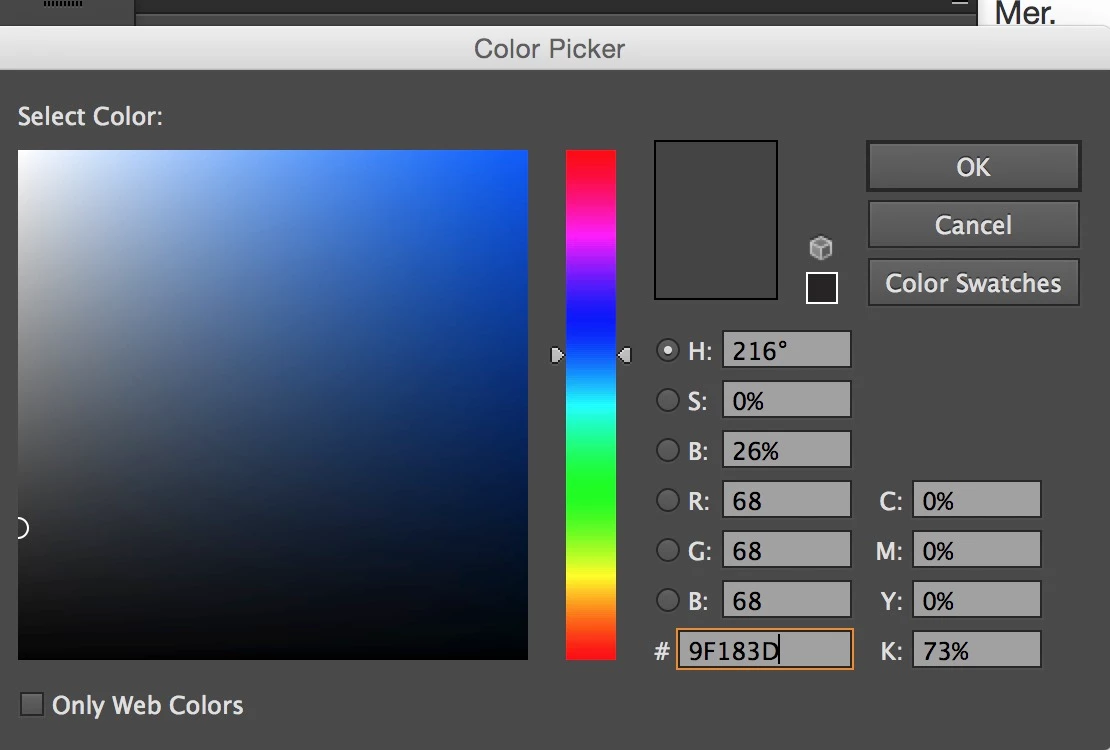
I click "OK". But I the color of the objects go to grey.
I see that in the color preview square
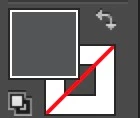
I open the color picker again and the color is in: 444444.
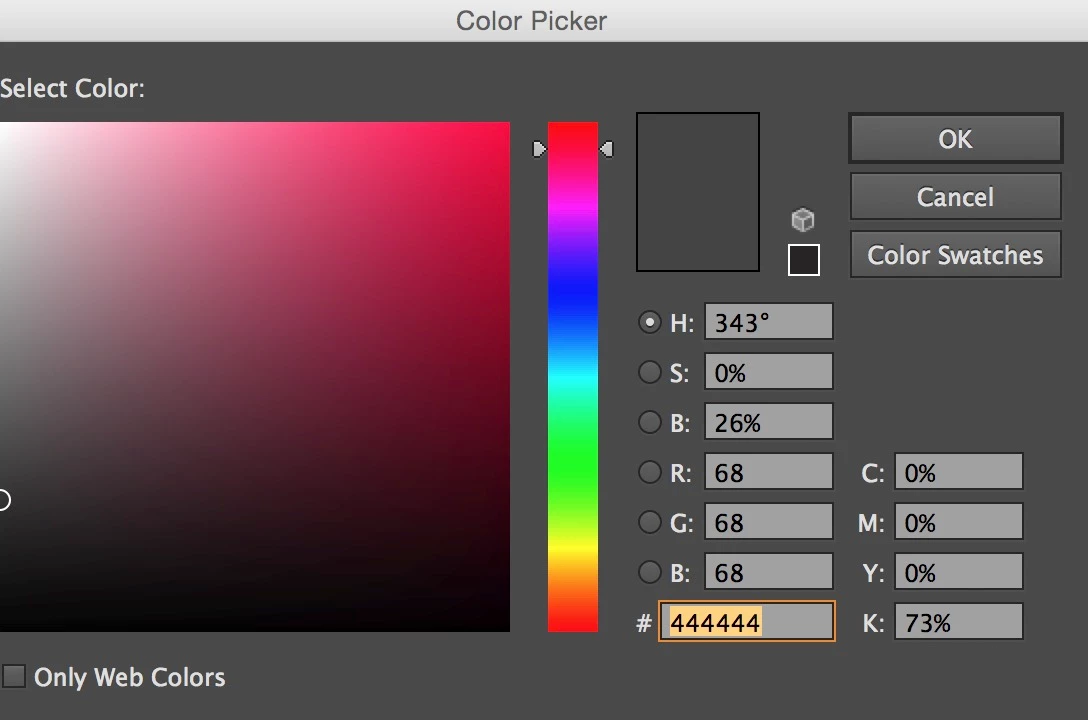
So the Color Picker did not apply the color I inputed.
I've been working that way for a while, done this dozens time but its not working now.
Can someone tel me WTF is going on ?
Thank you for your help
Alexandre
 AdChoices