
Color picker preview doesn't match color field
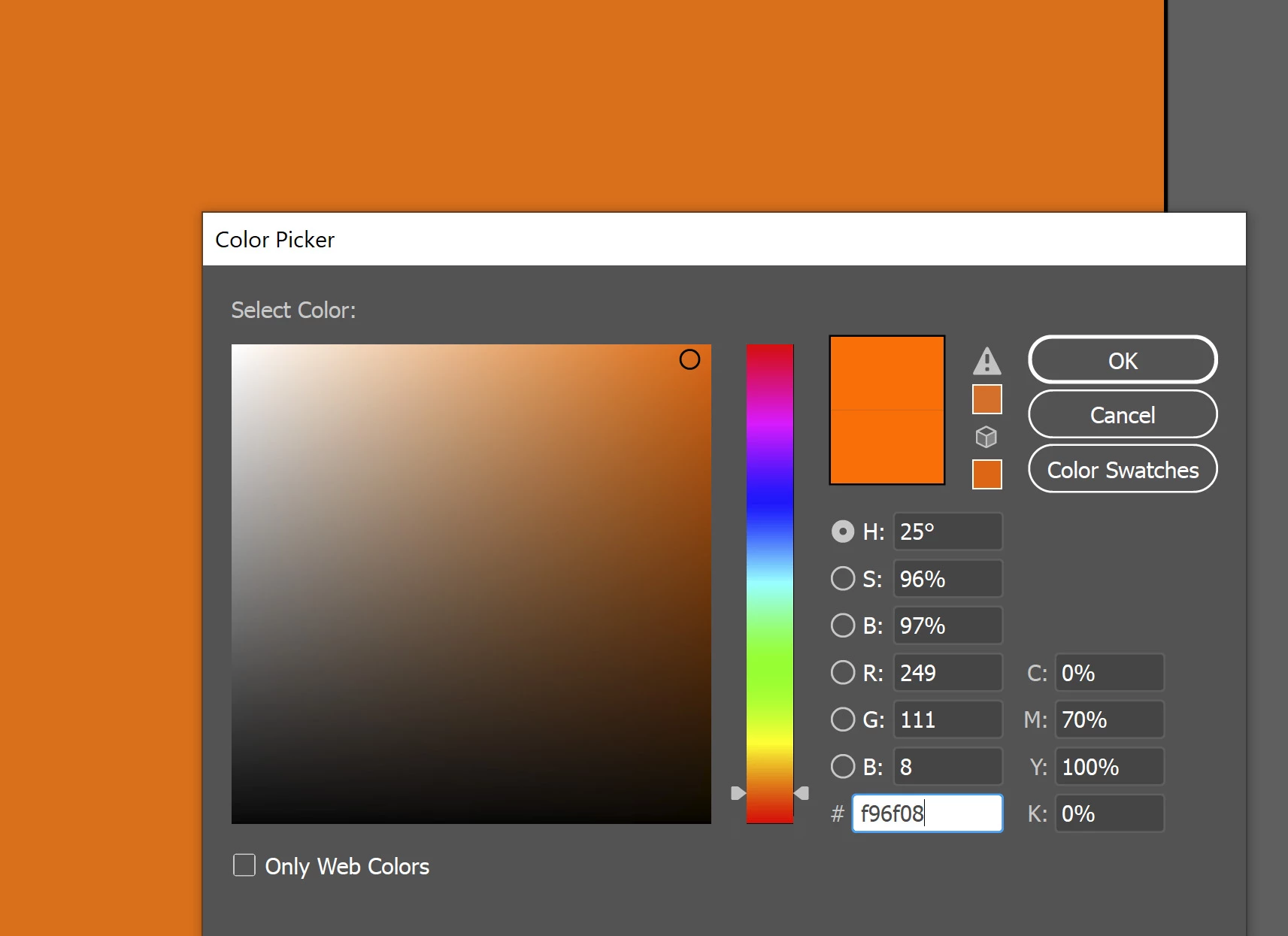
Color picker preview in Illustrator doesn't match the circled color in the color field, and in the document. As you can see below, the selected color in the color field matches the document. But the preview shows it as much brighter.
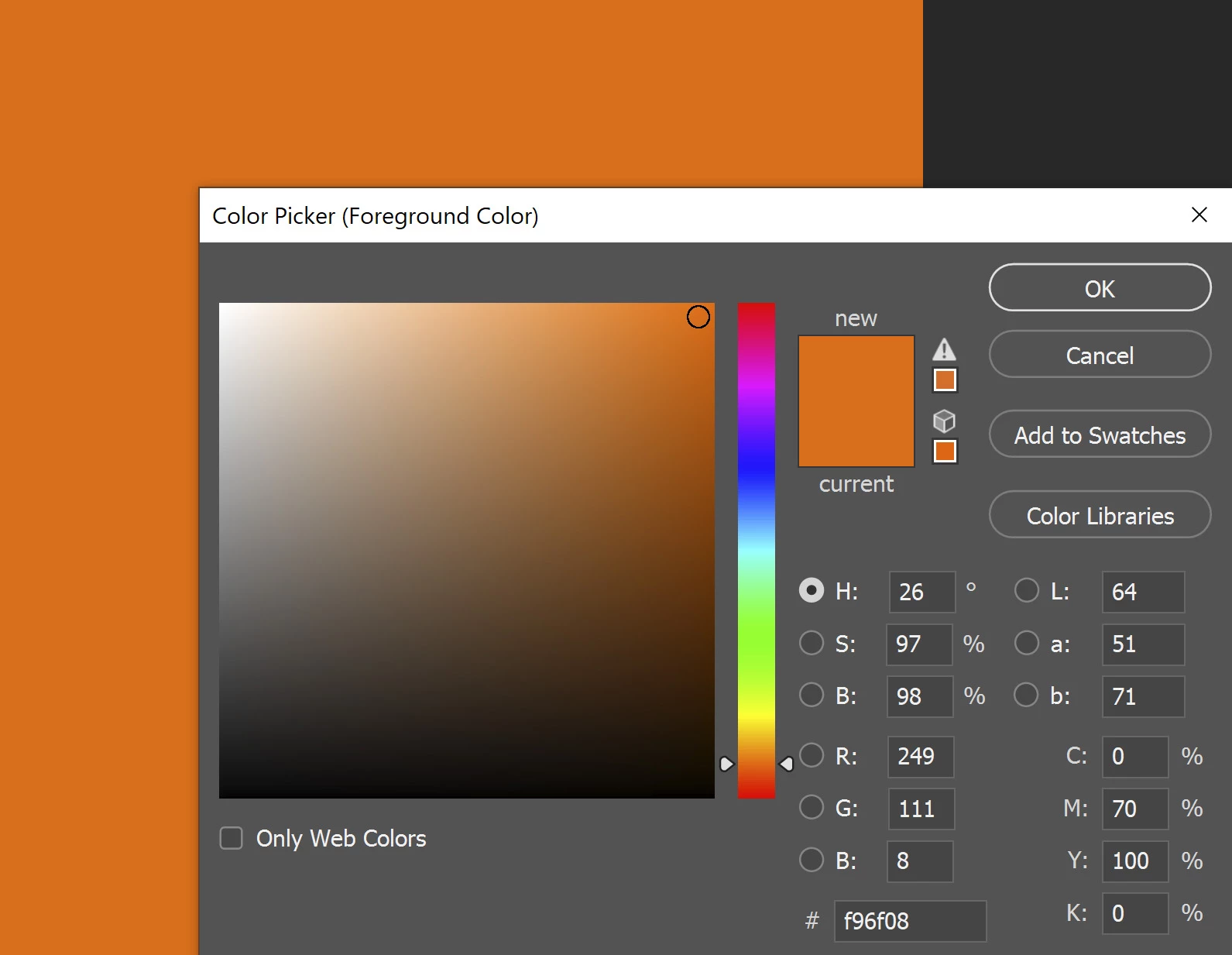
I don't have this problem in Photoshop. Everything matches, as you can see below.
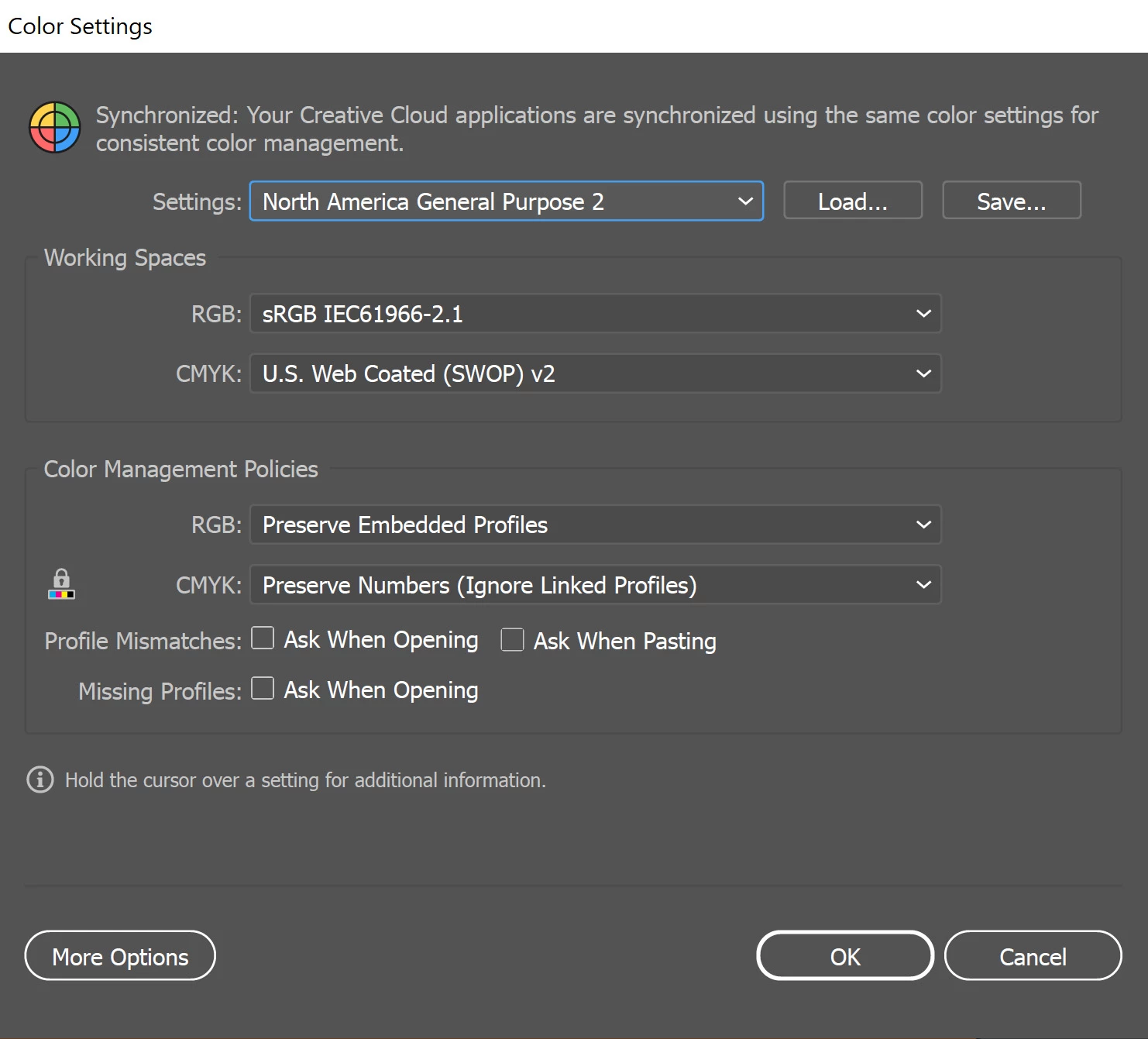
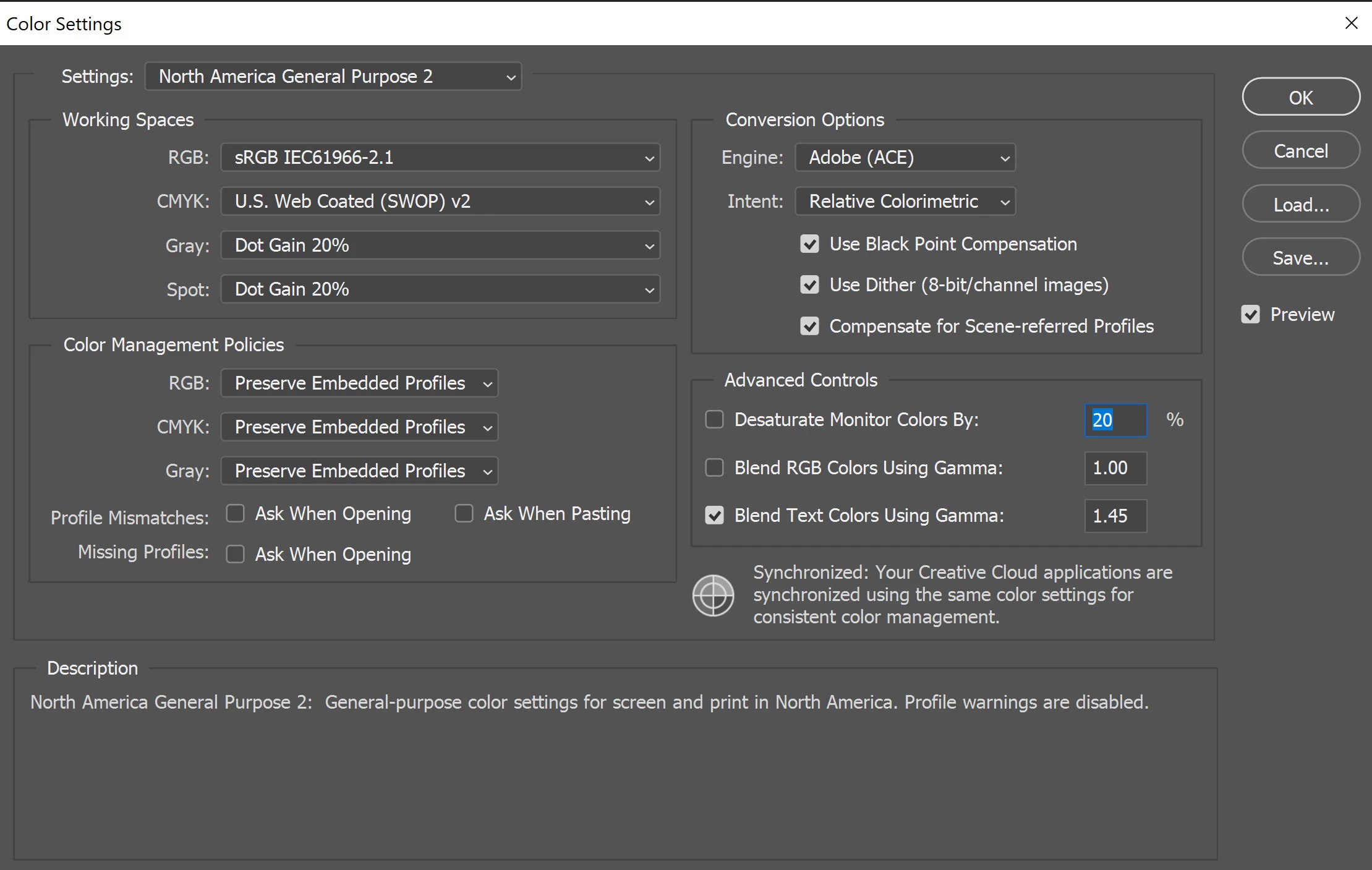
These are both blank documents that I started in RGB profile. The color settings are the same.
Illustrator:
Photoshop:
It looks like the Illustrator preview matches the color in my Windows Photos viewer, as seen below.
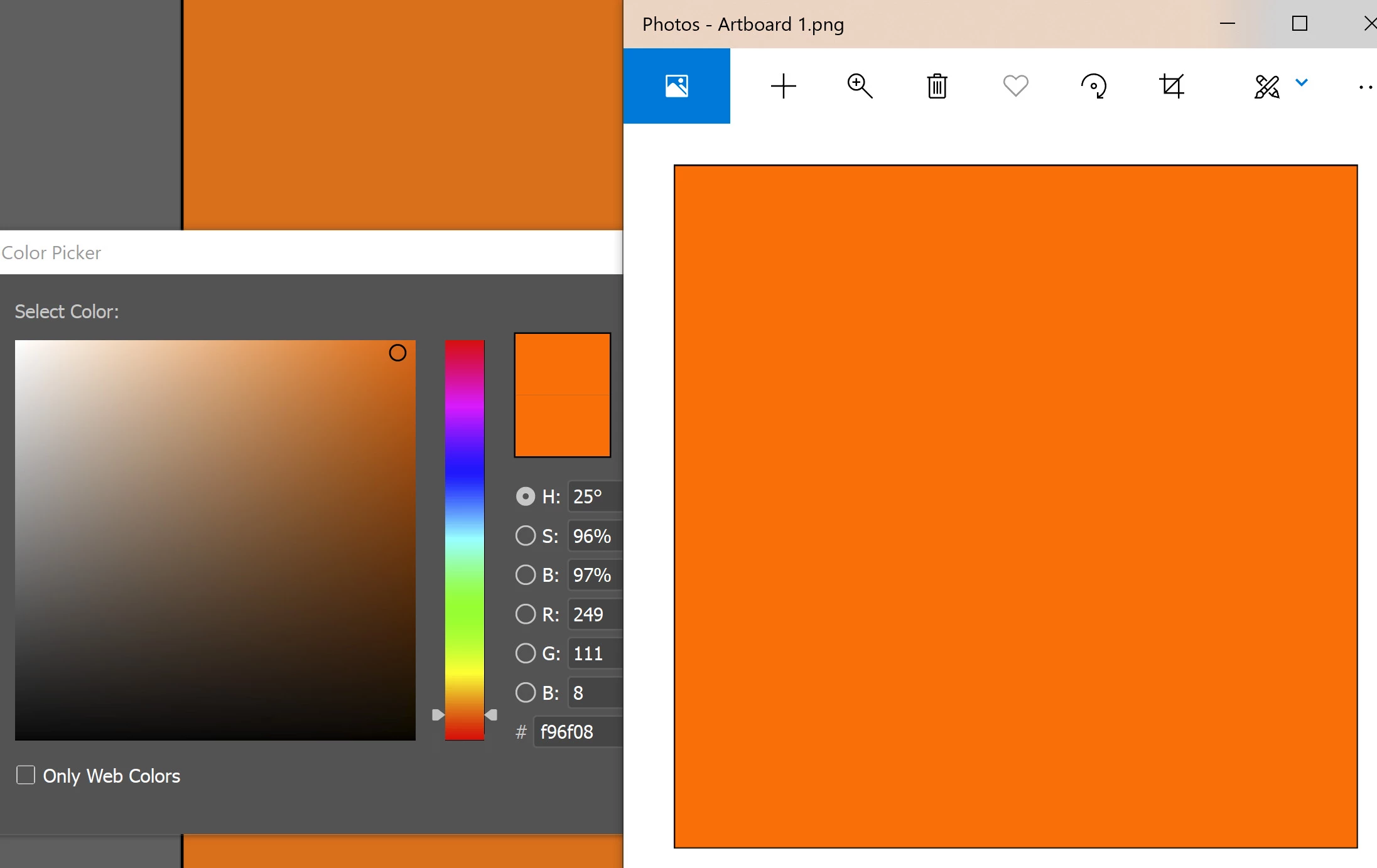
Also, when I screenshotted it and pasted it into Photoshop, the hex code for the Photos viewer is the same code as the original! But the code for the PS/AI screenshots dimmed. I guess when I screenshot, it's being recorded in the Windows color space which is brighter so the PS/AI colors would be dimmed down.
Anyhow, I don't know why the Illustrator preview is matching the Windows color. It's not like that in Photoshop. How can I fix this? Or is this an Illustrator bug?
Thanks.
 AdChoices