
color picker varies from object!
Hi! So I use a Cintiq 22hd, on Windows 10. And I´m currently working in Illustrator, using a CMYK color space, and ISOcoated_v2_eci as my color profile, since my files are for printing.
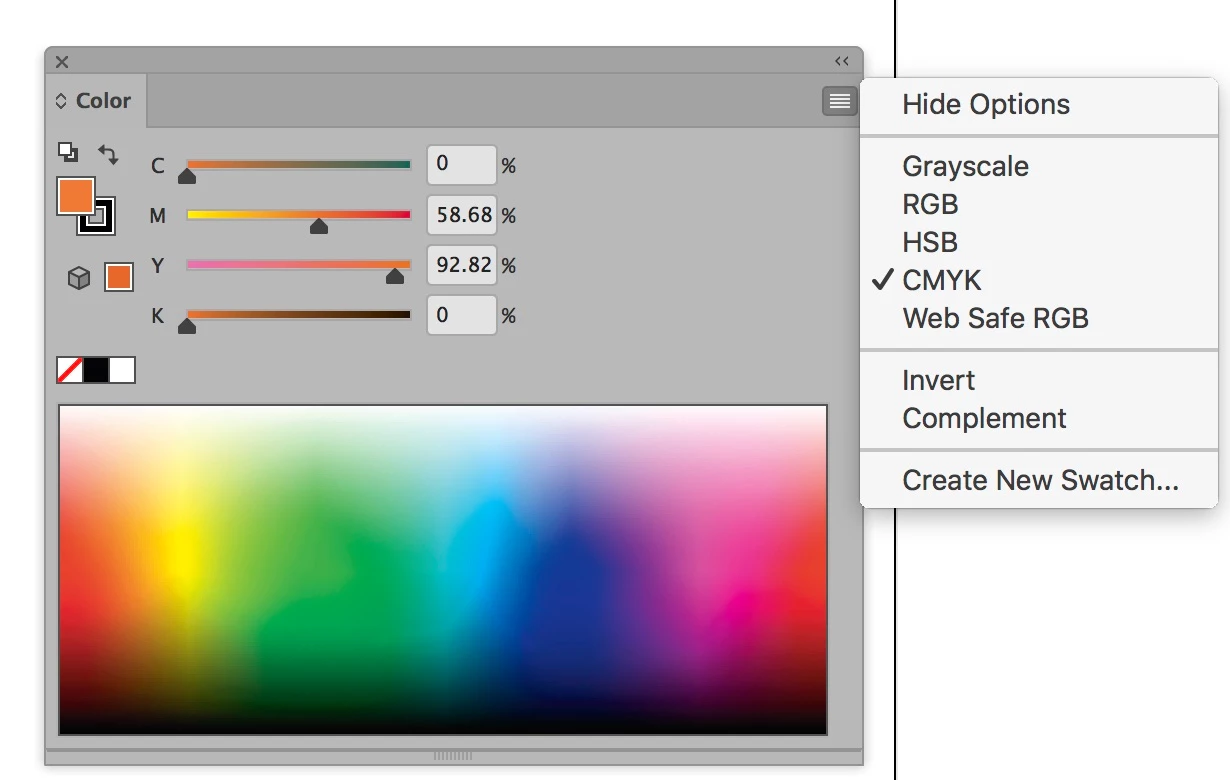
The thing is I have a Color Picker problem that happens only in Illustrator, it doesn´t happen in Photoshop. Whenever I create an object with any color, and then use the color picker to see what color it is, the color that the picker shows me is most definitely NOT the color of the object. It varies sometimes to a bluer o darker, or lighter color, depending of the color itself. This has been happening to me for about a week or more, from one day to the other, it just happened.
Also, something else that also happens to me, is that no matter which color I pick , the color picker tells me that it is outside of web colors. It's really not a profound issue, since I'm not working for web, but I find it rare, and don't know if it is in any way connected to the first problem I mentioned.
Please help! I don't unserstand the logic to it, and wonder if it may be in any way connected to a wacom driver problem, or a incompatibility with Windows 10.
 AdChoices