Answered
color profile
Hi,
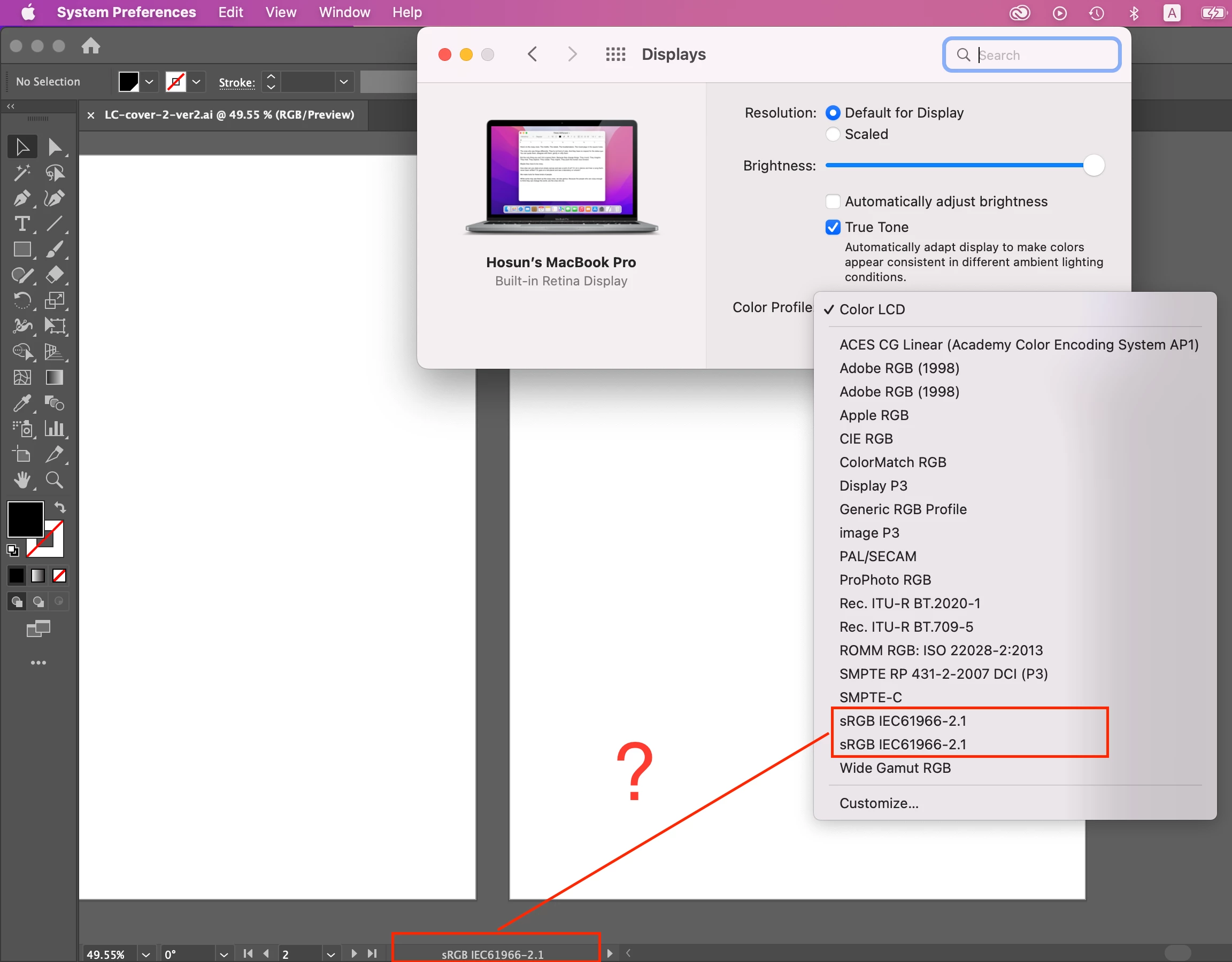
In Mac's System Preferences, there is Color Profile (I've just found it).
So far, I have been with Color LCD by default.
Should I change it to my color profile?
Hosun

Hi,
In Mac's System Preferences, there is Color Profile (I've just found it).
So far, I have been with Color LCD by default.
Should I change it to my color profile?
Hosun
The correct answer for the display color profile is always “the profile that most closely matches the actual display hardware in use.” So let’s think through that.
If you are using a recent Mac display, then sRGB and Adobe RGB are always the wrong choice. That is because recent Mac, iPad, and iPhone displays don’t match the sRGB or Adobe RGB color gamuts; they are based on the Display P3 color gamut. But Display P3 might not precisely describe the behavior of the specific display hardware in use, so to provide a closer match, Apple provides Color LCD as the factory default profile.
So, in the end, for the question “Which display profile should I choose?” on a Mac, there are really just two possible correct answers:
The document color mode and Illustrator working space in Edit > Color Settings (and the result of Assign Profile) will normally not match either of those, because those are not about the display, they should be based on your project’s final delivery medium (a specific type of RGB or CMYK), not your display.
So always think of the display profile, the document color mode, and the working space profile/Assign Profile as different profile settings for different purposes.
Already have an account? Login
Enter your E-mail address. We'll send you an e-mail with instructions to reset your password.
 AdChoices