
starnawsky
Participant
March 9, 2017
Question

Color trouble with .emf in Illustrator

  • March 9, 2017
  • 3 replies
  • 1929 views

I created a .emf file (using FlowJo) software and now wish to edit it in Illustrator.

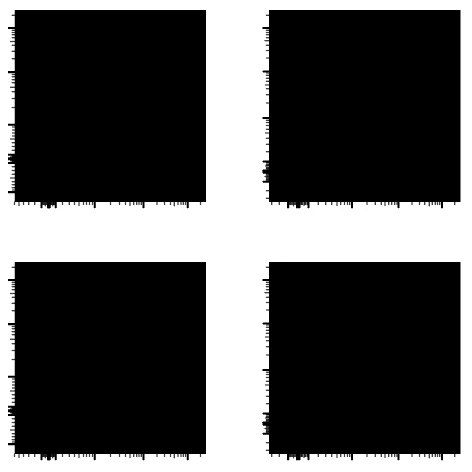
However, I see a black overlay of the figures I created.

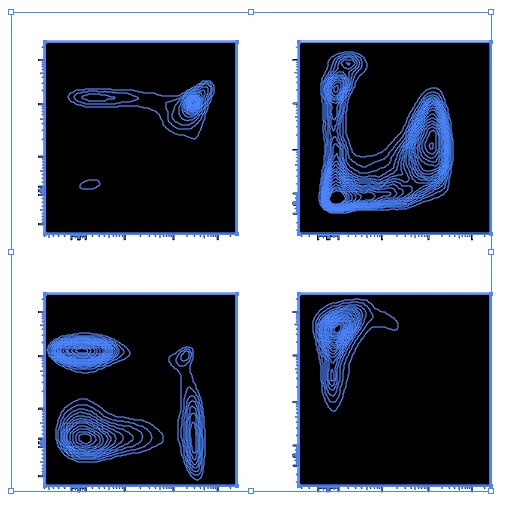
When I select a portion of the image, I can see an outline of the data I want.

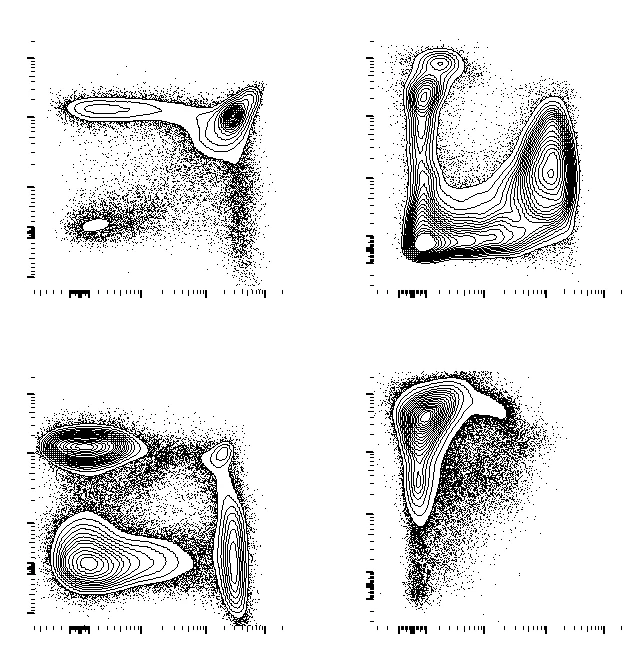
And when I open the .emf in Paint, I can see the whole capture - but cannot adequately edit in this program.

Can someone suggest how to avoid the black background?

Thank you.

Open .emf in Illustrator
Made a selection in illustrator:
Same file in Paint:
    This topic has been closed for replies.

    3 replies

    Mike_Gondek10189183
    Community Expert
    Community Expert
    March 9, 2017

    Here is what I did

    1. Deleted 4 top black squares
    2. Select the top 4 images, and set them to blend mode multiply

    Not sure if that is what you wanted but my target was to make the look like the paint image.

    http://files.kaleidoscopechicago.com/_ldJ8kWkhVTXrmR

    Test2.ai

    152 KB

    The URL will expire on April 8.

    starnawsky
    Participant
    March 9, 2017

    Thank you. It seems somewhat an inelegant solution but it has worked. In the future I'll see if exporting to a different vector file will prove better.

    Mike_Gondek10189183
    Community Expert
    Community Expert
    March 9, 2017

    For my part you are welcome.  Yes I would definitely try .pdf as this inelegant method may not always work.

    starnawsky
    Participant
    March 9, 2017

    https://iu.box.com/s/gw31evqd39ve49vkj005fp3npoomm6lg

    The program can make PDFs - I did not try that because I did not think they could be vectors. If we cannot find a solution I'll try that. Thank you!

    Mike_Gondek10189183
    Community Expert
    Community Expert
    March 9, 2017

    Might be as simple as selecting the top black rectangle and deleting. Are you able to post a copy of the file using dropbox or similar?

    Can flowjo export to .pdf or .eps? You can open those formats in illustrator and get vector paths if the they do not get bitmapped.