Participant
December 4, 2024
Question

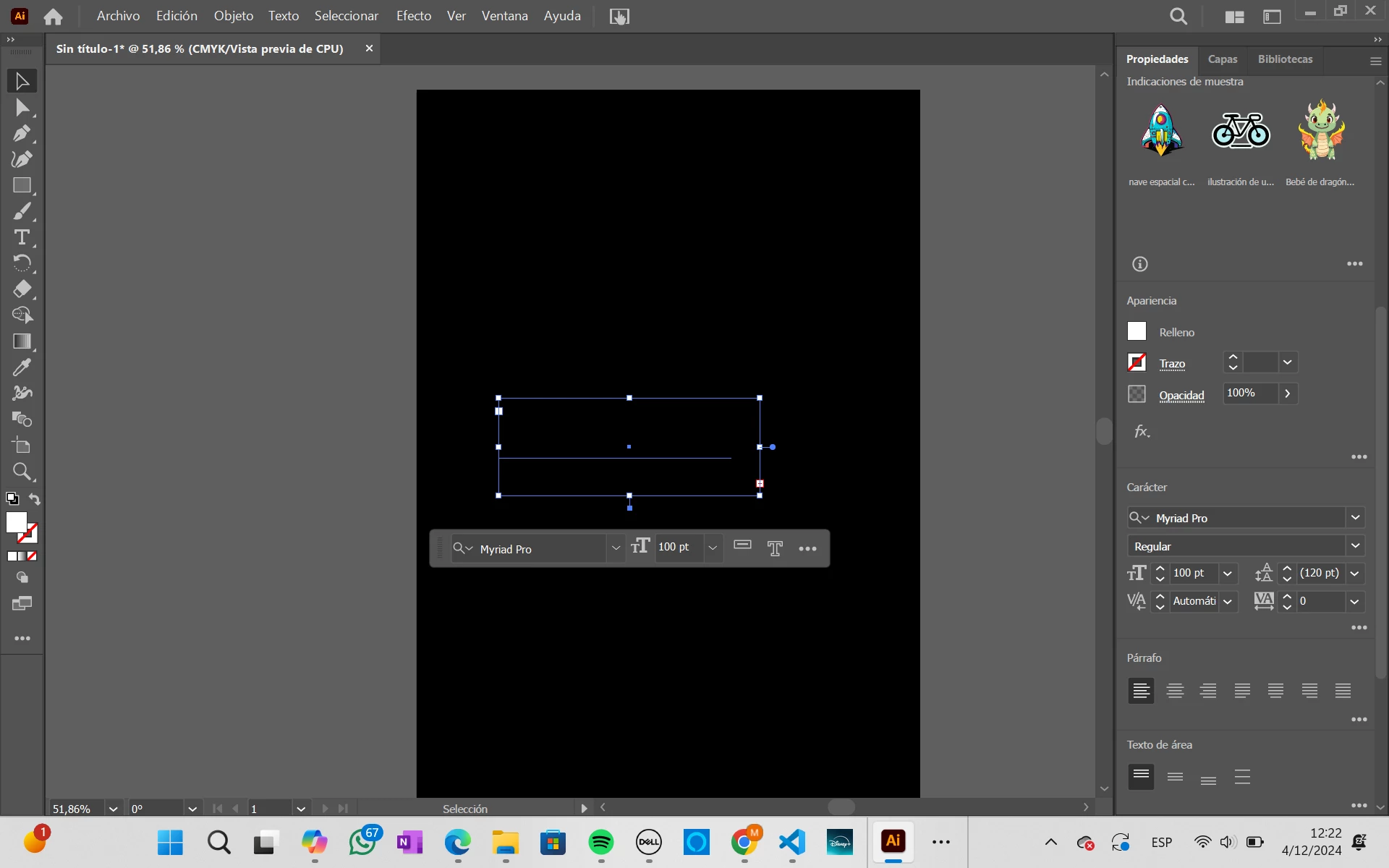
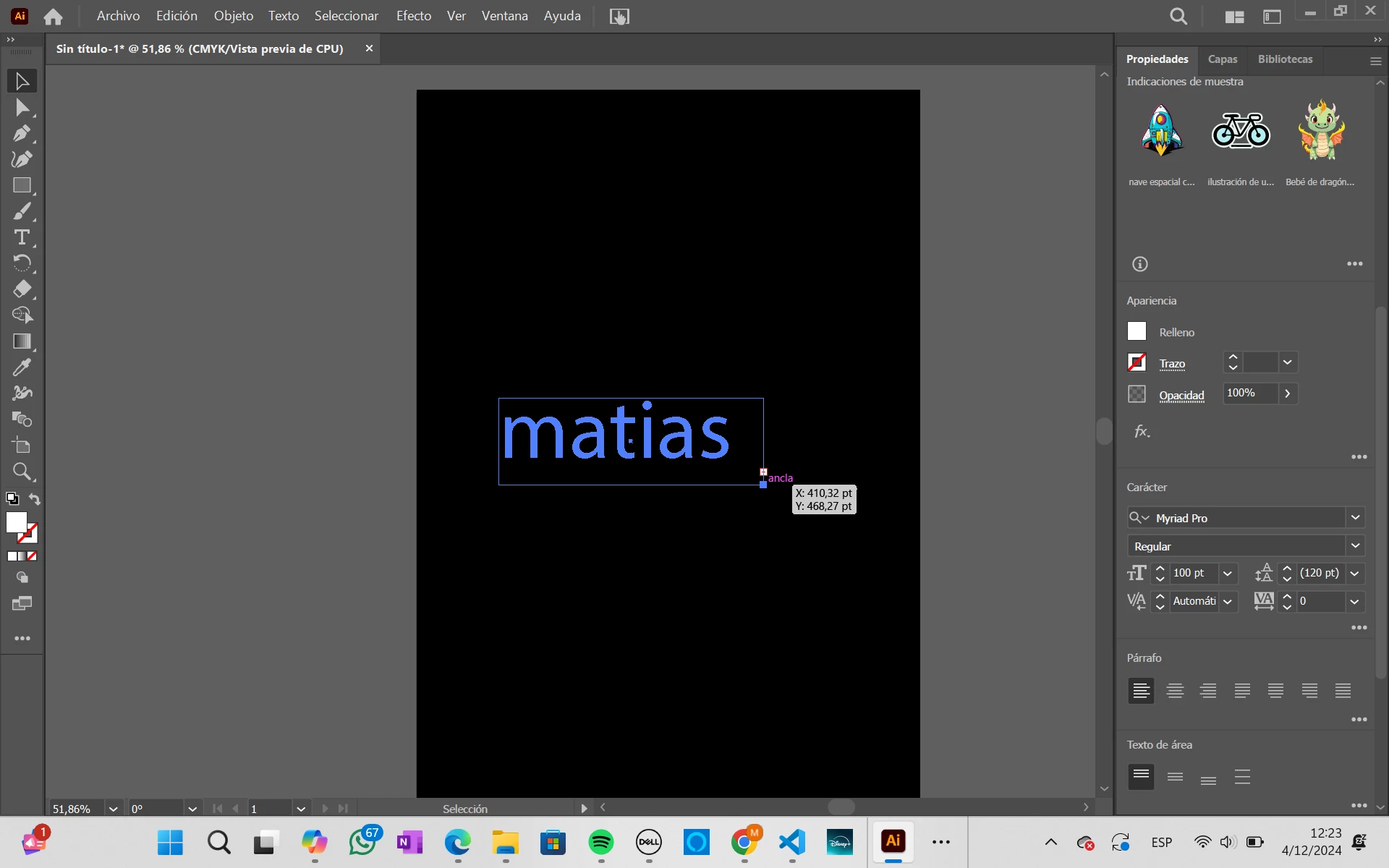
Color white in texts didn´t seen when the background is black. why?

  • December 4, 2024
  • 3 replies
  • 828 views

When i write something in a sheet with black background and the text is color white, the text cannot seen and i don´t know why.

This topic has been closed for replies.

3 replies

Inspiring
December 5, 2024

@Matifagundez , Maybe you could try and change the Stroke Color to White.  It looks like you have the Stroke Color Set to None (White box with Red Slash Color Swatch)  Even Though you have the Fill Color as white, if there is a sroke width that hides the fill color maybe that is why it is not seen.  Also I agree with using a black rectangle as the lowest layer instead of using the colored paper preview if you want the ouput for screen use or printing black on white paper.  If you are printing something on black paper just go with a transparant background and use a lowest layer with a black rectangle to preview on the screen if the "Simulate Colored Paper" option gives you problems.

Monika Gause
Community Expert
Community Expert
December 5, 2024

If the stroke is none, then stroke width does not matter.

Inspiring
December 5, 2024

@Monika Gause , You're right, I just wondered if it could unglitch the situation.  Maybe The "Opacity" slider is set to transparant on the text object or layer used.

Doug A Roberts
Community Expert
Community Expert
December 4, 2024

Did you create the background using the Simulate Coloured Paper options, or is it a black object?

If the former, this is expected: 'white' in a CMYK document is a lack of ink coverage. Apply no ink to black paper and what do you get?

Participant
December 4, 2024

Yes, i create black background using the simulate Coloured paper here.

Doug A Roberts
Community Expert
Community Expert
December 4, 2024

Use a black rectangle instead.

Anubhav M
Community Manager
Community Manager
December 4, 2024

Hello @Matifagundez,

I'm sorry to hear about your experience. Would you mind confirming the version of the OS/Illustrator installed and if Illustrator behaves this way with all files?

Also, try pressing the Ctrl+E keys and checking if GPU Performance is enabled under Illustrator's preferences and share your observations.

Looking forward to hearing from you.


Anubhav

Participant
December 4, 2024

Hello Anubhav, yes Illustrator behavees this way with all files since i install and this is the Illustrator version.