Exit
  • Global community
    • Language:
      • Deutsch
      • English
      • Español
      • Français
      • Português
  • 日本語コミュニティ
  • 한국 커뮤니티
0

colori sballati

New Here ,
May 21, 2021 May 21, 2021

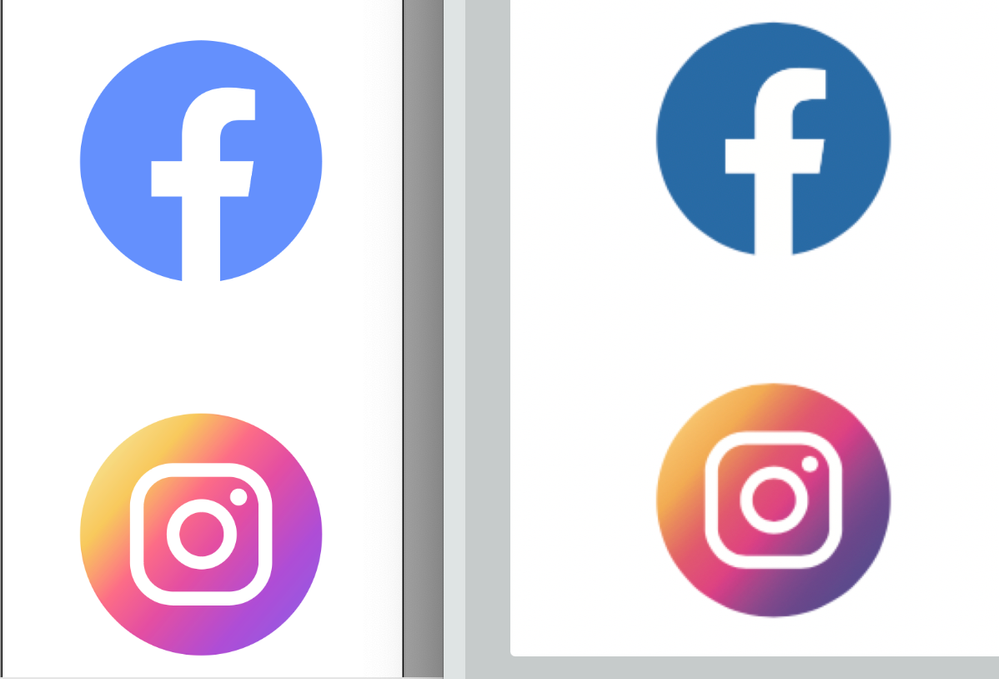
ciao a tutti, ho un probema con la visualizzazione di ilustrator. ha i colori completamente sballati


questo a sinistra è un file di illustrator sballato. Quello di destra lo stesso file in anteprima (corretto)Schermata 2021-05-21 alle 18.12.34.png

TOPICS
Bug
853
Translate
Report
Community guidelines
Be kind and respectful, give credit to the original source of content, and search for duplicates before posting. Learn more
community guidelines
Adobe
Community Expert ,
May 21, 2021 May 21, 2021

Can you tell us more about your Color Settings, document color mode, document color profile?

How do you preview the correct one?

Do you have multiple monitors?

Translate
Report
Community guidelines
Be kind and respectful, give credit to the original source of content, and search for duplicates before posting. Learn more
community guidelines
New Here ,
May 21, 2021 May 21, 2021

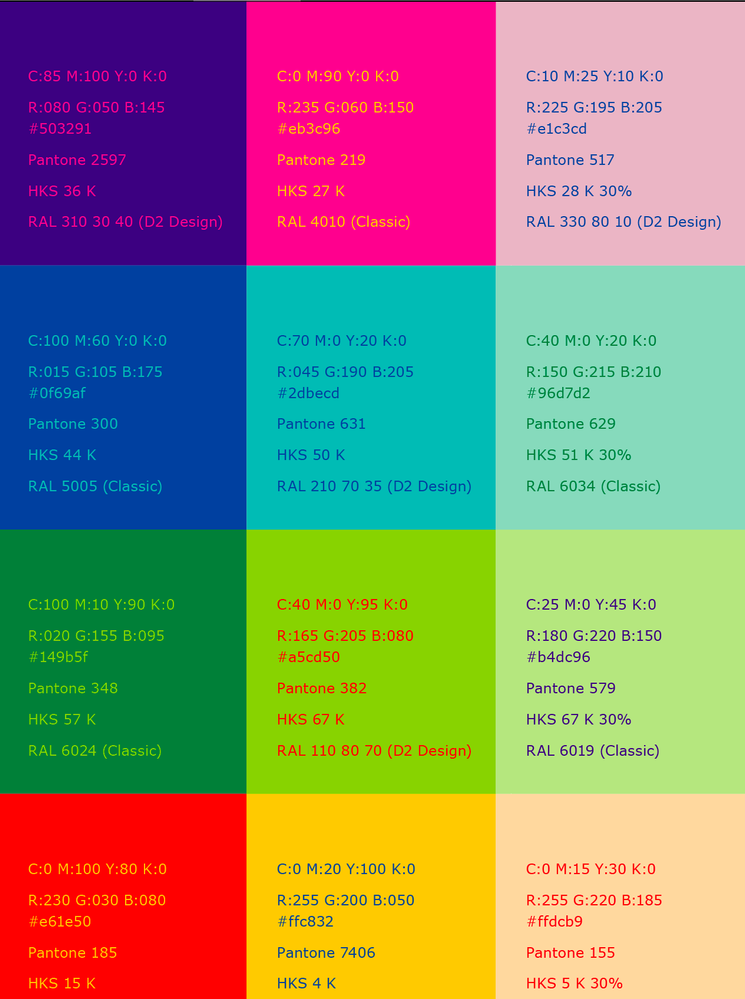
ho un iMac, i colori sono settati di default. Schermata 2021-05-21 alle 18.34.30.png

Translate
Report
Community guidelines
Be kind and respectful, give credit to the original source of content, and search for duplicates before posting. Learn more
community guidelines
New Here ,
May 21, 2021 May 21, 2021

il blu in basso a sinistra è il blu corretto. gli altri due sono RGB e CMYK settati da illustrator.

Translate
Report
Community guidelines
Be kind and respectful, give credit to the original source of content, and search for duplicates before posting. Learn more
community guidelines
Community Expert ,
May 21, 2021 May 21, 2021

How do you check your "correct" blue?

What is your document color mode? CMYK or RGB?

Can you show your Edit menu > Color settings...?

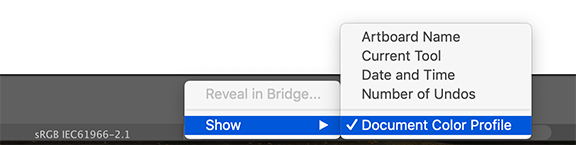
Can you show your document color profile? (see at the bottom of your window)

Doc profile.png

Translate
Report
Community guidelines
Be kind and respectful, give credit to the original source of content, and search for duplicates before posting. Learn more
community guidelines
New Here ,
May 21, 2021 May 21, 2021

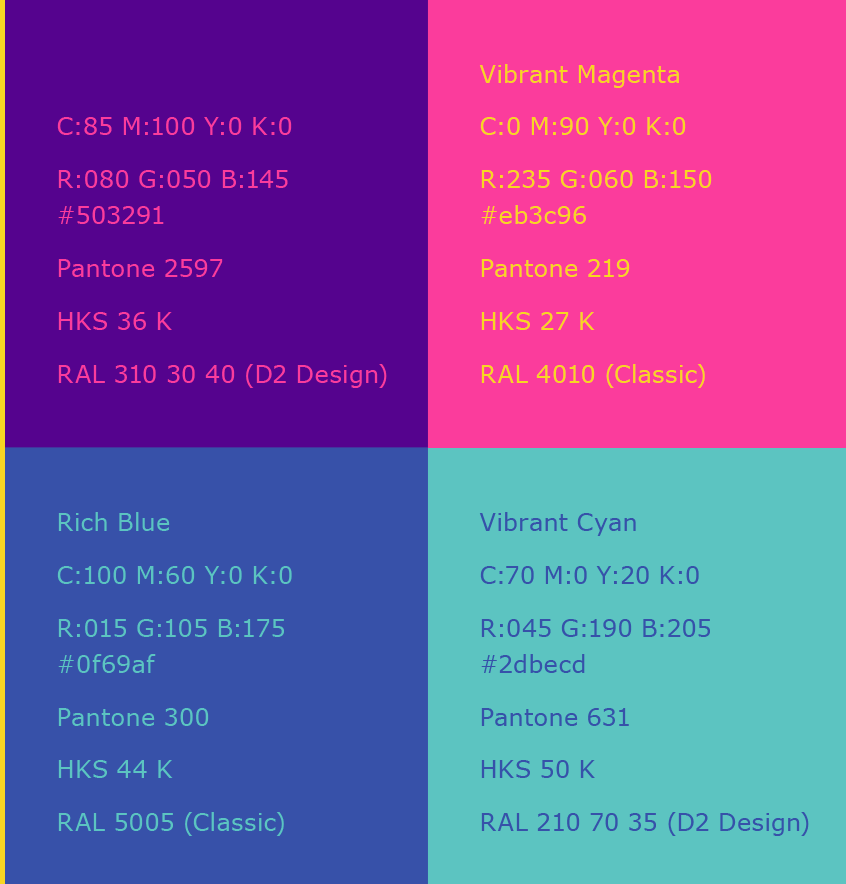
i colori erano corretti. li vedevo molto diversi da come dovevano essere.

li vedevo cosi.

Schermata 2021-05-21 alle 18.58.50.png


Ora cosi, e sono piu corretti. Non ho fatto nulla, è impazzito illustrator


Schermata 2021-05-21 alle 19.08.05.png

Translate
Report
Community guidelines
Be kind and respectful, give credit to the original source of content, and search for duplicates before posting. Learn more
community guidelines
Community Expert ,
May 21, 2021 May 21, 2021

Where did you get those "correct colors"?

Translate
Report
Community guidelines
Be kind and respectful, give credit to the original source of content, and search for duplicates before posting. Learn more
community guidelines
Guide ,
May 21, 2021 May 21, 2021
LATEST

ho alcune domande:

- In quel programma hai questi colori corretti?

- Indice per favore lo screenshot con informazione prossimo:

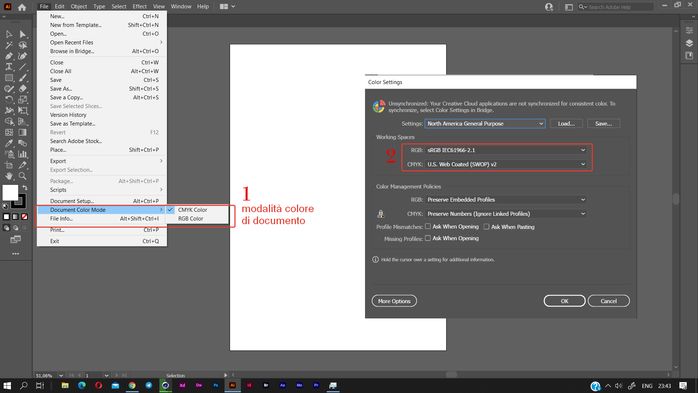
1) modalita' colore di documento (File > Modalità colore di documento)

2) impostazioni colore (Modifica > Impostazioni colore)colori.jpg

CMYK é sempre diverso di RGB ma altre differenze richiedono piú informazioni

Translate
Report
Community guidelines
Be kind and respectful, give credit to the original source of content, and search for duplicates before posting. Learn more
community guidelines