

Enjoy faster, smoother experience with Performance Improvements in Illustrator
Hey everyone!
We know that performance is essential to your creative workflow in Adobe Illustrator, and we’re excited to share our ongoing efforts to enhance the application's speed and responsiveness. You will experience noticeable improvements in common workflows, particularly when working with menus, linked images, effects, app launch times, file saving and more. Our roadmap includes extensive performance upgrades, with regular updates planned throughout 2025 and 2026.
Explore the latest updates and enhancements in Illustrator. Update to Illustrator 30.3 using this link, or open the Creative Cloud desktop app and click Update next to Illustrator. For step-by-step guidance, check out the detailed update instructions.
Enhancements in Illustrator 30.0

-
Faster saving: Illustrator now saves only the changes made, not the entire document, allowing quicker saves for complex artwork.
-
Improved crash recovery: Quickly and reliably restore your work after unexpected crashes.
-
Seamless editing: Enjoy real-time, lag-free on-canvas operations like moving, scaling, rotating, and duplicating.
Enhancements in Illustrator 29.8.1
With Illustrator 29.8.1, enjoy faster launch times, a smoother, more responsive experience, and quicker access to your files and design workflows.
Enhancements in Illustrator 29.6
- Effects: Calligraphic Brushes and Art Brushes (Window > Brushes) render effects faster.
- Editing: Operations such as move, scale, rotate, and duplication are smoother and faster.
Enhancements in Illustrator 29.5
Menus:
- Top-level menus and context menus open and respond more quickly.
- Navigation in Type > Font and the context Font menu is smoother and faster.
Links panel:
- The panel offers a faster scrolling experience.
- The panel updates in real time when you modify embedded and linked assets—including those from network drives.
Effects:
- Transform (Effect > Distort & Transform > Transform), Warp (Effect > Warp), and Blend (Object > Blend) apply faster.
- Effects render faster on objects with multiple fills and strokes.
Enhancements in Illustrator 29.4
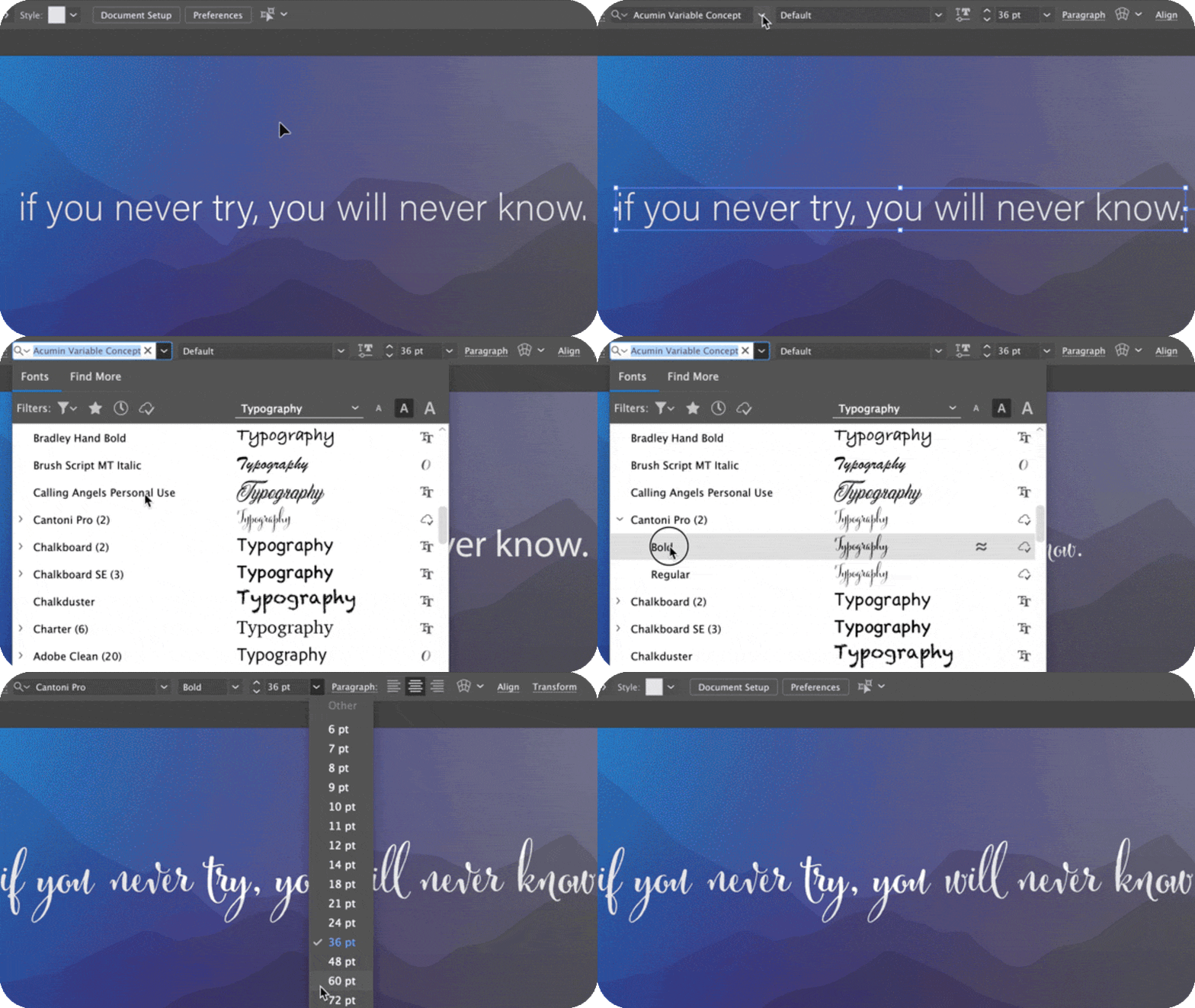
Menus and menu items open and respond more quickly and smoothly, helping you access features and complete workflows more efficiently.
Enhancements in Illustrator 29.3
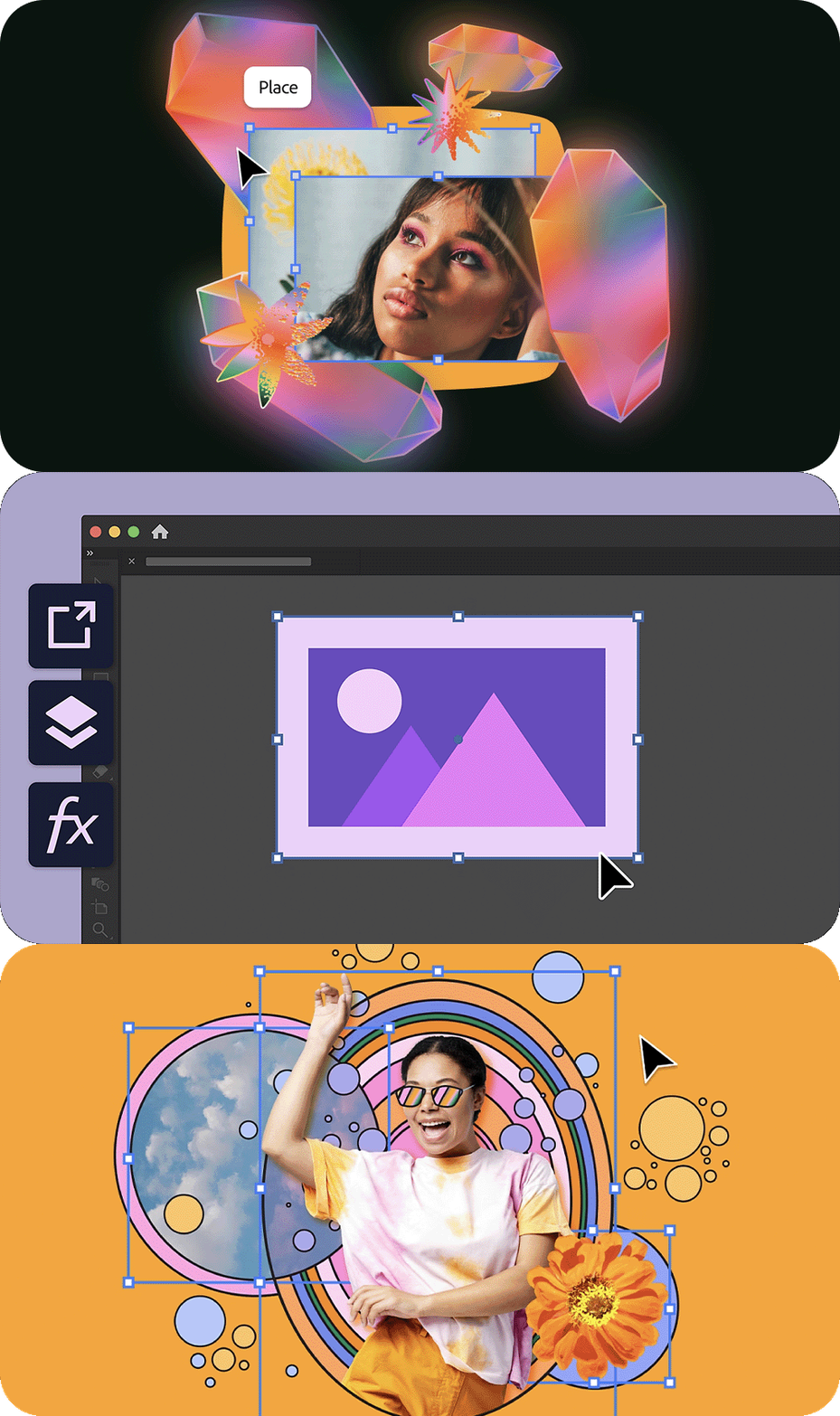
Enjoy improved rendering speeds for frequently used effects such as Drop Shadow, Blur, Inner Glow, Outer Glow, and Rasterize, ensuring a seamless design experience.
Manage layers more efficiently with smoother hide/unhide actions, faster expand/collapse operations, and improved panel scrolling.
Faster File Import: Import PNG, JPEG, TIFF, and Photoshop files more quickly from both local storage and network drives, optimizing your workflow.
Enhancements in Illustrator 29.2
Image import, export, and embedding:
- Faster File > Open, File > Place, and drag-and-drop operations for JPEG and PNG files.
- Faster export to JPEG and PNG file formats.
- Faster conversion of linked images to embedded images.
Effects processing:
- Improved performance for all Photoshop effects on images.
- Faster object rasterization when using Object > Rasterize.
Layers panel:
- Smoother and faster layer management, including hide/unhide and expand/collapse operations, panel scrolling, and layer navigation.
Share Your Feedback
Explore these performance improvements in Illustrator and let us know your thoughts in the comments. Feel free to create a new post if you have any issues related to the release or need more tips!
If you found this announcement helpful, click 👍 Like.
Use ⭐ Subscribe to stay informed about future updates.
You may also share this post with others who might benefit from these enhancements.


 AdChoices