
Participant
January 29, 2017
Question

Colors are muted/desaturated (in RGB)

  • January 29, 2017
  • 1 reply
  • 11093 views

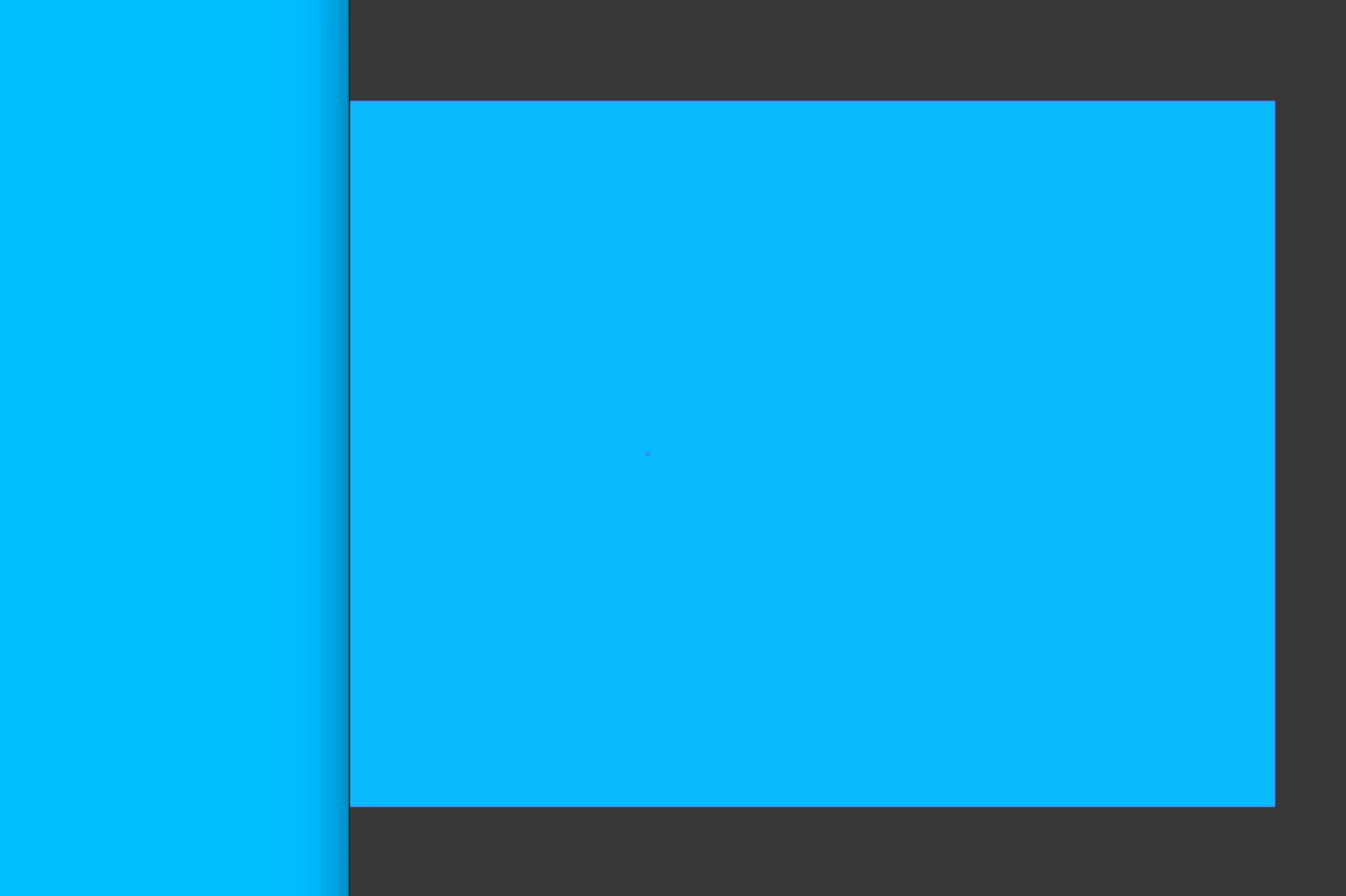
While recently creating some new swatches, it appeared to me that the colors (as opposed to their hex values) weren't displaying accurately.  When compared (side by side) to the web page that I pulled my colors from, illustrator's coloring appears washed-out/desaturated.  I went through all my color settings... I'm in RGB mode... and still scratching my head.  Any thoughts?  Hex values are both #00BBFE

Oddly... when I paste vectors into XD, the coloring is accurate.

SCREENSHOT:  Left side of image is an active webpage... right is illustrator's version of the same color.  TY
    This topic has been closed for replies.

    1 reply

    Monika Gause
    Community Expert
    Community Expert
    January 29, 2017

    What are your color management settings?

    Which color profile for the document?

    Is the soft proof turned on and how is it set up?

    DuxNutAuthor
    Participant
    January 29, 2017

    Hi Monika

    I'm working on a web project and in RGB mode.

    Color Profile:  Working RGB - sRGBIEC61966-2.1

    Soft proof is not on... I'm in GPU Preview.

    Below image is my original screenshot embedded back in my illustrator document.  Even stranger...  the color of blue has changed yet again.  To the far left (browser blue/screenshot) is the color I'm after.  I can't figure out what I'm missing. Thanks.

    Monika Gause
    Community Expert
    Community Expert
    January 29, 2017

    I don't understand your workflow.

    You're taking screenshots and embedding them in your document?

    When taking a screenshot, the system grabs what your monitor displays. And that might be affected by the color management setup in your system. And if your system applies a color profile to that screenshot which does not match the working RGB profile in Illustrator then of course depending on your setup Illustrator might convert the numbers.