

Colors change in external monitor
No, this is not an issue with my monitor not being calibrated.
The colors inside of AI dull when I move the AI window from my MacBook pro to my external monitor. If I move an image opened in preview of the same exact colors from my MacBook to my external monitor, they look correct. In fact, everything looks the same on both monitors, except for AI. Therefore it seems like it is something in AI?
Mac screen:
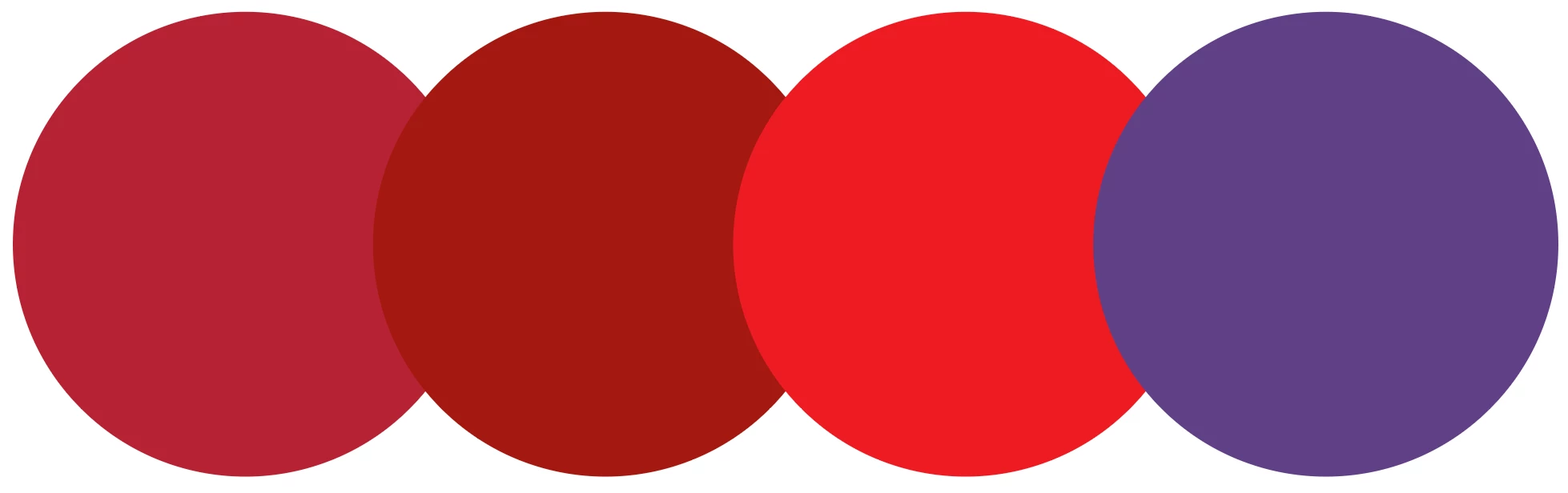
External monitor:

Another interesting detail here - When I move my AI window from my macs display over to the external display, at first the colors look correct on the external monitor, but when my cursor enters the AI window the colors flicker from correct to dull as I move my curosr around, making it un-useable. When I change the AI window size, it goes to the dull color and stays there. The same is true for when I move the AI window from external to mac display, it looks super dull on the mac display, does the flicker dance with cursor movement, until I resize the display at which point it stays on nice vibrant color.
I'm including a screen recording of the external display, and dragging the AI window into it.
MacBook Pro 15” 2017
Sceptre 27” 4K Monitor
Connected with USB-C to HDMI cable. I’ve tried USB-C to DP and its the same exact issue.
All software is up to date.
Thanks!
 AdChoices