Dar Ashjar L.L.C
Participant
March 31, 2021
Answered

Colors changed Automatically in illustrator

  • March 31, 2021
  • 1 reply
  • 606 views

Support team hello
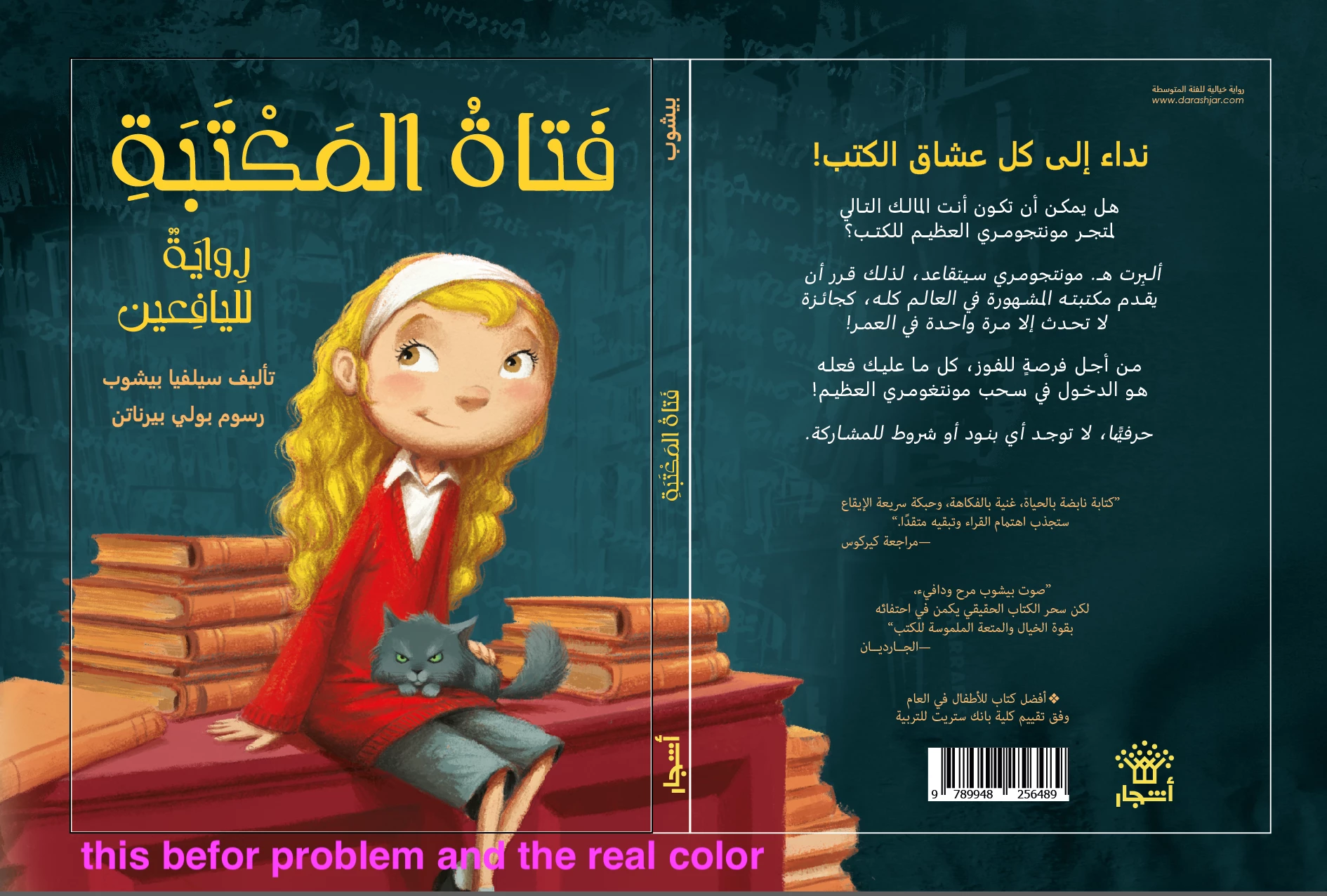
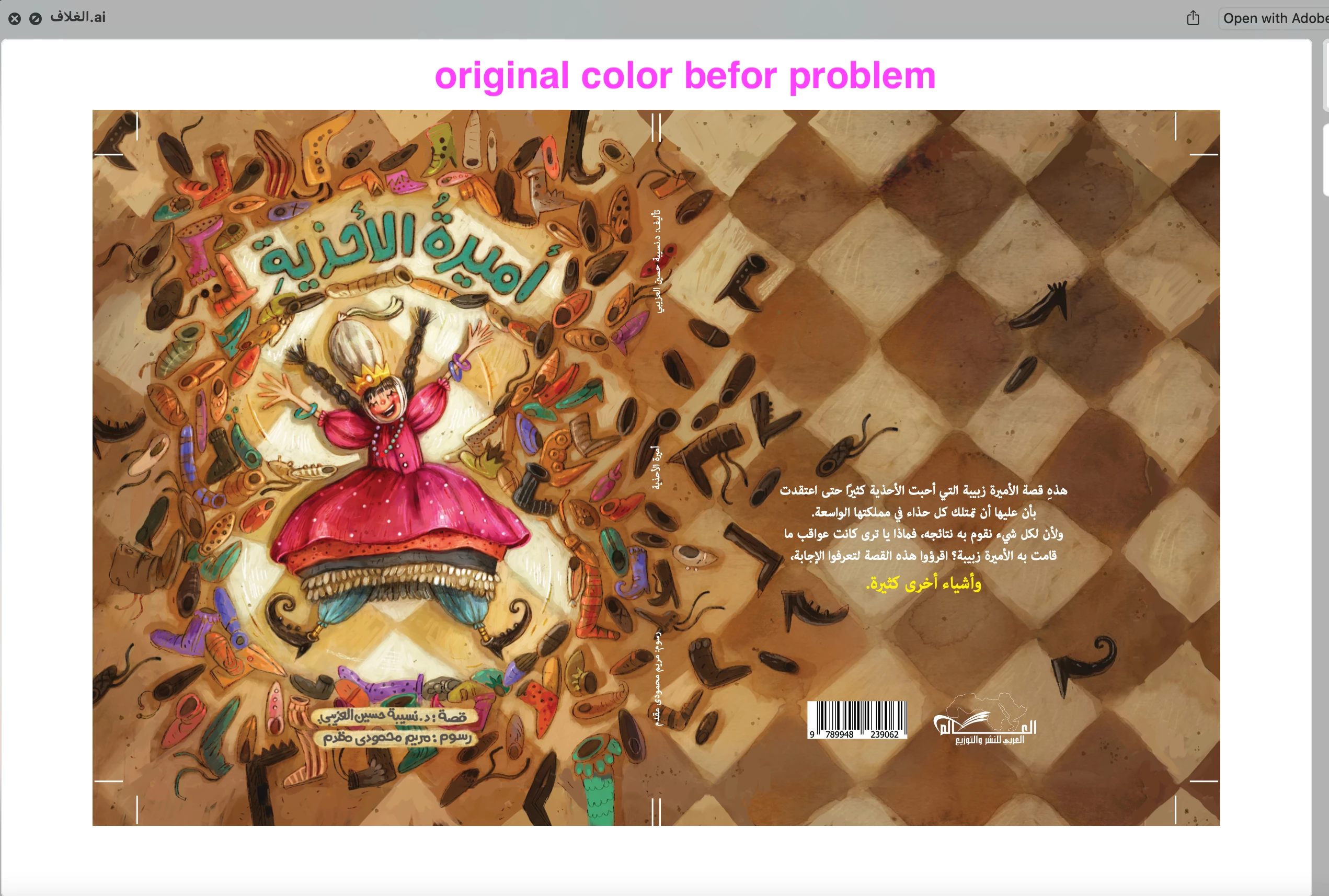
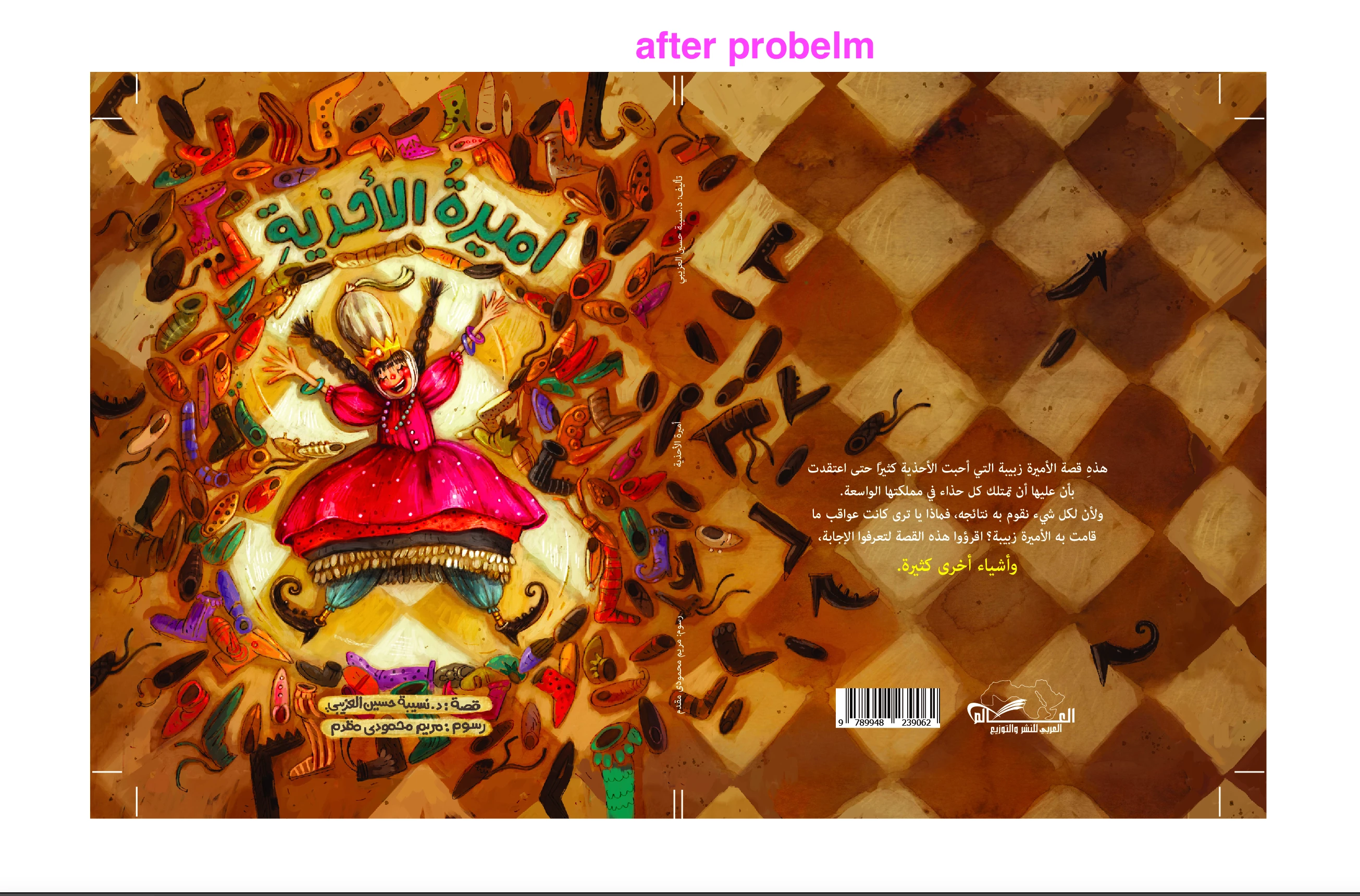
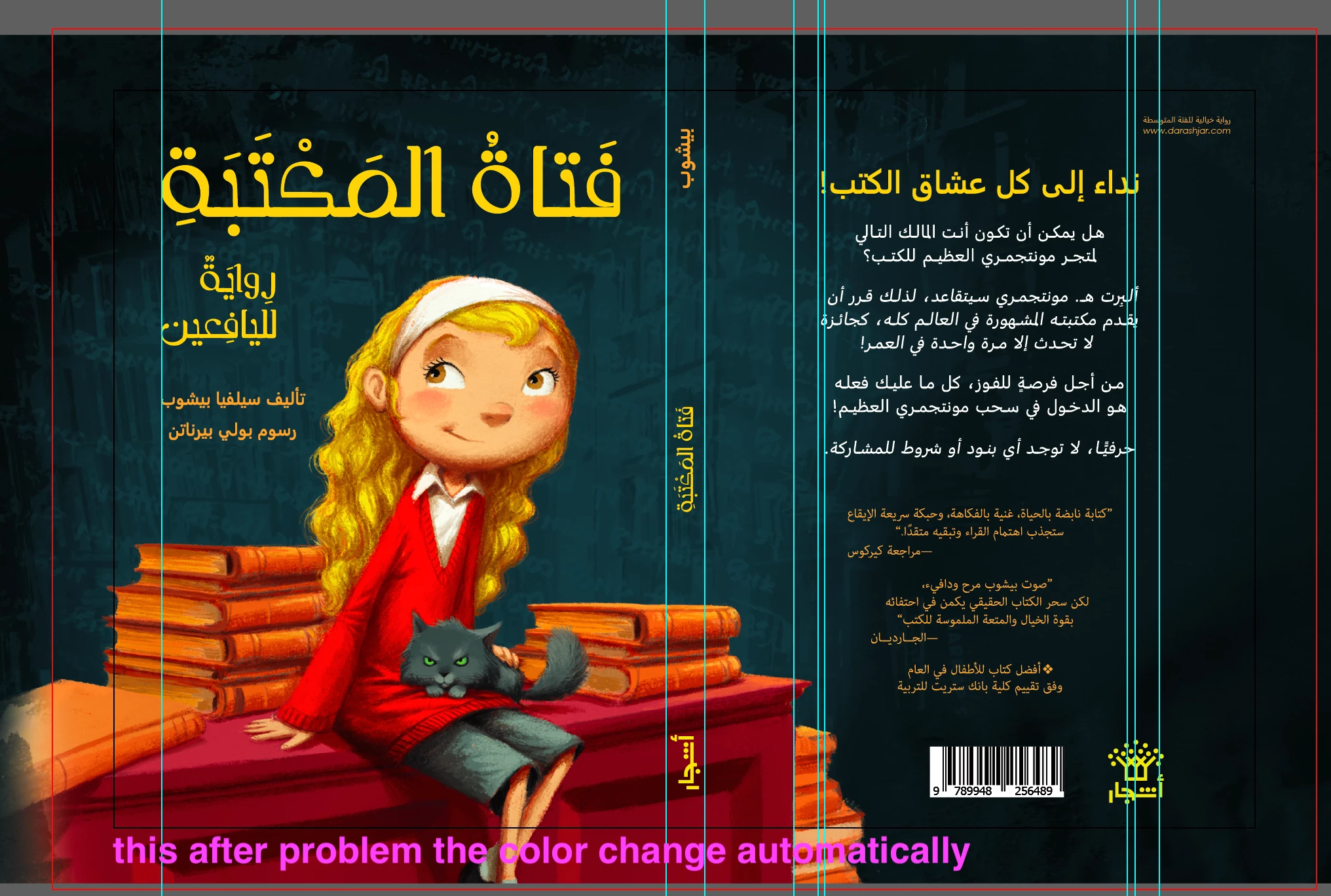
We are a company with you subscribers to Adobe programs and I have a big problem in the illustrator program. The problem is when I open the files, their color changes automatically after seconds of opening them, and their colors become dark and radiant in both types, RGB or CMYK files. Actually this problem affected me on my work and the cost-effectiveness of the work. Please can you check the problem and solve it in the shortest time
This topic has been closed for replies.
Correct answer Ton Frederiks

This problem has been mentioned many times lately.

Can you check your Color settings?

There is a bug caused by the recent Photoshop update. It sets your Color Settings to Emulate Illustrator 6, which turns color management off and causes problems in Illustrator.

If that is the case, use the CC app to revert Photoshop to the Previous version (22.2.0) and then change your Color Settings back to what you want it to be.

1 reply

Ton Frederiks
Community Expert
Ton FrederiksCommunity ExpertCorrect answer
Community Expert
March 31, 2021

This problem has been mentioned many times lately.

Can you check your Color settings?

There is a bug caused by the recent Photoshop update. It sets your Color Settings to Emulate Illustrator 6, which turns color management off and causes problems in Illustrator.

If that is the case, use the CC app to revert Photoshop to the Previous version (22.2.0) and then change your Color Settings back to what you want it to be.

Dar Ashjar L.L.C
Participant
March 31, 2021

Dear Ton,

Thanks for your support. its fine now.

Ton Frederiks
Community Expert
Community Expert
March 31, 2021

Good to hear that.