
Colors not preserved when exporting PDF
I'm using Illustrator 30.0 to prepare some scientific figures. I use matplotlib to output a PDF, which I then "Place" in my Illustrator file, and after making my edits I would export the file as a new PDF. However, when I do this, the output files' colors seem messed up on every PDF viewer I use (Acrobat, Chrome, Firefox, even Illustrator). For example, here's a screengrab of the matplotlib output, which looks as expected:

Here's the preview in Illustrator, before export:

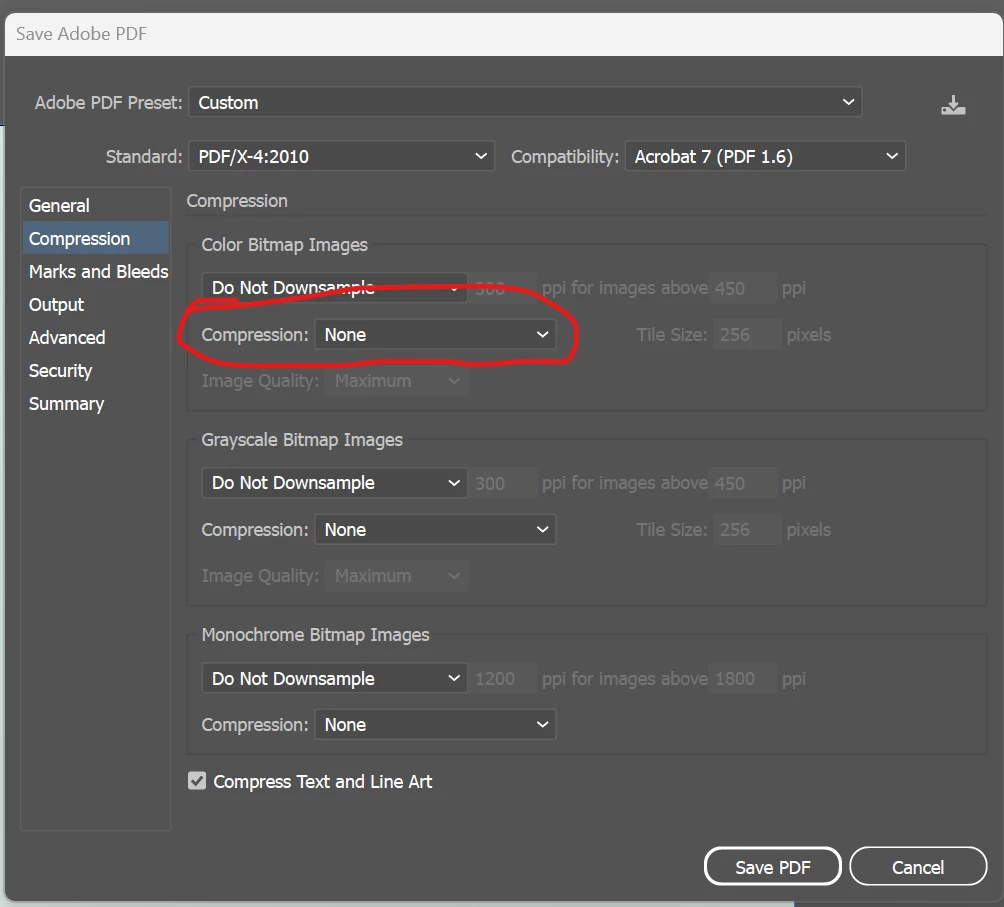
And here's after export. Document color mode is RGB, exporting using the [PDF/X-4:2008] preset, though other settings have given me similar results:

If I change the document color mode to CMYK before export, it looks slightly different, but still bad:

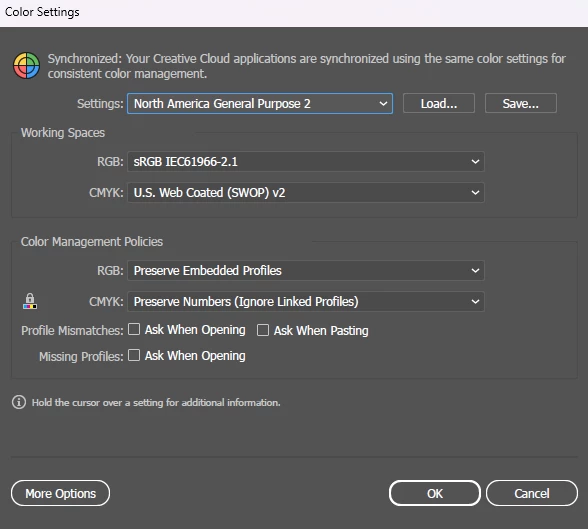
And here's my color settings, if it's any clue:
I don't expect a perfect color match on the output, but this seems dramatically far off. Is there some combination of settings which I can use to preserve the appearance of my output? Here's a Creative Cloud link to my example file: https://illustrator.adobe.com/id/urn:aaid:sc:US:265137ba-9f92-49b1-ada9-1f68341c16c4
 AdChoices