
Participant
November 9, 2020
Answered

Colors Shift After Exporting to pdf even though the file was made in cmyk

  • November 9, 2020
  • 1 reply
  • 1948 views

hello
I have a project that I've been working on for a while. the project is made in CMYK but when I export it to pdf the colors shift. is there anything I can do about that ?

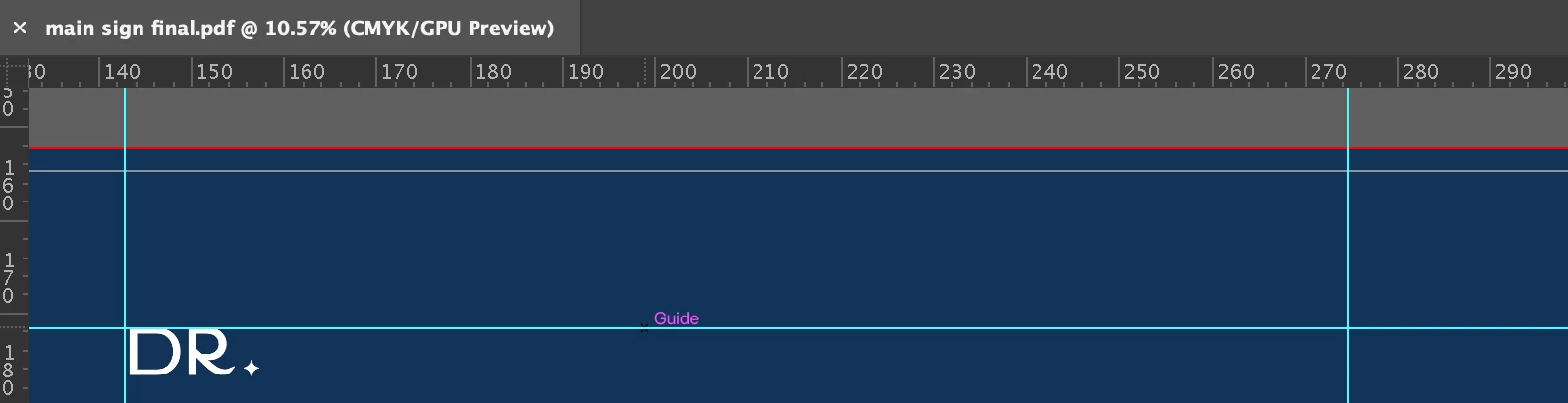
note the dark blue color in the photos attached

This topic has been closed for replies.
Correct answer Monika Gause

So is this a vector shape or a placed image?

And the original AI file a CMYKor an RGB file?


Since you have "No onversion" checked, a CMYK file should keep its colors.


So now what still is an issue is Preview. It's a joke of a PDF viewer. You can't rely on anything it presents to you. If you want to reliably check your PDF, get Acrobat Pro.


1 reply

Monika Gause
Community Expert
Community Expert
November 9, 2020

Do the colors only look differently or do the values change?

What does the Acrobat Print preview tell you?


How is your color management set up?

How is the color set up when you save a PDF?

Participant
November 9, 2020

I don't have Acrobat installed but I checked on the default preview application on mac.
the values are different, the desired one is C100 M82 Y39 K32 while the output is C91 M72 Y27 K47

for the other parts, I'm not really skilled in printing so I don't know what you really mean. but if you meant the set up while exporting I'll be attaching screenshots for the settings I use when saving as pdf


Participant
November 9, 2020