


Colour divided rectangle with two colours
I created a rectangle and used the line segment tool to get two halfs:
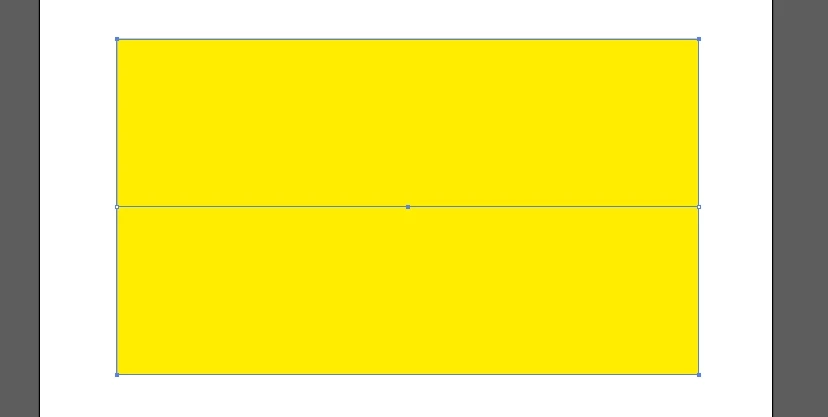
Now I want to colour the two halfs with different colours.
I know I can do it with marking the rectangle and the line and go to Object->Live Paint->Make.
Then I can paint the two halfs in different colours with the Live Paint Bucket.
But I want to paint them with the normal Swatches colours.
So only the half is painted where I have clicked in before.
I tried it with with mark the rectangle and the line.
Then I used Object->Path->Join. But that doesn't work.
I get the message:
"The selected objects cannot be joined as they are invalid objects,( Compound paths, closed paths, Text Objects, Graphs, Live Paint group). You can use Join command to connect two or more paths, paths in groups; ot to close an open path."
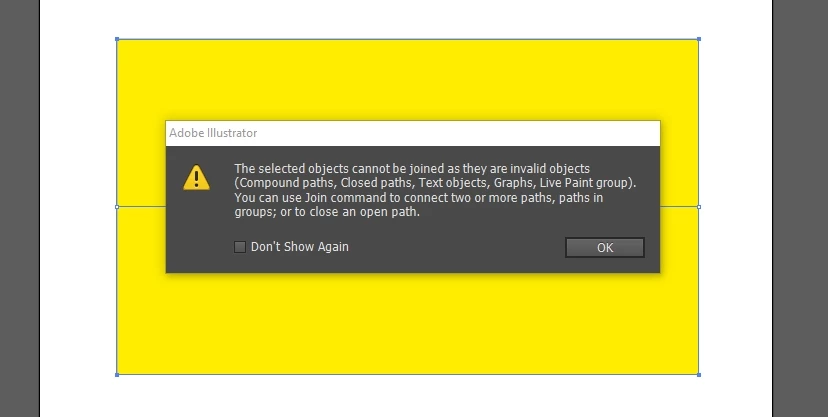
I think the rectangle is a closed path and the line an open path.
But why can't I join an closed path with an open path?
I still think Object->Path->Join should be the right tool and not
Pathfinder.
But how can I use it to get an rectangle with a line in it where I can colour the two halfs
with different colours with the Swatches tool?
 AdChoices