
Answered
Colours look very washed out
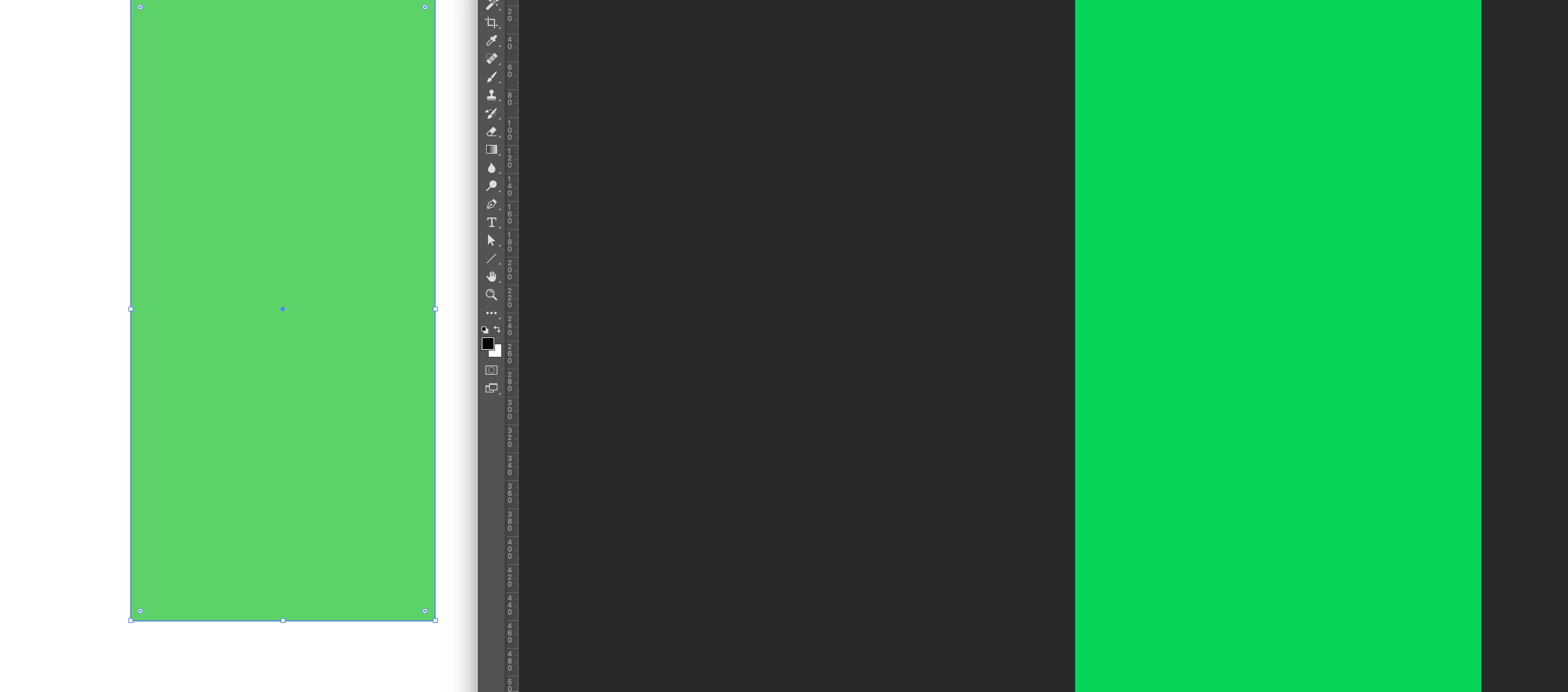
Since some weeks, my RGB colours in Illustrator look very washed out. When I copy and paste them in -for example- photoshop or keynote, the colours are much more vibrant. It's not the proof colours option.
See the screenshot below: left is a green rectangle in illustrator, right is the same rectangle pasted in photoshop. Anyone has an idea how to fix this? Thanks!
 AdChoices