
Answered
Combining a stock photo with text to make a logo
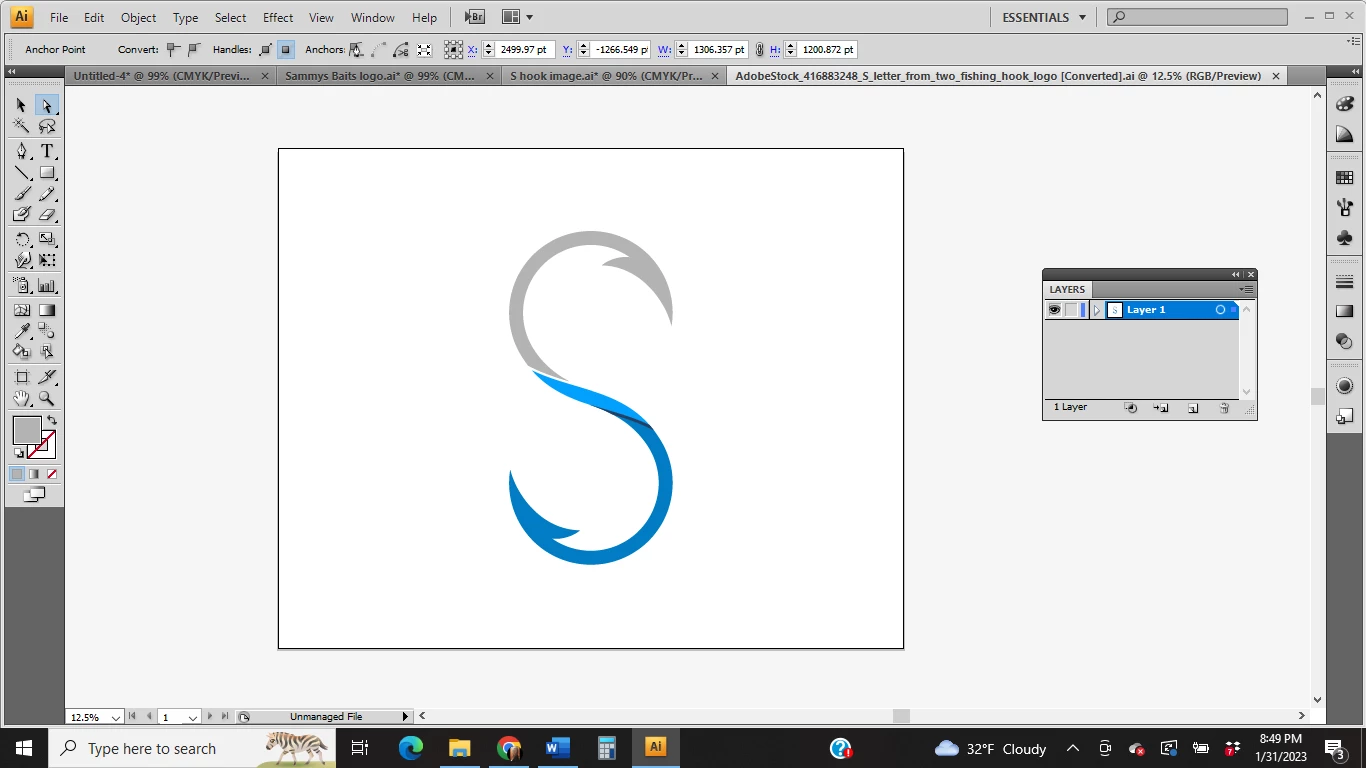
Hi. I am trying to make a logo using a stock photo and text. When I add the image (using png) I can't get the text to butt up right next to the image to make a consistent flow in the name. When I use the image as an AI image, the text will butt up against it, but the image is grainy when I enlarged it. How do I do this? And then I need to take the whole thing and make one image and not quite sure how to do that. I have been googling this for days using different terminology and no luck. Thanks in advance for the help, Penne
 AdChoices