
Participating Frequently
December 2, 2022
Question

Composer -> SVG -> EMF / Problem with conversion / Screwed up vectors

  • December 2, 2022
  • 1 reply
  • 1183 views

Hello, I really have some trouble with vectorgrafics right now.


I create .svg grafics using Solidworkd Composer from 3D-material. Since I want to add markups and control line thickness I edit those in Illustrator.

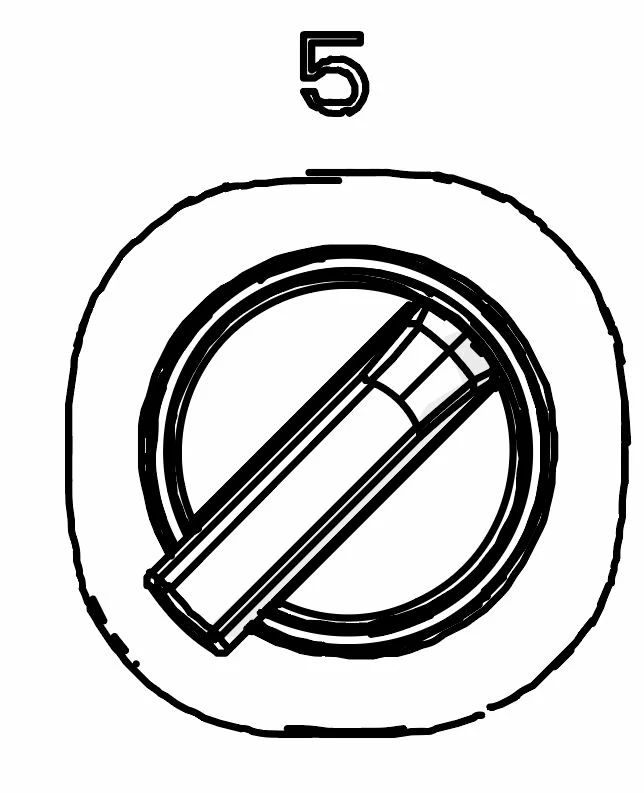
When saving the data from il. to .svg or .emf already all lines are screwed up. Circles look like some cheese-pizza with melted cheese hanging around everywhere and its simply ugly.

Even when I open the .il-file and copy the vectors to the .svg-file manually, save it, close it and reopen all vectors are screwed up. 


Since I work with an old Word-version I need to work with .emf. EPS would be working too but it also screws up. I am really helpless here, tried for hours now with no solution.


This is how it looks in .svg and .emf and therefore also in Word/PDF at the end
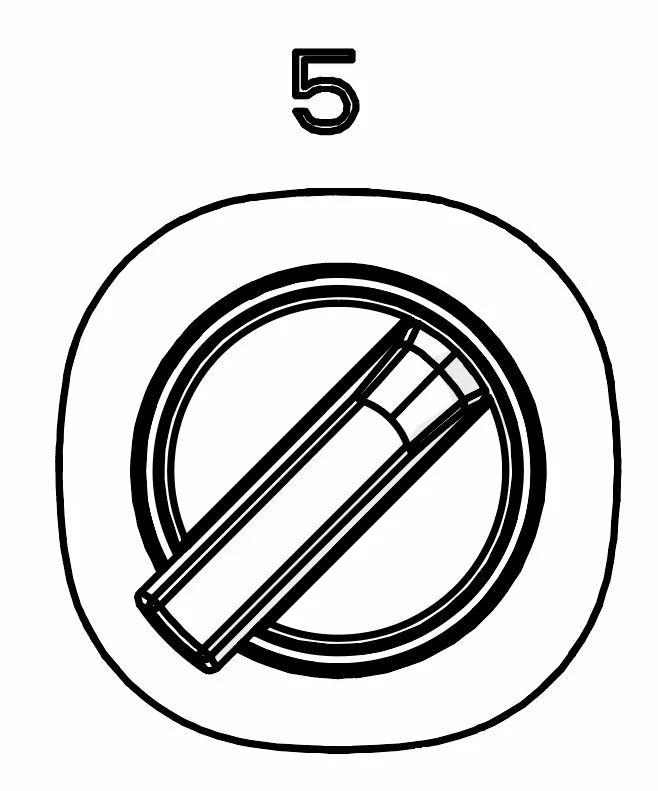
This is how I actually have it in the .ai-file and how the composer is also exporting it to .svg.
 

I really hope someone got an idea.. this is making me mad 😉

Thanks in advance!

This topic has been closed for replies.

1 reply

Mylenium
Legend
December 2, 2022

Start by increasing the decimal precision when saving SVG and also consider scaling your artwork larger. This looks like some tiny switch and depending on what scale you created it the quantization could be a killer. having the actual SVG might also help to verify what's going on.


Mylenium

Participating Frequently
December 12, 2022

Hey, thanks for your help.


I tried different things now and I still have some problems.


When saving to SVG I now get the error with "Clipping is lost when exporting to SVG Tiny format" and everything is centered in the left/top edge smashed inti a cluster of lines.

When saving to EMF I do not have options for decimal precision and it simply looks terrible.


Ofc. its a tiny switch or details but when exporting from CAD-data I do get big and also tiny elements and if the pdf is opening at like 300% and you directly see these chaotic lines its not so good.


I added the file, Id be very grateful for a solution 🙂