
Compound Path Fill Keeps Reverting To Black
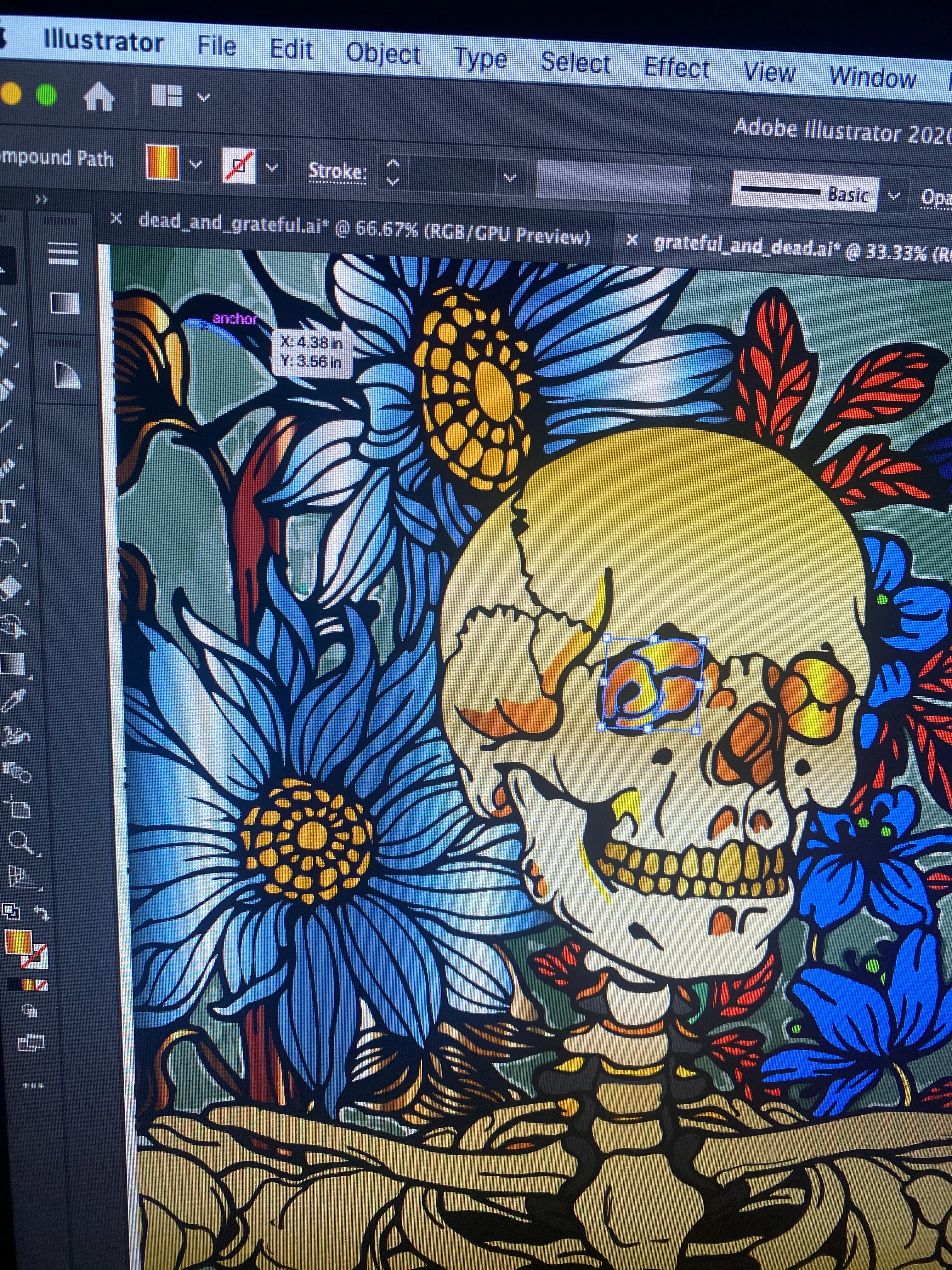
I have a compound path that I am filling with a simple gradient. The fill applies as usual, I could continue to work on the document and nothing unusual occurs.
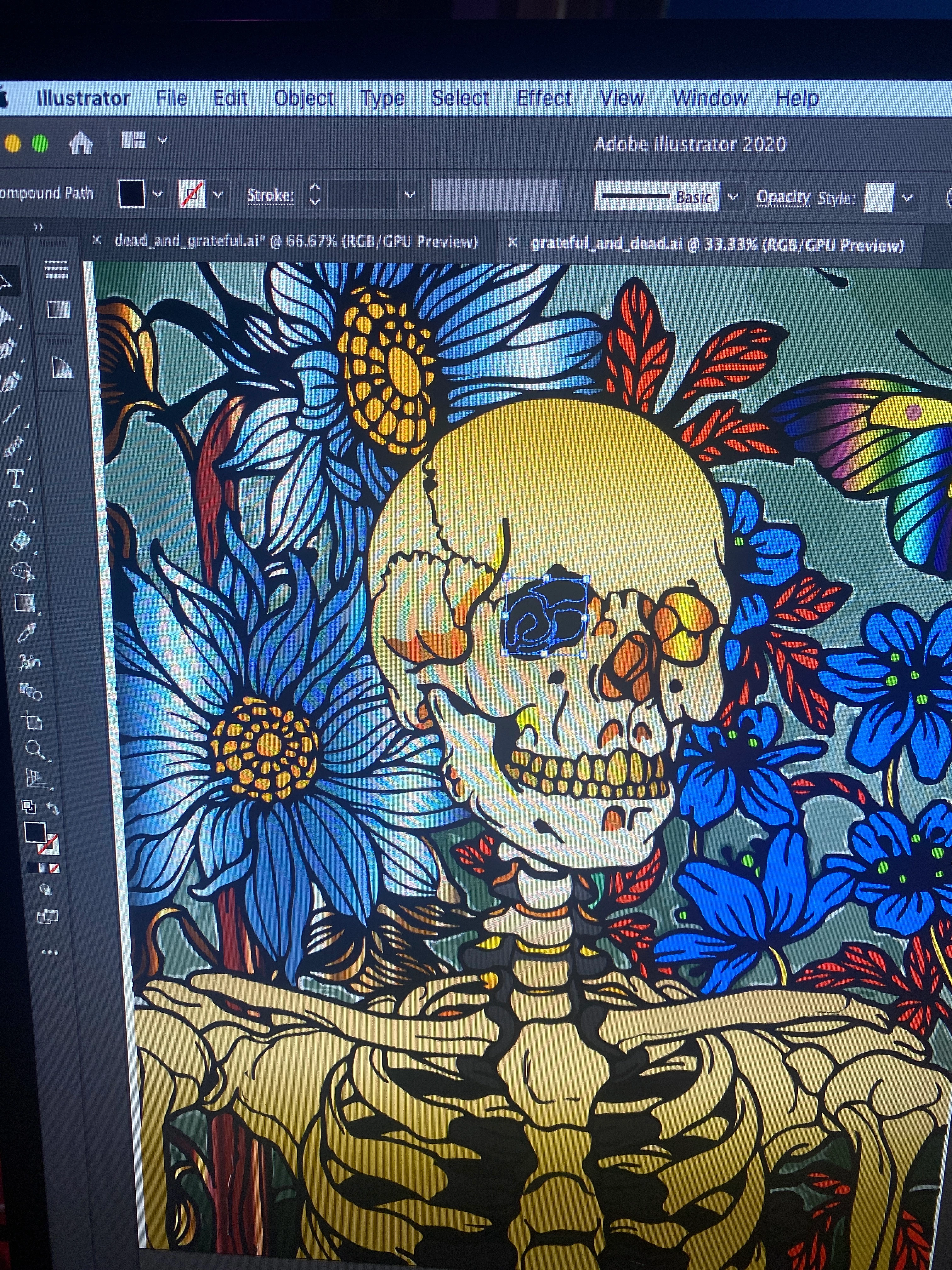
Here's where things are getting weird: I Save As .ai like always, the document preview photo even shows everything to be the way I saved it. When I reopen the document this one compound path always has a black fill.
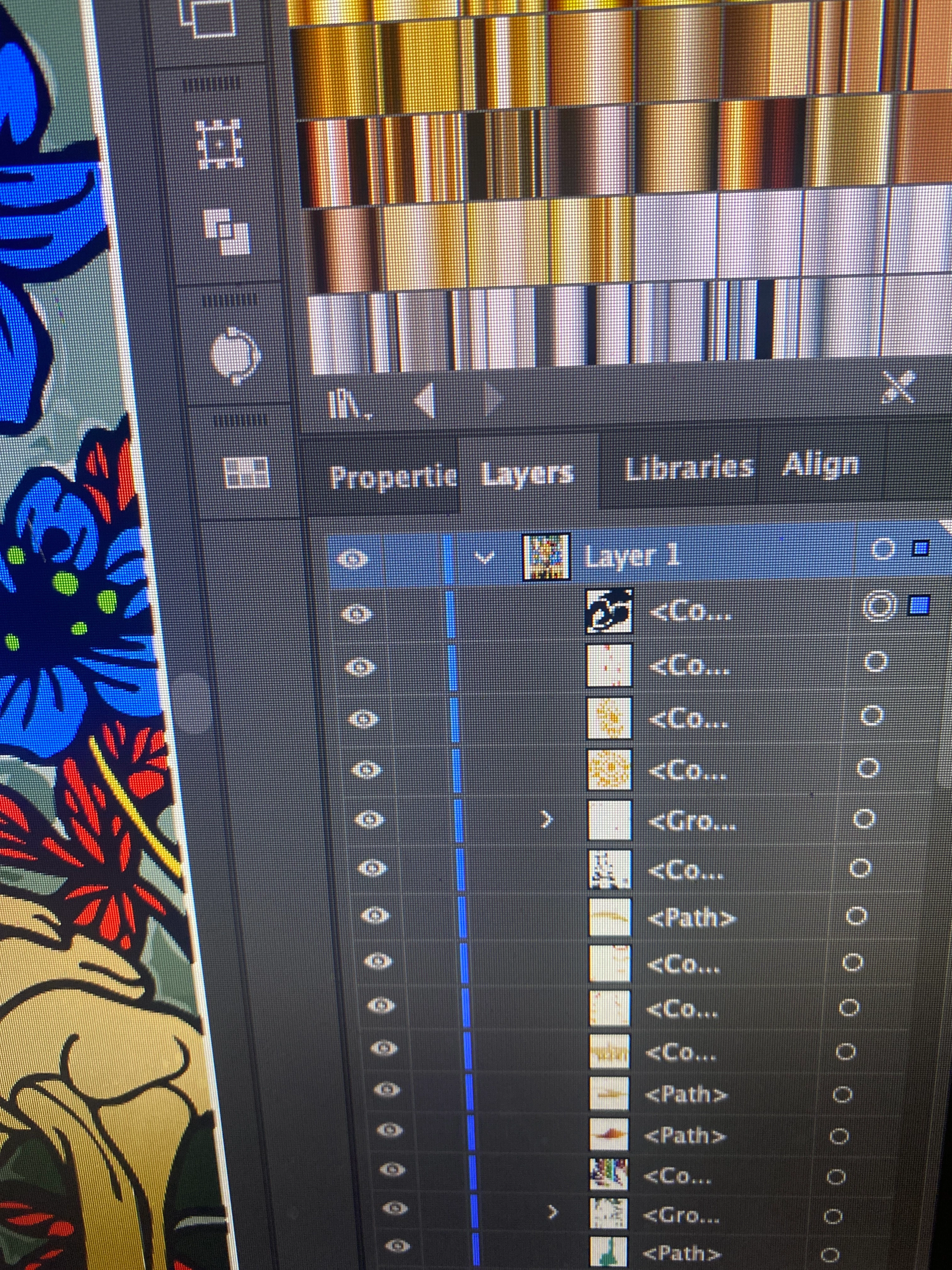
When I apply the gradient fill I've checked in Appearance and it shows the correct fill. When I select the compound path with either selection tool it also shows the correct fill. The only unusual thing I noticed is the small image next to the compound path in the Layers Panel stays black.
The compound path is an eye. The other eye was created the same way and uses the same exact gradient and is just fine. I've tried to use the Eyedropper to apply the gradient and I get the same result.
I've also tried to create a layer just for that compound path & I've rearranged and brought it to the front. I'm out of ideas.
Here are some photos - again note how when vieing the document preview image it looks the way it should. Any advice is truly appreciated.

 AdChoices