
Answered
Compound path not working when used as clipping mask
Hey guys,
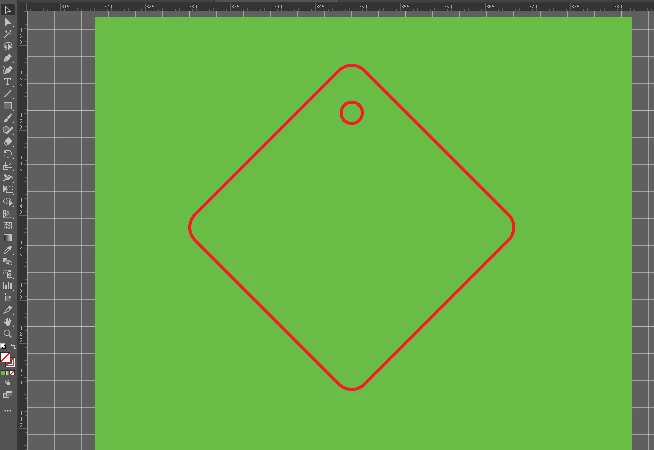
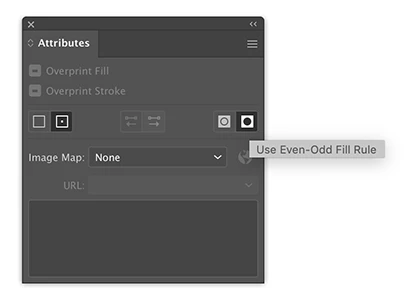
I'm still learning how to use illustrator but I created a compound path from a hexagon with a hole at the top (to be a keyring). The issue is that when I try to use this as a clipping mask, the hole at the top doesn't seem to be registering as the clipping mask if that makes sense. The screenshot with the red outline is the compound path which I placed over a green square, but when I use it as a clipping mask, as you can see in the other screenshot the hole remains filled in. Does anybody know how I can fix this or what I might be doing wrong? I need the hole to remain a hole/transparent. Any help would be appreciated!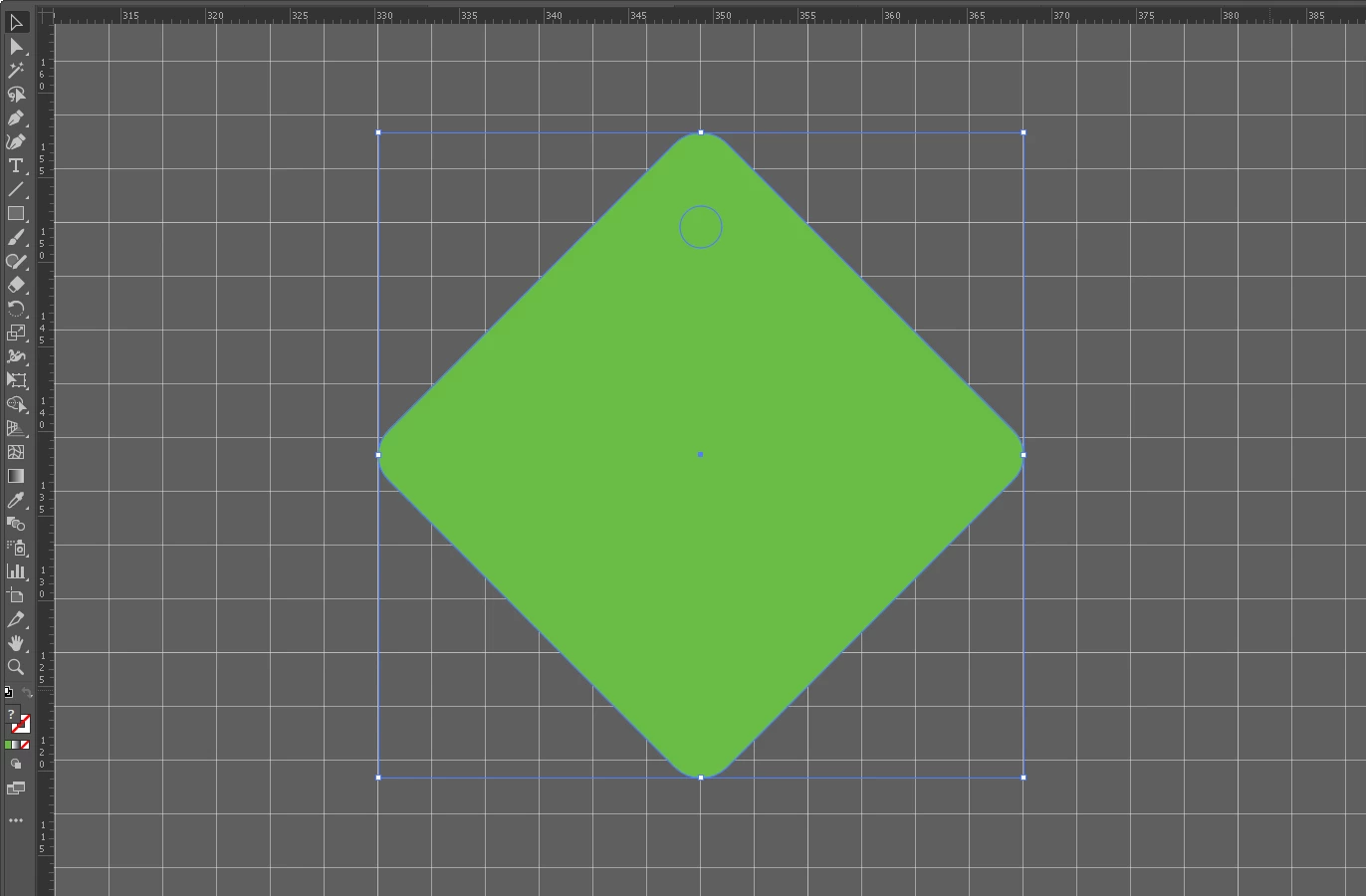


 AdChoices