
Constant errors popup in Illustrator since Big Sur update
I have been using Illustrator professionally without incident for nearly a decade. When I updated my Macbook to Big Sur a couple of months back, every time I opened Illustrator, I was hit by a barrage of vague error popups like these:
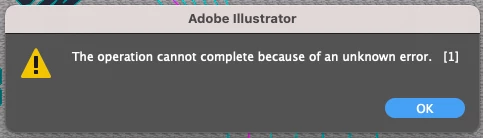
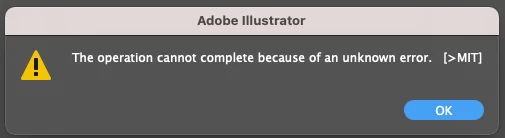
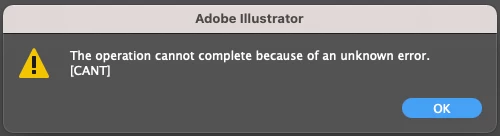
I could still open and work with files, but these popups would continue every 2-3 clicks of my mouse. Eventually, Illustrator just refused to load at all.
I contacted my IT support and after a lot of trial and error, we decided to do a complete re-image of my system and a clean reinstall.
It worked again for another week or two, but this week, the popups returned. Aside from the error popups, some functions of Illustrator became unusable. 2 examples of limited functions:
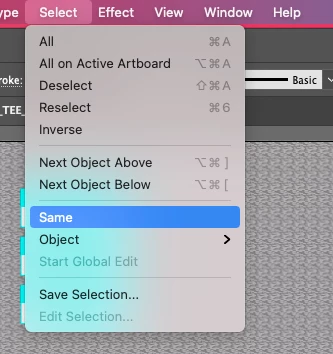
Example 1: The option of "select same fill color" has completely disappeared under the "Select" menu:
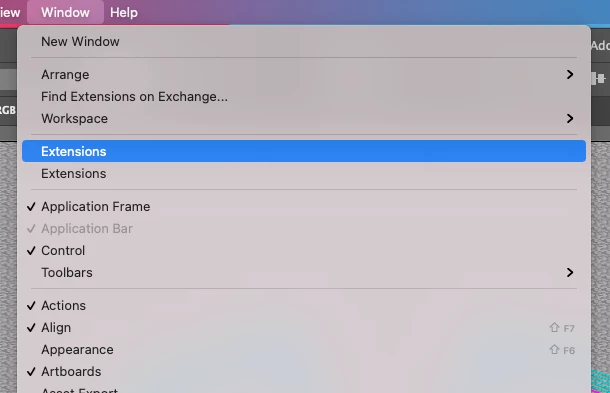
Example 2: None of my extensions are loading, and the sub menus have disappeared:
Is anyone else experiencing this? Does anyone have a fix? I wanted to gather some more info before I contact IT support again.
Details:
- Mac OS Big Sur v11.5.2

- Adobe Creative Cloud v5.5.0.619
- Adobe Illustrator v25.4.1
- My hard drive is less than half full


 AdChoices