Exit
  • Global community
    • Language:
      • Deutsch
      • English
      • Español
      • Français
      • Português
  • 日本語コミュニティ
  • 한국 커뮤니티
0

Constraint line angle when resizing?

New Here ,
Jan 28, 2021 Jan 28, 2021

Hey. I've been using CS6 until it recently became unsupported on macOS. Using Illustrator 2020, is there a way to constrain the angle of a line/path when resizing it? For example, Affinity Designer does it with with a hold of the shift key. I know there's a "constrain angle" setting in the prefs, but that's a global change. I'm wanting to grab any line on my dartboard and change the length without changing the angle.

Thanks for any help!

TOPICS
Draw and design
3.0K
Translate
Report
Community guidelines
Be kind and respectful, give credit to the original source of content, and search for duplicates before posting. Learn more
community guidelines

correct answers 1 Correct answer

Community Expert , Jan 28, 2021 Jan 28, 2021

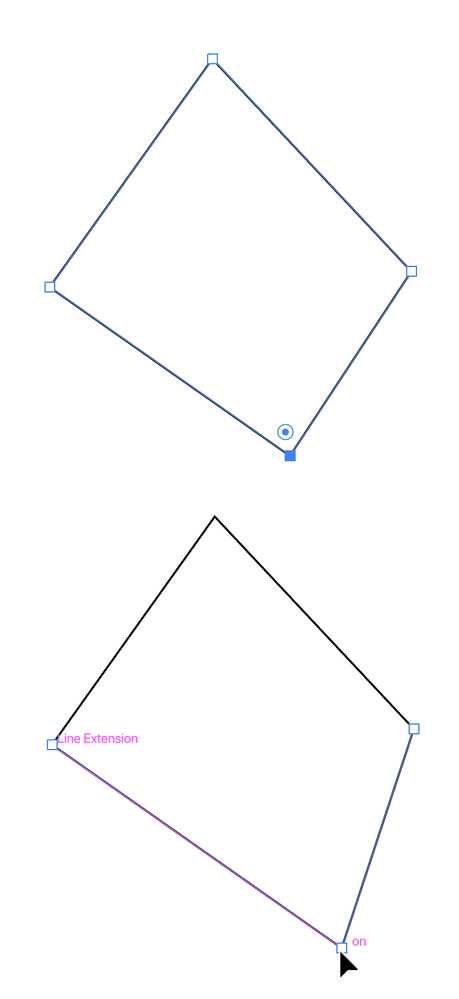
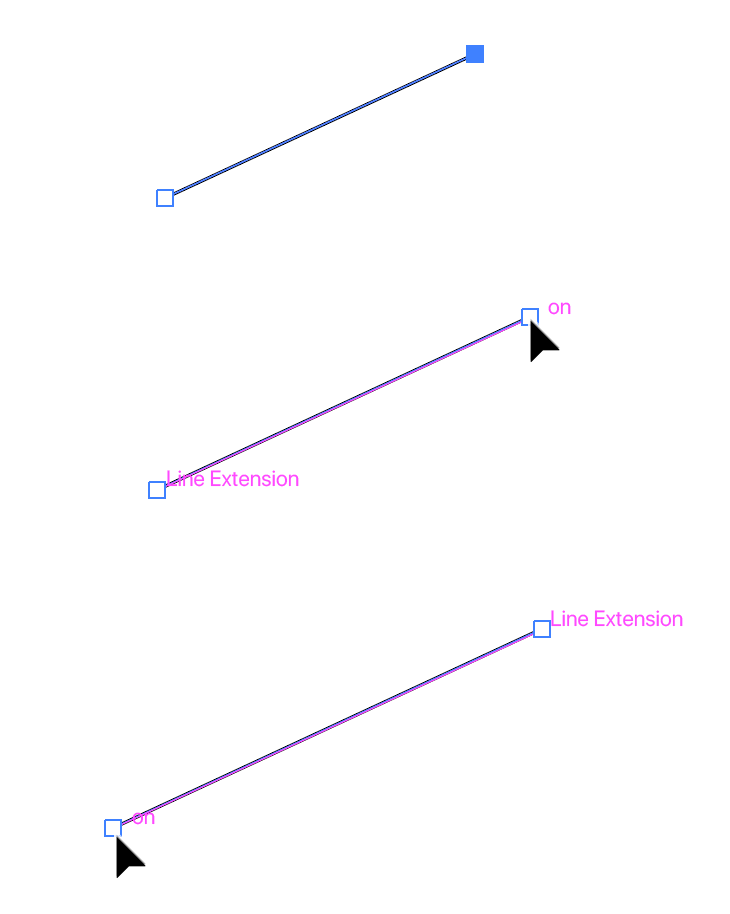
Turn on Smart Guides (View menu > Smart Guides). With the Direct Selection Tool click to select the endpoint of the path you want to extend and drag in the direction you want it to go. Smart Guides will indicate "on" at the moving point when it's on the correct path, and "Line Extension" at the point on the other end. This only works for a straight path coming out of a corner point; otherwise, if you have them active, you will see construction guides at the angles prescribed in the preferences.
tromboniator_0-1611829987623.png

...
Translate
Adobe
Community Expert ,
Jan 28, 2021 Jan 28, 2021
LATEST

Turn on Smart Guides (View menu > Smart Guides). With the Direct Selection Tool click to select the endpoint of the path you want to extend and drag in the direction you want it to go. Smart Guides will indicate "on" at the moving point when it's on the correct path, and "Line Extension" at the point on the other end. This only works for a straight path coming out of a corner point; otherwise, if you have them active, you will see construction guides at the angles prescribed in the preferences.

tromboniator_0-1611829987623.png


tromboniator_1-1611829803116.png


Peter


Translate
Report
Community guidelines
Be kind and respectful, give credit to the original source of content, and search for duplicates before posting. Learn more
community guidelines