Klаus
Inspiring
April 8, 2018
Answered

Controllable mass gathering of letters?

  • April 8, 2018
  • 2 replies
  • 1824 views

Hi there!

[Not quite sure if this is the right forum group ...]

I’d like to find out how to go about this task:

By 1.) applying any greyscale (pixel) image and 2.) naming any given typeface some automated process should be started that outputs a mass gathering of letters. Like at least 5.000 to 6.000 of them.

The letters should be picked randomly and I’d like to be able to specify a certain degree of scaling and rotation which (also randomly) will be applied to the letters.

As you may have guessed already, this letter gathering will then be used as a clipping mask 🙂

So, with a greyscale image like this ...


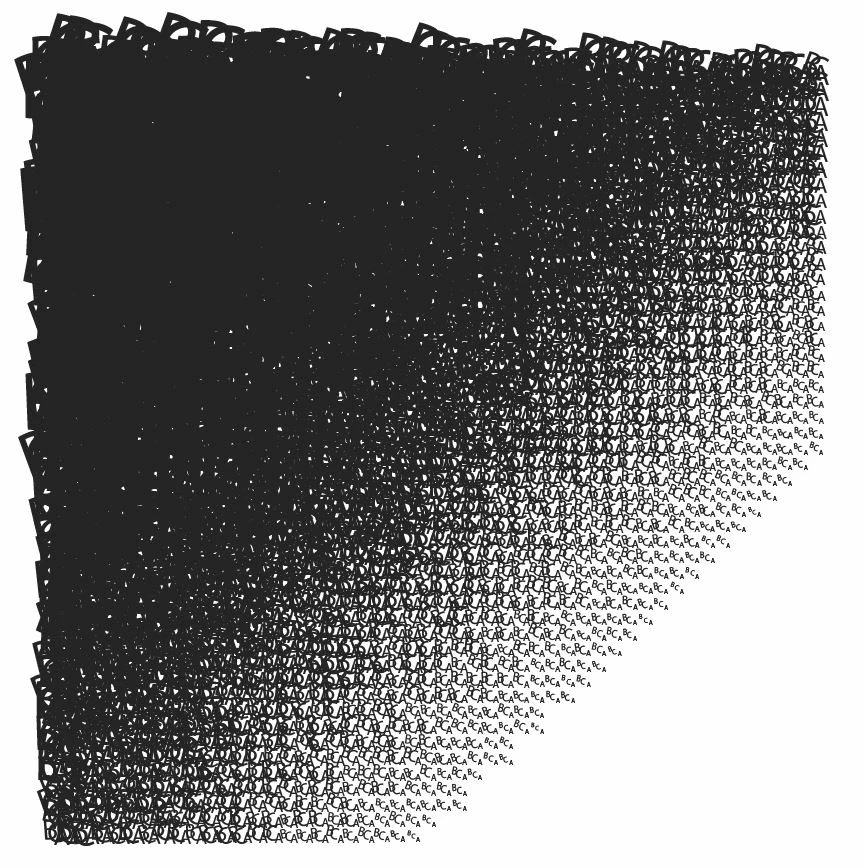
... I’d like to end up with a »letter gathering« roughly looking like this ...

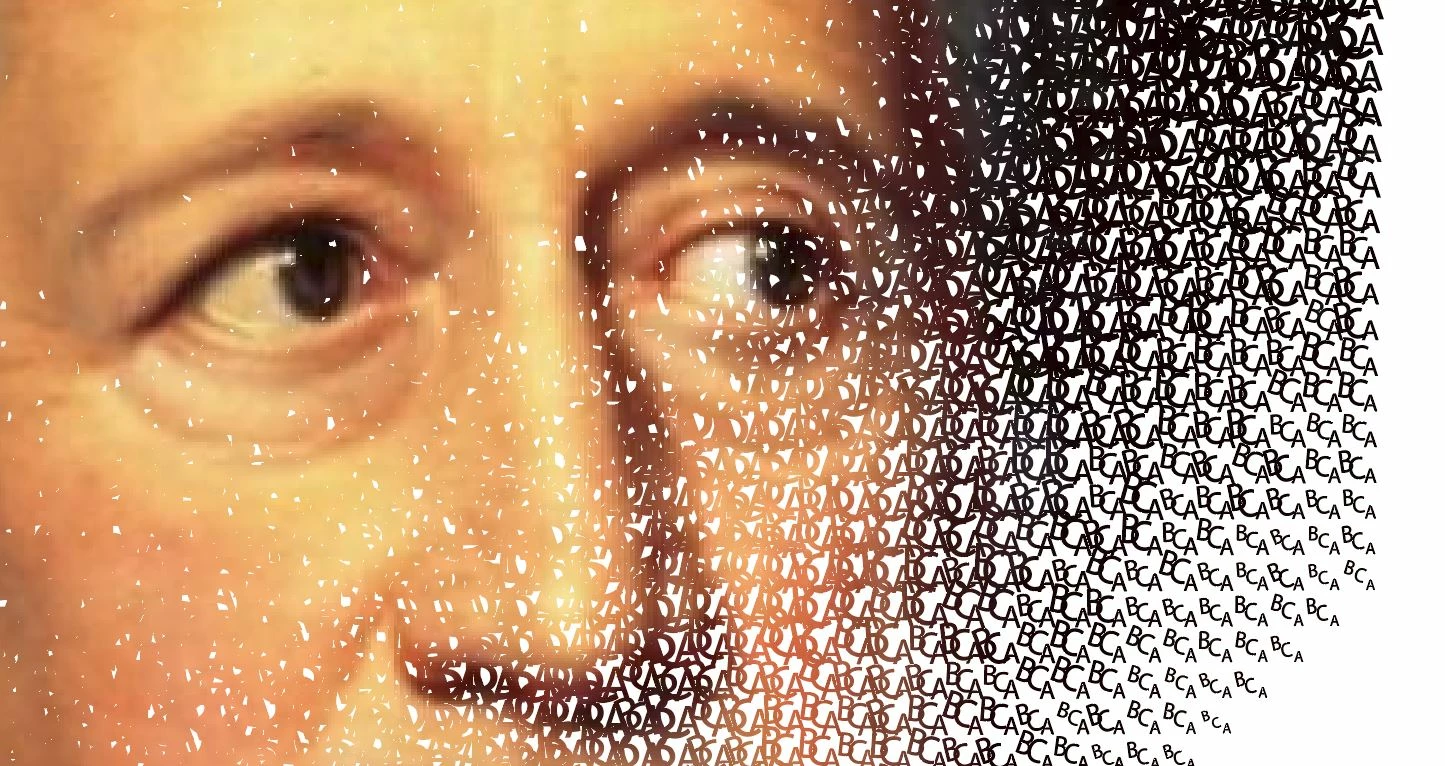
... to use it as a clipping mask in a way like this ...

Thanks a lot for any advice about how to go about this!

Klaus

    This topic has been closed for replies.
    Correct answer Blyskawica

    So, I tried out Stipplism and the Symbol Stipple function pretty much does exactly what I want, thanks a big lot!!

    There seems to be just one flaw: when it comes to the point where you might want to change the typeface. How can that be done in connection with Symbol Variants—aside from changing all of them one by one?


    If you want to keep the positions of all the letters constant and just change the font, you could expand the Symbol Stipple object twice (the first time it becomes symbols; the second time the symbols expand to point text objects) and then just change the font for all those objects in one go. However, this would lose the dynamic nature of the effect.

    A more flexible method would be to keep a set of all the letters as point text and each time you want to change the font, make a copy of them and change them in one step. Then just make a new symbol from the first, use the Symbol Variant command again, and go into the Symbol Stipple parameters dialog and change the base symbol. This would be much faster than redefining several dozen individual symbols. You could clean out the unused symbols later.

    2 replies

    Kurt Gold
    Community Expert
    Community Expert
    April 8, 2018

    Are you familiar with Scatter brushes or the various Symbol tools?

    Klаus
    KlаusAuthor
    Inspiring
    April 9, 2018

    No, not exactly familiar. Will cast an eye on it.

    Klаus
    KlаusAuthor
    Inspiring
    April 8, 2018

    I guess I have to clarify:
    The actual sort of »Letter Gathering« shown above is not exactly the one I want. The one shown evokes its concentration of »black« only by scaling the letters, while I want this to be achieved mainly by the local amount of letters. So: fewer (or no) letters in connection to light (or even white) regions of the greyscale image, and accordingly (much) more of them in connection to dark (or even black) regions of the greyscale image.

    Klаus
    KlаusAuthor
    Inspiring
    April 8, 2018

    Examples for a Words-and-lines-gathering (but with no or minor scaling, rotating), print ads for »stern« magazine, back from 2003 :-)

    Copyright by Leagas Delaney Hamburg GmbH 

    Copyright by Leagas Delaney Hamburg GmbH 

    Monika Gause
    Community Expert
    Community Expert
    April 8, 2018

    For your task you will have to write a script.

    Or maybe some existing code like paper.js or Processing is able to do that.

    The Stern-ad doesn't have any of this. It uses real text and the desity is achieved by stacking texts.