
Question
Convert a black-and-white PDF/AI to clean lines without intersections
Is there an easy way to convert a black-and-white PDF/AI to a file with 'clean lines'?
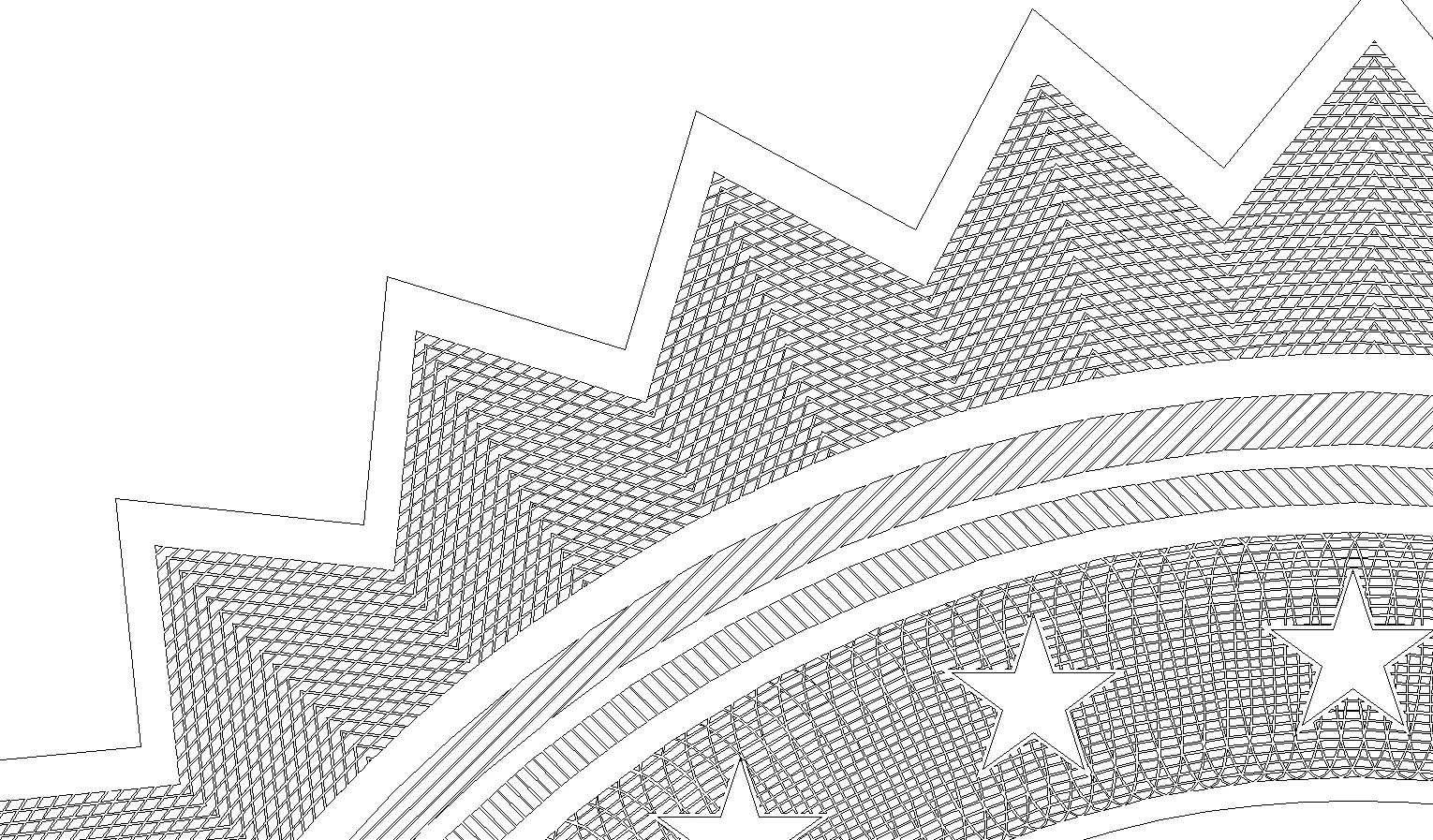
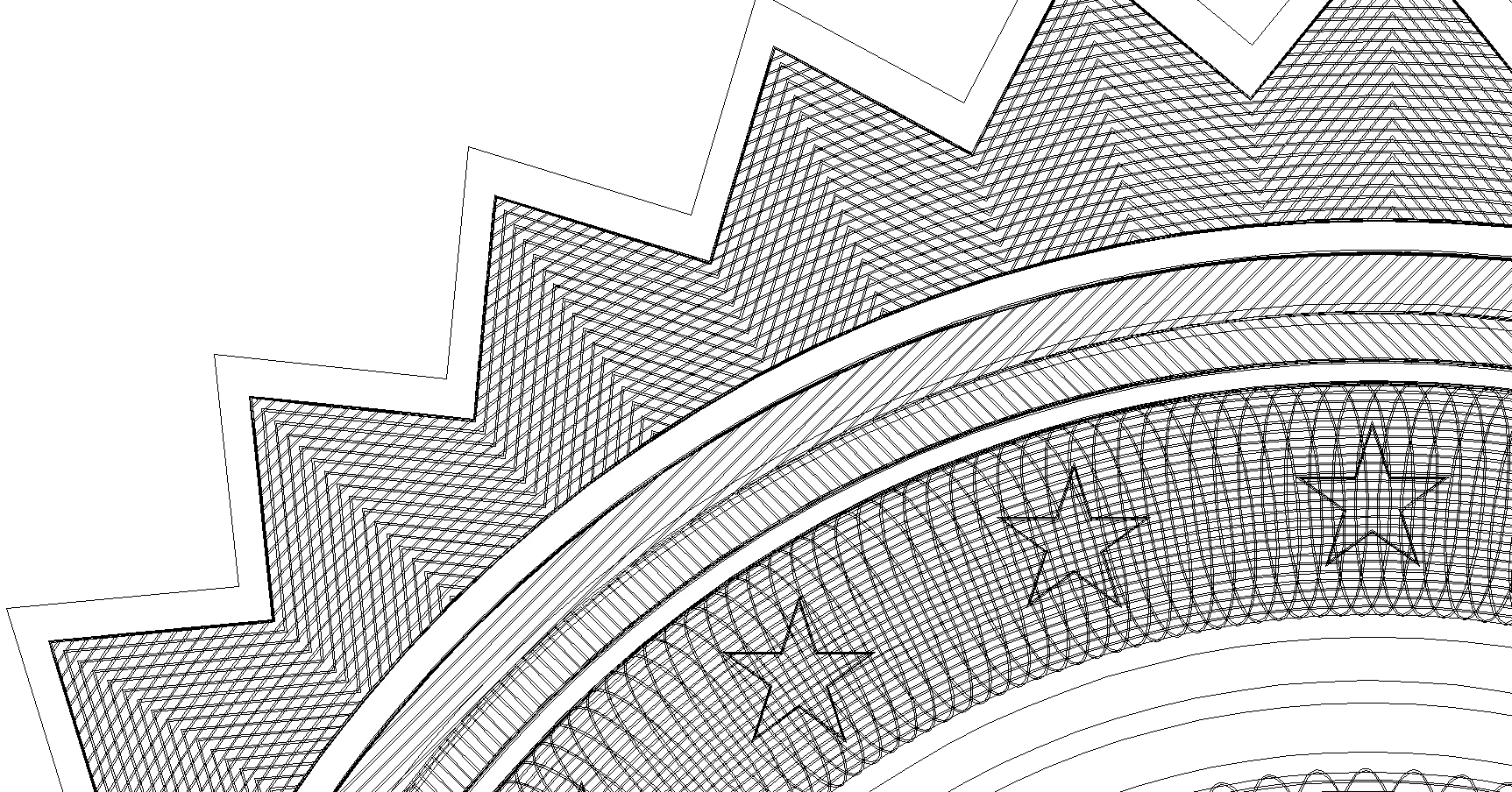
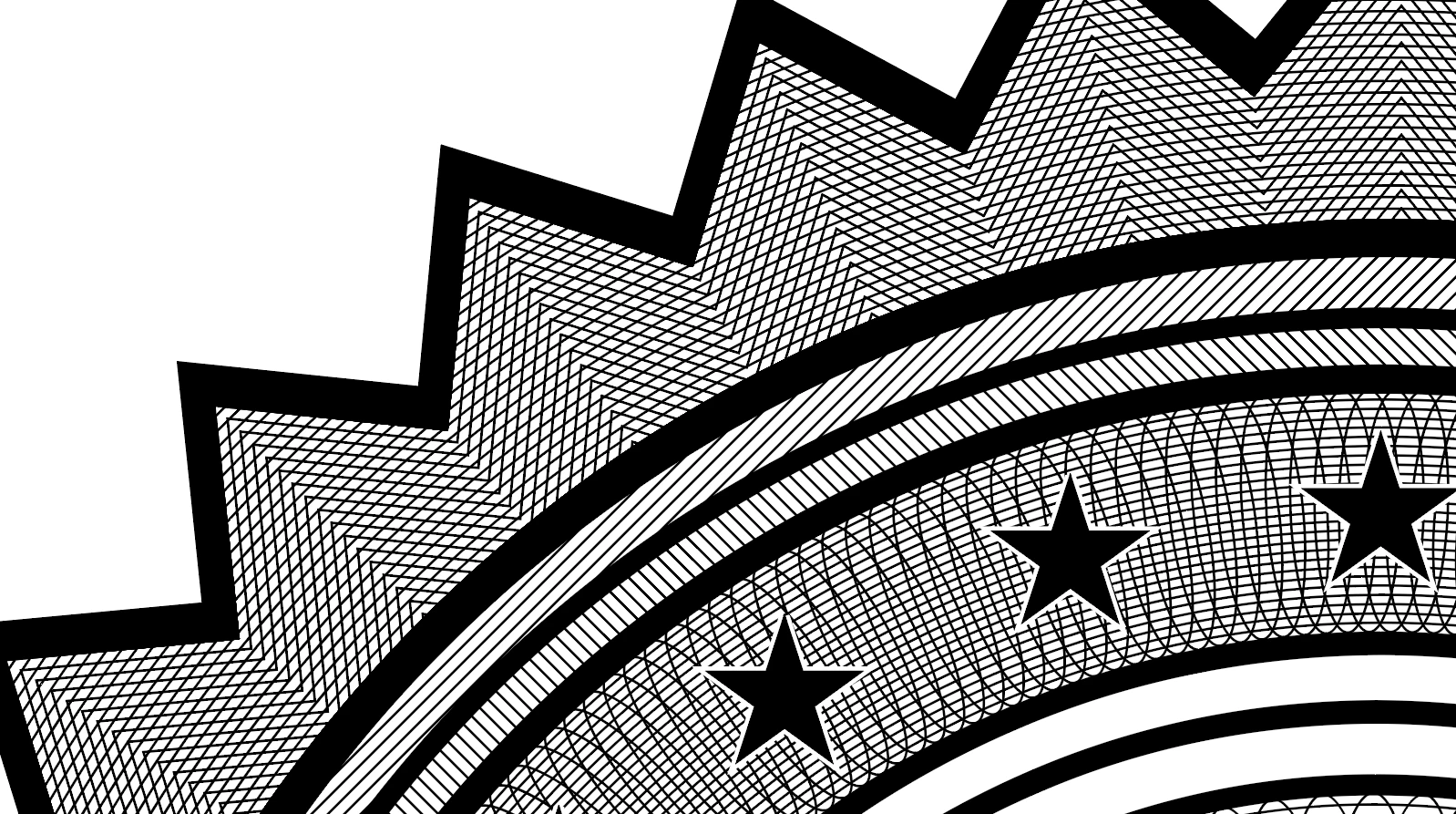
A black-and-white file can look 'clean' at first glance, but if you type CRTL+Y in Illustrator, you see al the hidden lines. Most of the times there are a lot of duplicated/intersecting lines. I need these lines to be cleaned up to only the outlines of all the (merged) black objects. This is necessary to import them in the engraving software we use further in the proces. With intersecting or duplicated lines, we can not use the files, this will give corrupt files. At this moment it costs too much time to clean them up by working with the pathfinder.
Download sample file to clean up here
 AdChoices