
Participating Frequently
July 10, 2018
Answered

convert fill and stroke to stroke
  • July 10, 2018
  • 1 reply
  • 6372 views

Hi

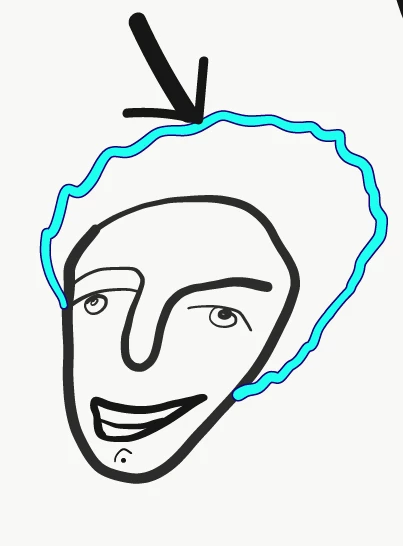
I did draw this on My iPad, opened in Adobe illustrator and now want to convert this path and fill to editable path (normal illustrator path that I can interact with 🙂 ). Is there A menu for this task up there?

TIA

This topic has been closed for replies.
Correct answer Monika Gause

In the forum your remark about features will probably stay unnoticed by Adobe engineers asat least 95% of users are not staff. Only folks marked as "Staff" are staff.

Please post feature requests on http://illustrator.uservoice.com

The Illustrator Draw app doesn't create strokes. It converts everything to shapes immediately.

1 reply

Monika Gause
Community Expert
Community Expert
July 10, 2018

The long answer is no.

There are workarounds that might or might not work.

One is to rasterize the drawing and then use Image Trace to trace Contours. Since there are overlapping paths, this won't work too well.

The other method is to split the path in two and then make a blend with one step to get the centerline. Will be a lot of manual work.

Participating Frequently
July 10, 2018

Thanks

Now  I am ended with 3 strokes, how do you delete those that I don't need?

:-)

The other method is to split the path in two and then make a blend with one step to get the centerline. Will be a lot of manual work.

Monika Gause
Community Expert
Community Expert
July 10, 2018

Expand the blend.

Ungroup

Then select and delete whatever you don't need.