
Answered
Copy and Pasting Color Changes in Illustrator
Hello,
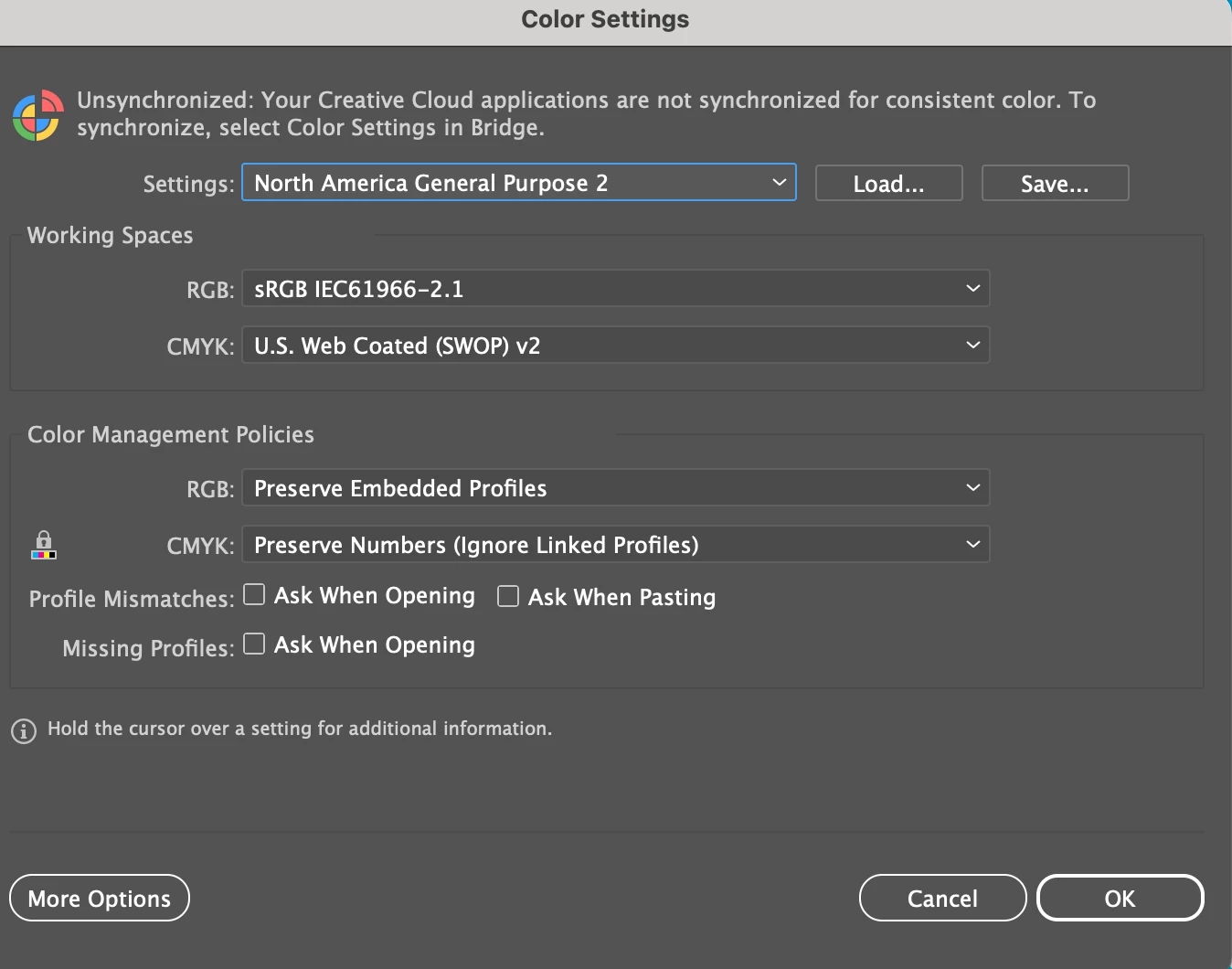
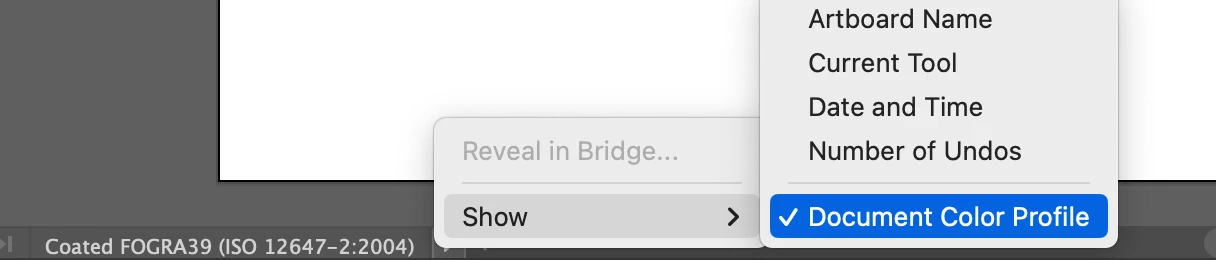
I am seeing an issue in Illustrator where I have created a graphic in one document and upon copying and pasting into a new document, the color becomes dull. I can confirm that both documents are using the same color settings and modes and I am not using Pantones. Screenshots attached, the bright one is the original and the duller one is how it the graphic appears after pasting into a new document. Is this an issue with clipping masks? Can anyone help?
Thanks in advance.
 AdChoices