
Question
Copy / Paste Color Error
Hi,
Suddenly, after the last update, my Illustrator started experiencing a color bug. (and my three colleagues also).
I copy and paste an image from one document to another, and then it all gets messed up.
original image (these are all screenshots)
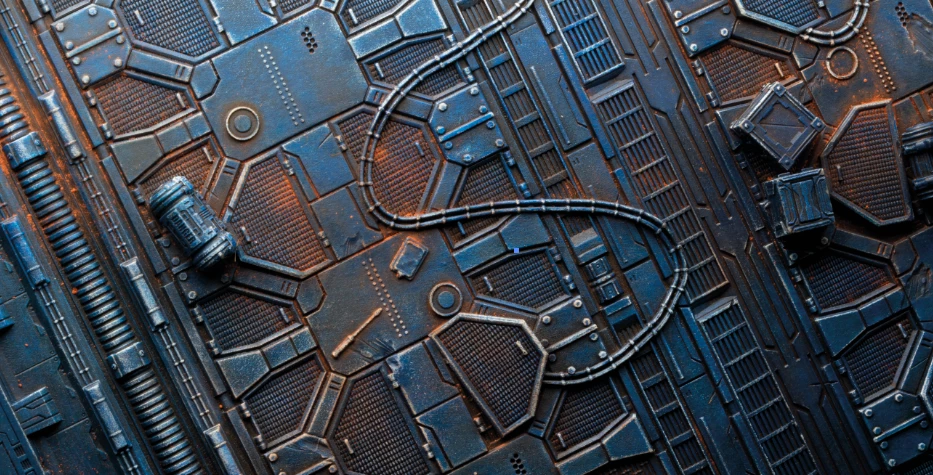
after paste:
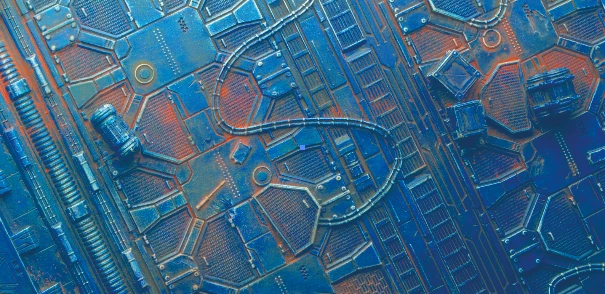
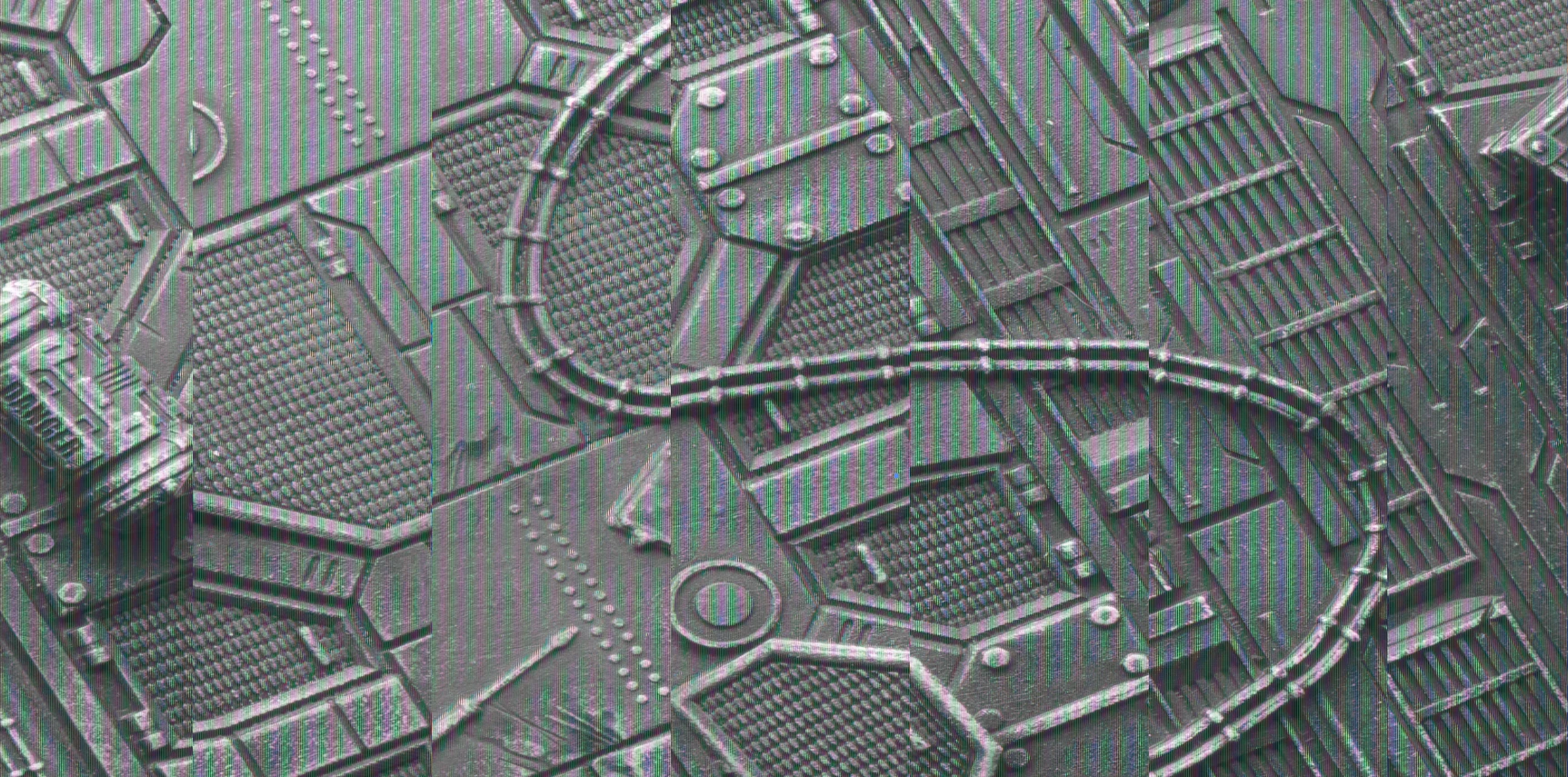
if i zoom in (looses color and gets strange stripes)

even more zoom:
I'm in a MAC Studio (2025) with the latest version of Illustrator. Working as usual, in CMYK mode.
any tip?
Thanks!
 AdChoices