

Create a dotted line and then delete certain dots
Hoping someone can help.
I'm new to Adobe Illustrator and using CS5. I am currently trying to design the layout of a cribbage board that I will eventually use on a CNC Router.
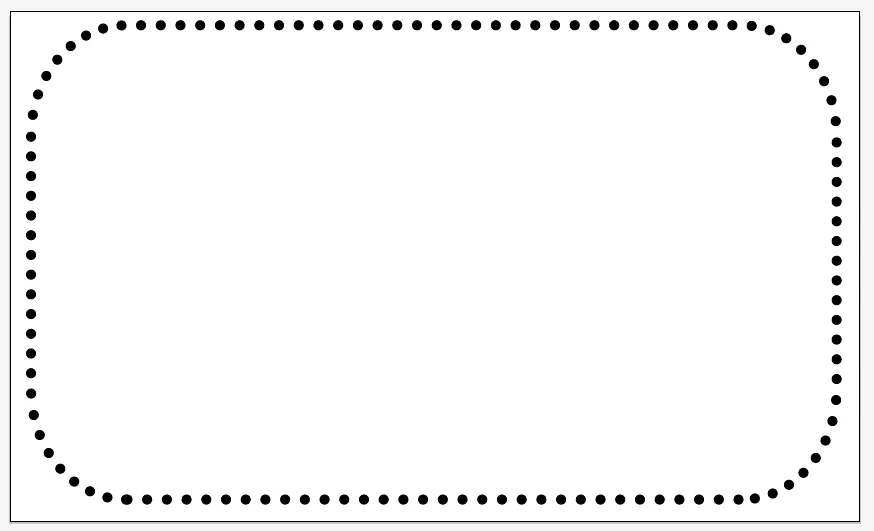
I am trying to find an easy way to lay out the peg holes of the board and I have figured out how to make one dot, copy that dot then go to Object>Blend>Blend Options to create a bunch of dots between the two I just made. I then took all of those dots in a line and replaced the spine on a rectangle I made however once I have done that I am not able to delete any of the dots.
Is there a way to have a bunch of dots follow a path but then be able to go through and delete individual dots (ie. every 6th dot on the line)?
Below is an image of what I have done and now I just want to be able to go through all these dots and delete every 6th one...is this even possible? Or is there a different way to create them all, have them follow a path but still be able to select and delete individual dots?
Hopefully this makes sense and someone can help.
Thanks
 AdChoices