Inspiring
January 14, 2025
Answered

creating a clipping mask by pressing ALT on the top layer does not work

  • January 14, 2025
  • 3 replies
  • 563 views

This is yet another "I saw someone do this but for some reason it does not work when i do it"


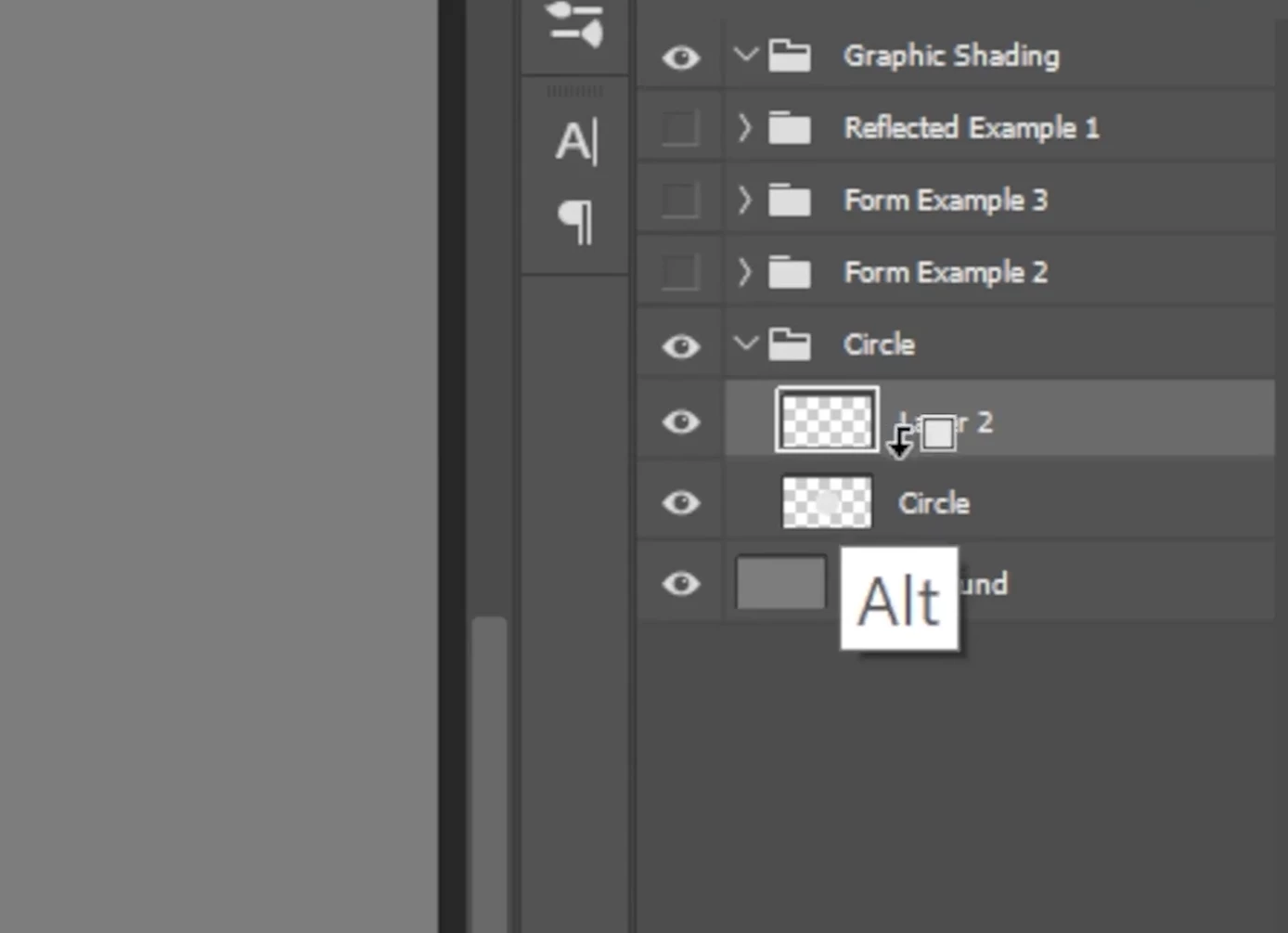
I'm trying to create a clipping mask. The guide says "create a clipping mask by holding alt/option, and wait for this little arrow to come down"

When i hold alt nothing happens, when I try to drag it towards the layer below, the cursor changes to a plus, and all it does is duplicate the layer.


This is what I'm trying to get: (cursor changes to arrow icon)
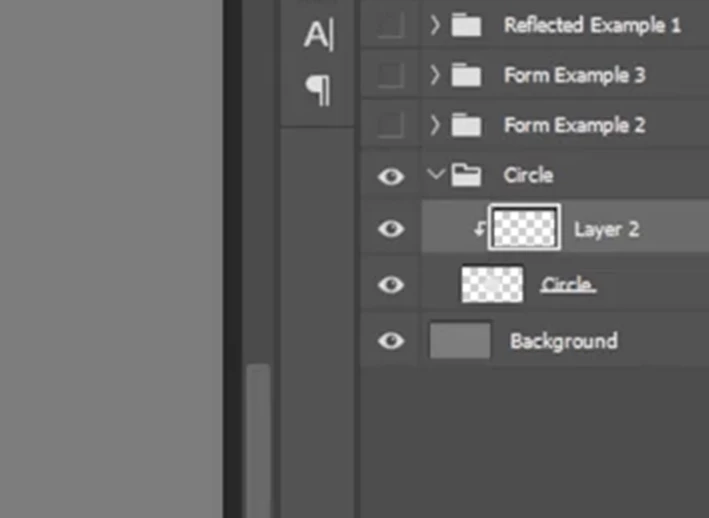
layers appear staggered and not directly on top of eachother or in the same layer:
 

thank you in advance!
Correct answer Mike_Gondek10189183

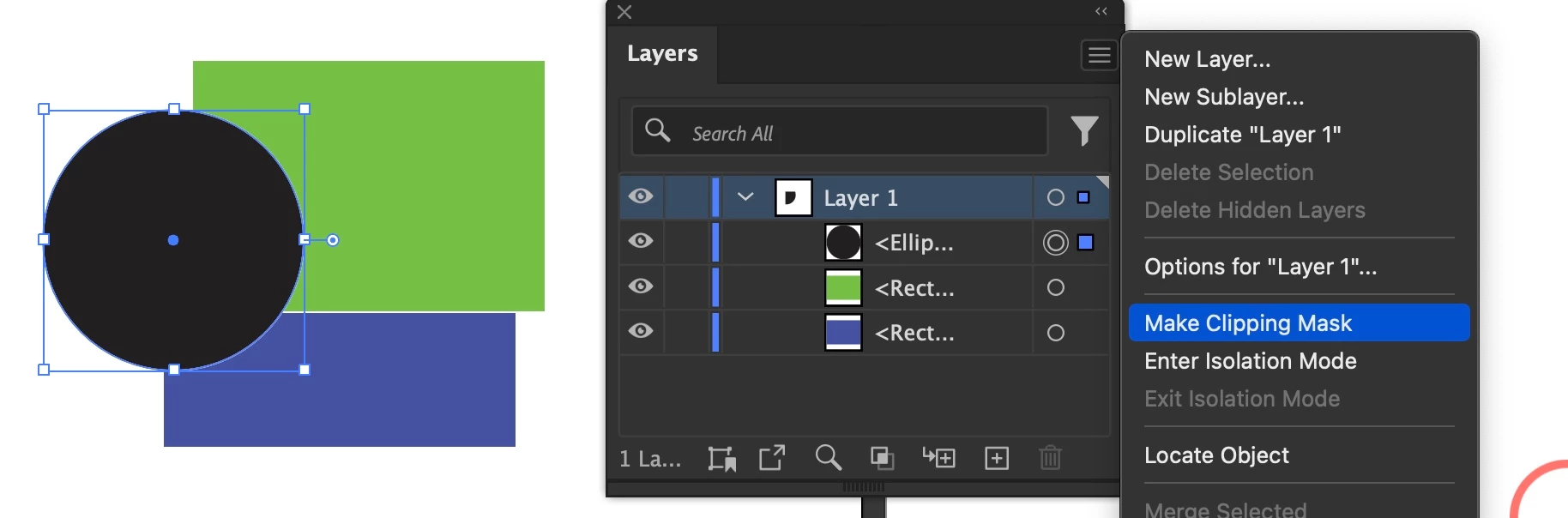
That screenshot is from a Photoshop shortcut, so you can not do that in Illustrator.


You can though use the flyout menu option. It is often greyed out so I never use as it is very picky.

3 replies

Mike_Gondek10189183
Community Expert
Mike_Gondek10189183Community ExpertCorrect answer
Community Expert
January 14, 2025

That screenshot is from a Photoshop shortcut, so you can not do that in Illustrator.


You can though use the flyout menu option. It is often greyed out so I never use as it is very picky.

Monika Gause
Community Expert
Community Expert
January 14, 2025

It's not really picky. There needs to be a path or compound path at the top of the layer and then you need to highlight the layer and then it is active. Its a very powerful feature.

Monika Gause
Community Expert
Community Expert
January 14, 2025

That tutorial is about Photoshop

PonyxPonyAuthor
Inspiring
January 15, 2025

Thank you for your comment but no, tbis is a screenshot I took and cropped, it may look like its Photoshop but it is very much Illustrator.

PonyxPonyAuthor
Inspiring
January 14, 2025

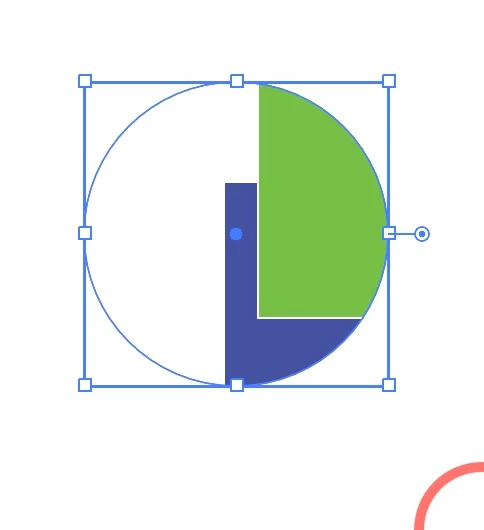
This is what I was able to do, in other methods.
Im wondering why are they looking different from the guide im following, they seem to be operating the same way.