Beau,
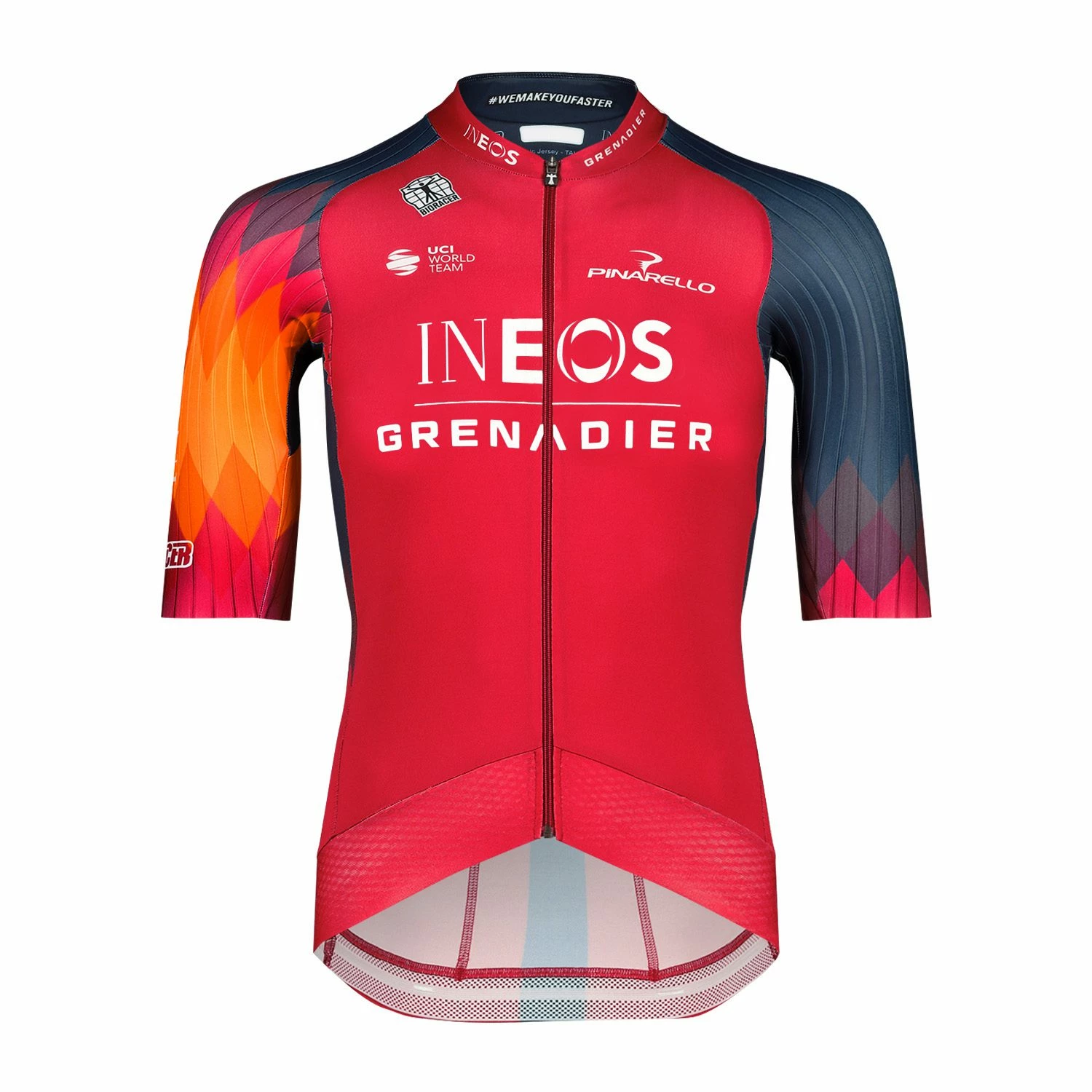
"I would like to make a diagonal checkered pattern similar to the ones shown in this post, including the gradient fade,"
One crucial aspect is that each square diamond shape in the chequered pattern has a solid colour.
Presuming you are working on the actual print, you can just work with a pattern of squares where each row of square diamonds has the same colour midway between the colours above and below.
And you can create a Blend of identical filled paths representing the colours of the jersey below and above the pattern and the intermediate colours of the rows of diamonds in between. You can:
1) Create an oversized checkered pattern with vertical/horizontal divisions and rotate by 45 degrees, then remove the unwanted squares; you can Group each row of square diamonds:
2) Create a path (with an arbitrary shape) and move a copy above it so they are aligned with the parts of the jersey below and above the pattern, then give them the corresponding fill colours;
3) Set the Blends Options to a number of Specified Steps identical to the number of rows, create the Blend, and Expand it;
This will give you all the colours in the pattern, each beside the corresponding row of square diamonds;
4) Select each row of square diamonds and Click the corresponding Blend step beside it with the Eyedropper Tool.
Now you have all the colours in the pattern.


 AdChoices