jordanmei
Participant
September 27, 2017
Answered

Creating a Die Cut line from a PNG in AI

  • September 27, 2017
  • 3 replies
  • 20253 views

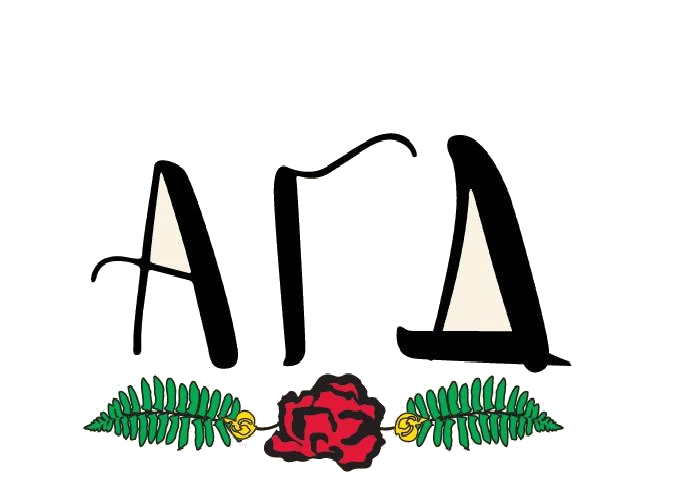
I have a beautiful PNG file that I want to turn into a sticker. I have been trying all day to create a die cut line around the image so it has a nice even white border. I have watched countless Youtube videos and tried EVERYTHING. How can I do this? Please help!!
Correct answer Doug A Roberts

How about this one?


or have a go with a trace.

place your png.

make a copy and place on a new layer. hide the layer with the png (for convenience).

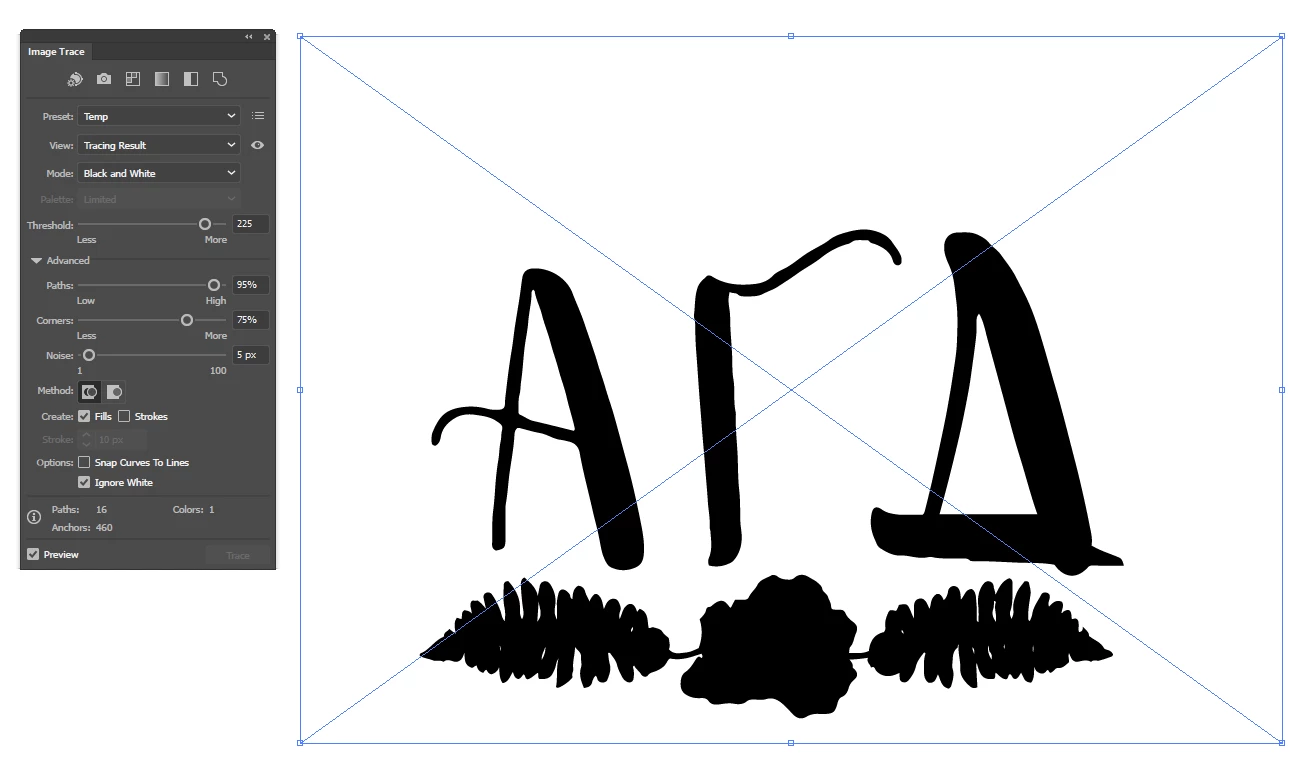
trace the png on a setting with a high threshold:

expand the trace and ungroup.

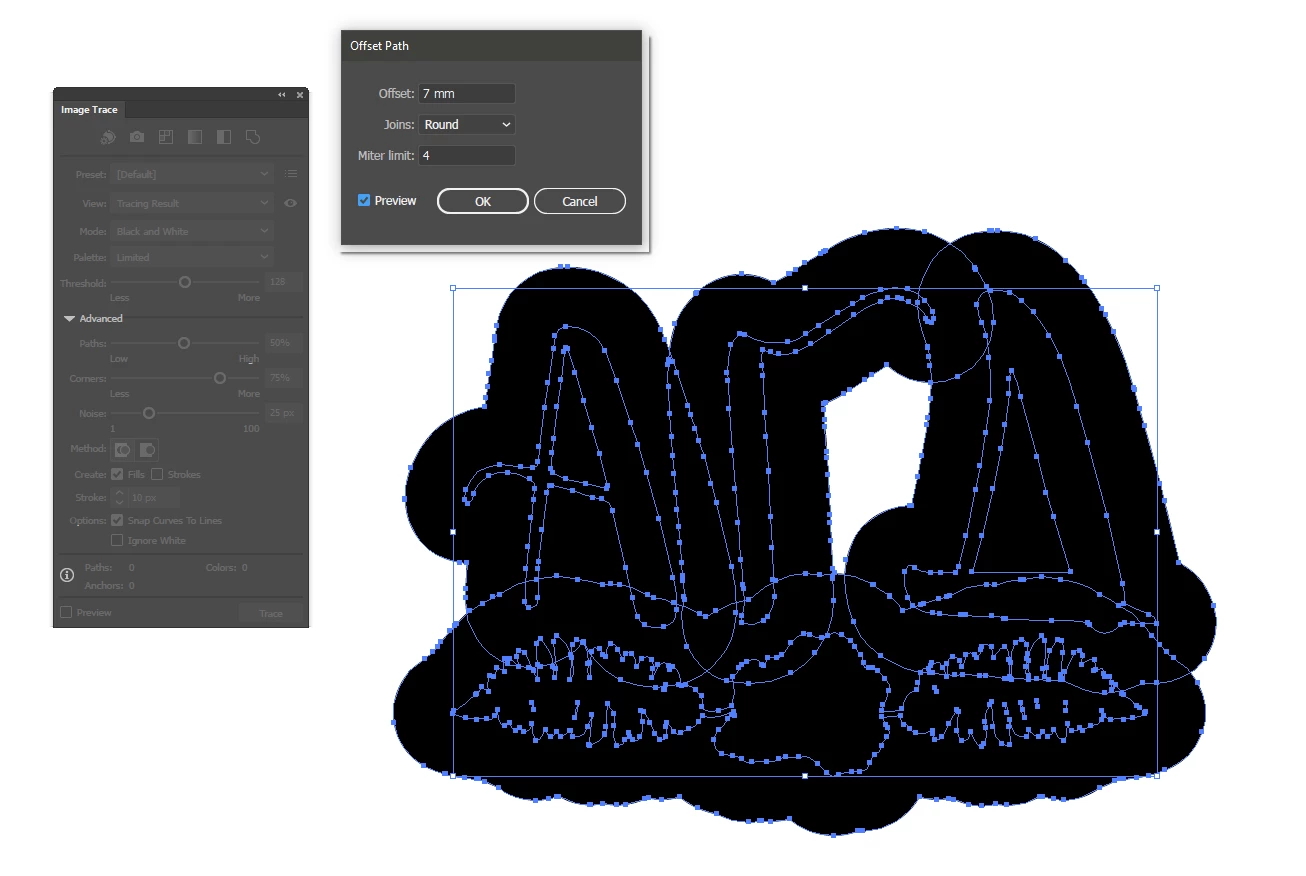
use Object > Path > Offset path and give it enough so the offset from each element overlaps others. use round joins:

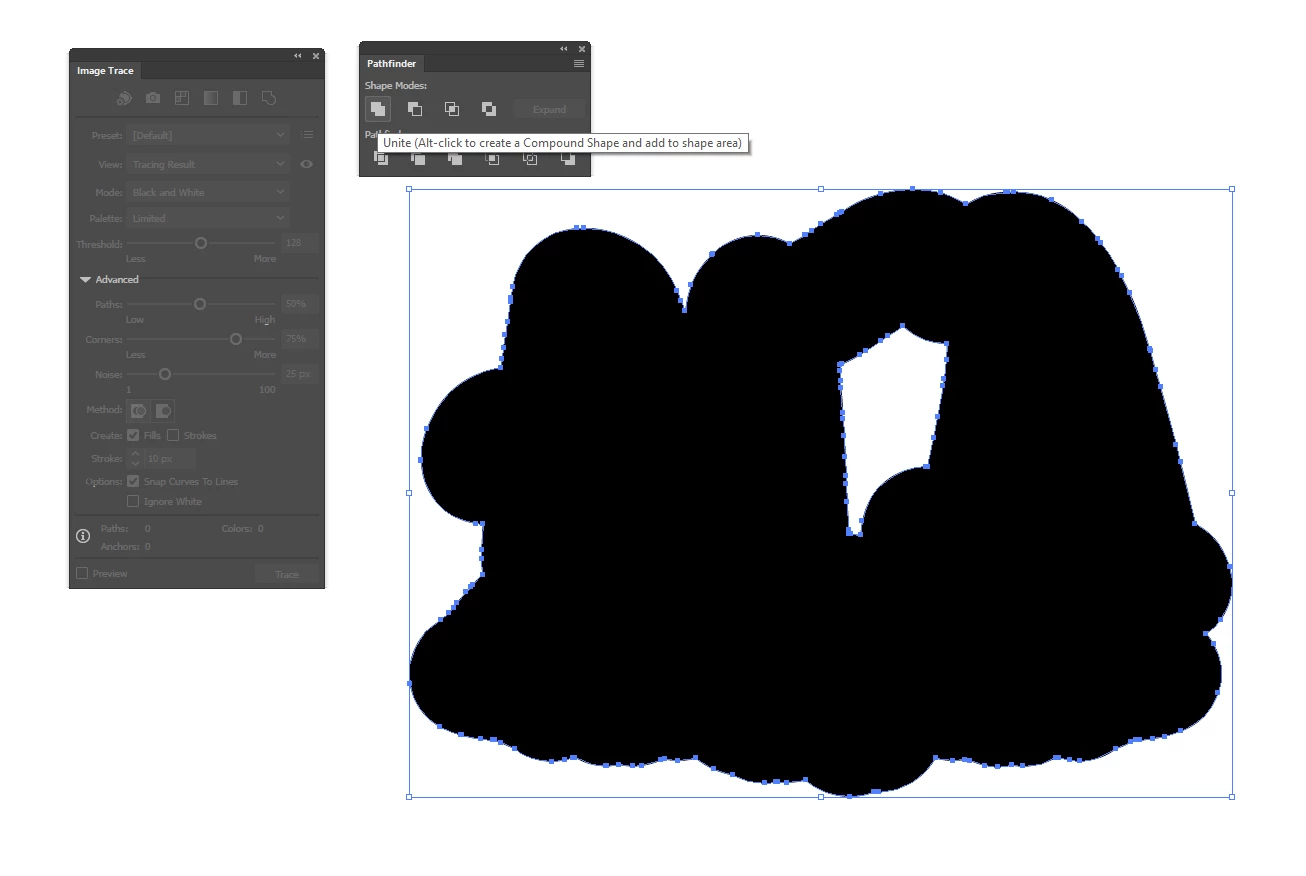
use pathfinder to unite the paths created by the offset.

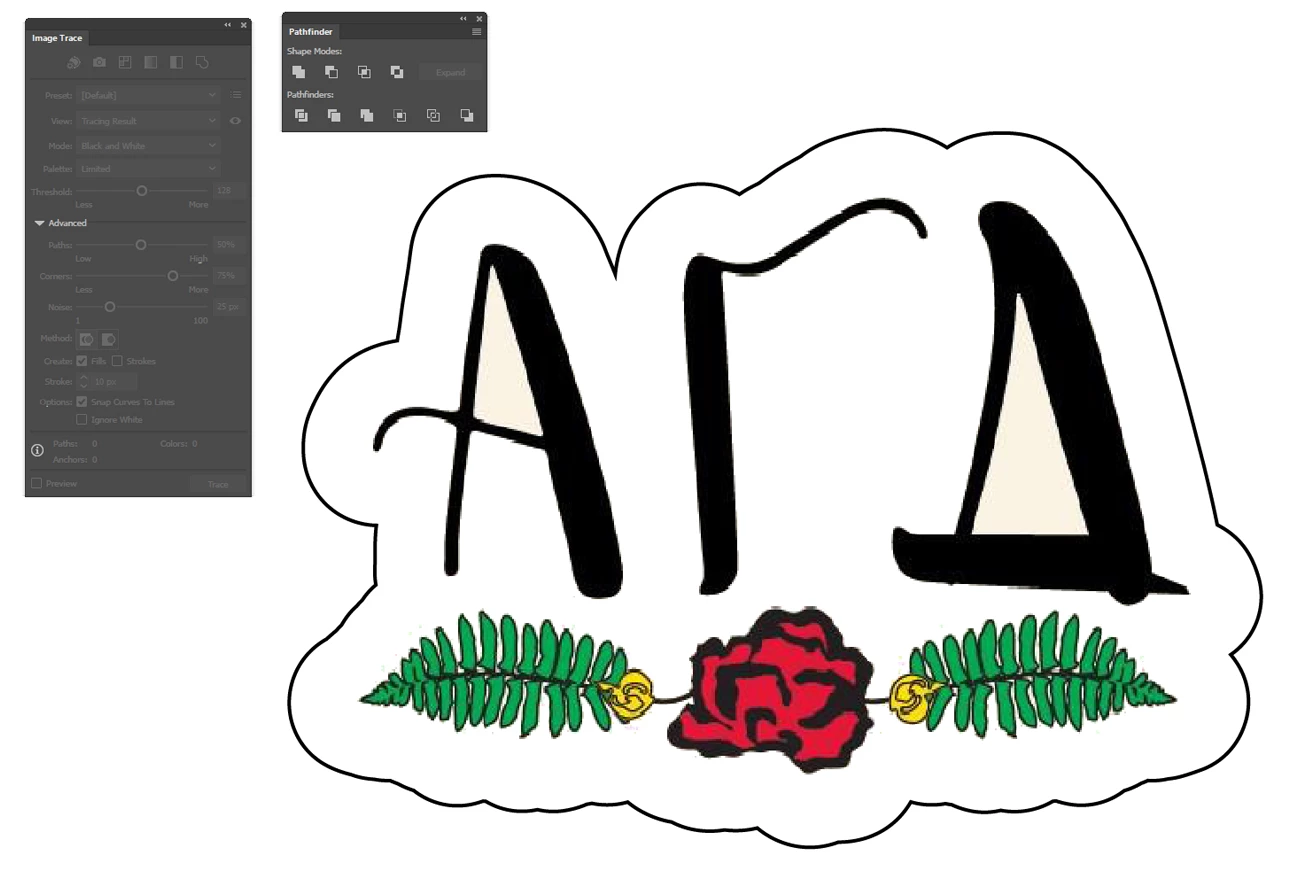
delete the extra hole. give your path a stroke and no fill. delete the original traced paths. show the layer with the png again:

3 replies

Participant
April 2, 2025

I know this is an old thread but some recent innovation has made this much easier.  There's a web app cutcontour.com that does this now.  I put your file in it and the results were apot on.

Jacob Bugge
Community Expert
Community Expert
September 27, 2017

Jordan,

Depending on the shape of the outer bounds of the actual artwork in the PNG, you may recreate it with the drawing tools, such as Rectangle Tool, Elleips Tool, Pen Tool, working on top of the locked image, or you may use Image Trace (or Live Trace/Auto Trace for older versions) with suitable settings.

https://helpx.adobe.com/illustrator/using/image-trace.html

You may also look here:

http://blogs.adobe.com/adobeillustrator/2013/07/image-trace-in-illustrator-a-tutorial-and-guide.html

Always expand after image tracing to get things to work.

Select it/them and Object>Image Trace>Expand.

Monika Gause
Community Expert
Community Expert
September 27, 2017

Please show the artwork.

jordanmei
jordanmeiAuthor
Participant
September 27, 2017

jordanmei
jordanmeiAuthor
Participant
September 27, 2017

Jordan,

I believe this is one for the drawing tools on top of the (locked) image: only you can decide where you want to have the white line/border.


How about this one?