Exit
  • Global community
    • Language:
      • Deutsch
      • English
      • Español
      • Français
      • Português
  • 日本語コミュニティ
  • 한국 커뮤니티
1

Creating multiple lines within a triangle

Community Beginner ,
Jan 27, 2024 Jan 27, 2024

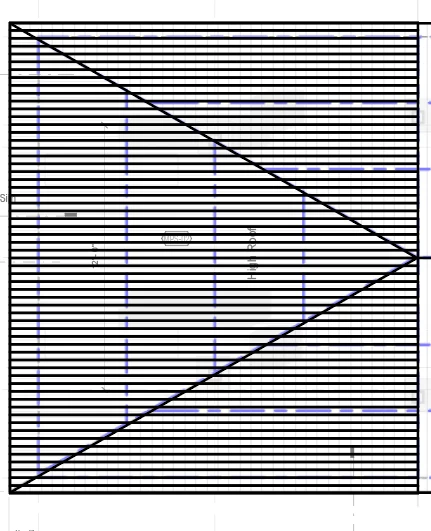
I want to create a grid within a triangle consisting of only rows or columns, however, the grid it created has a bounding box of a rectangle rather than a triangle:


I am attempting to do this from Object -> path -> split into grid. 
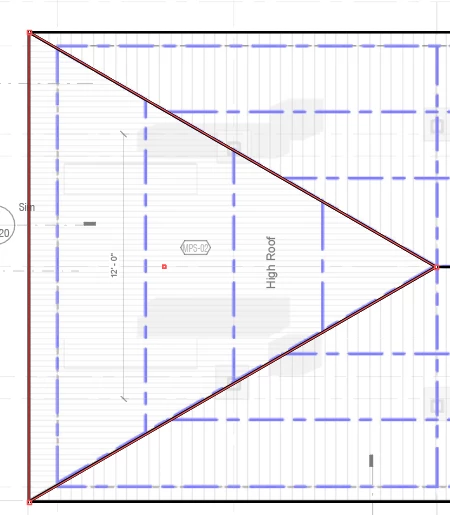
 

GAVIN26044189r9ku_0-1706377686070.pngGAVIN26044189r9ku_1-1706377718657.png


TOPICS
Draw and design , Tools , Type
238
Translate
Report
Community guidelines
Be kind and respectful, give credit to the original source of content, and search for duplicates before posting. Learn more
community guidelines
Adobe
Community Expert ,
Jan 27, 2024 Jan 27, 2024
LATEST

Gavin,


If it is a matter of just keeping up appearances, you can use the triangle as a Clipping Path for the lines, creating a Clipping Mask/set; you can reapply the stroke or use a copy for the mask.


You can also use Draw Inside which is basically the same way.

Translate
Report
Community guidelines
Be kind and respectful, give credit to the original source of content, and search for duplicates before posting. Learn more
community guidelines