

Roger Breton
Brainiac
August 19, 2024
Question

Creating New "Stroke"' Profiles with the Width tool

  • August 19, 2024
  • 1 reply
  • 390 views

I use this (one of the Default)  Profile for my project:
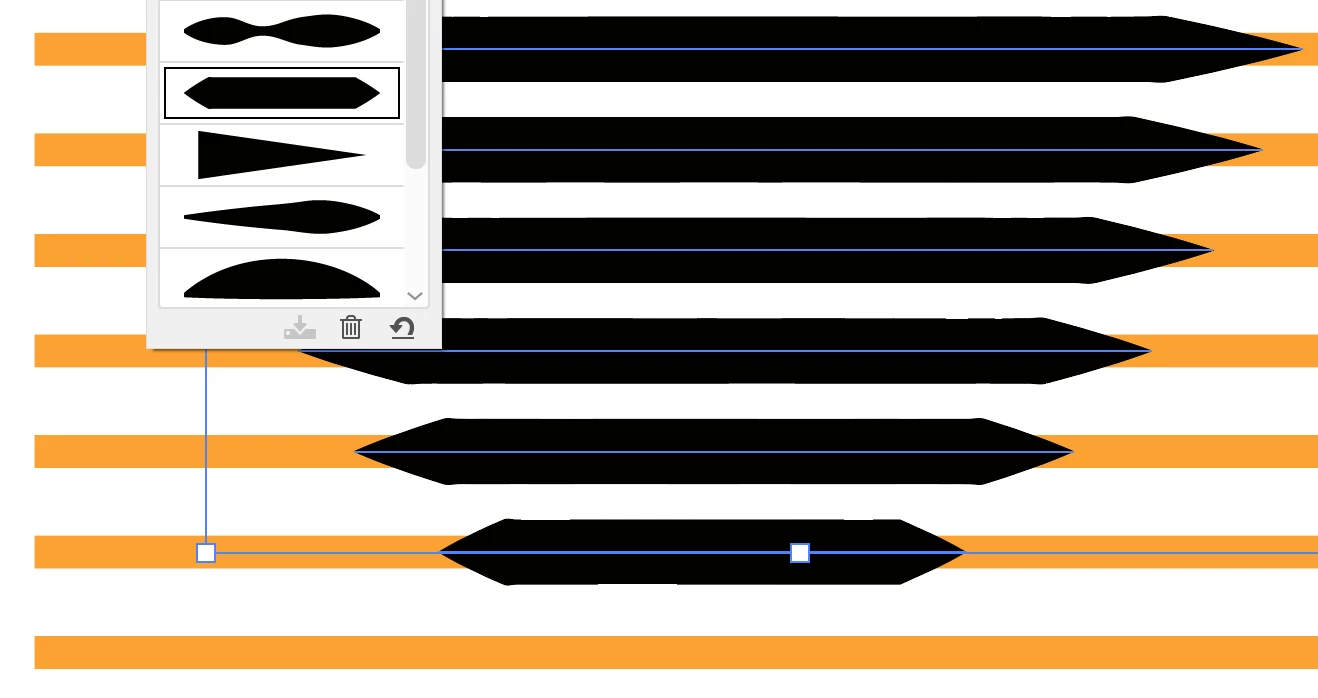
But I found the "tip" too pointed?
So I edited it with the Width tool but there are a number of "difficulties" I could work around?
This is where I got, so far:
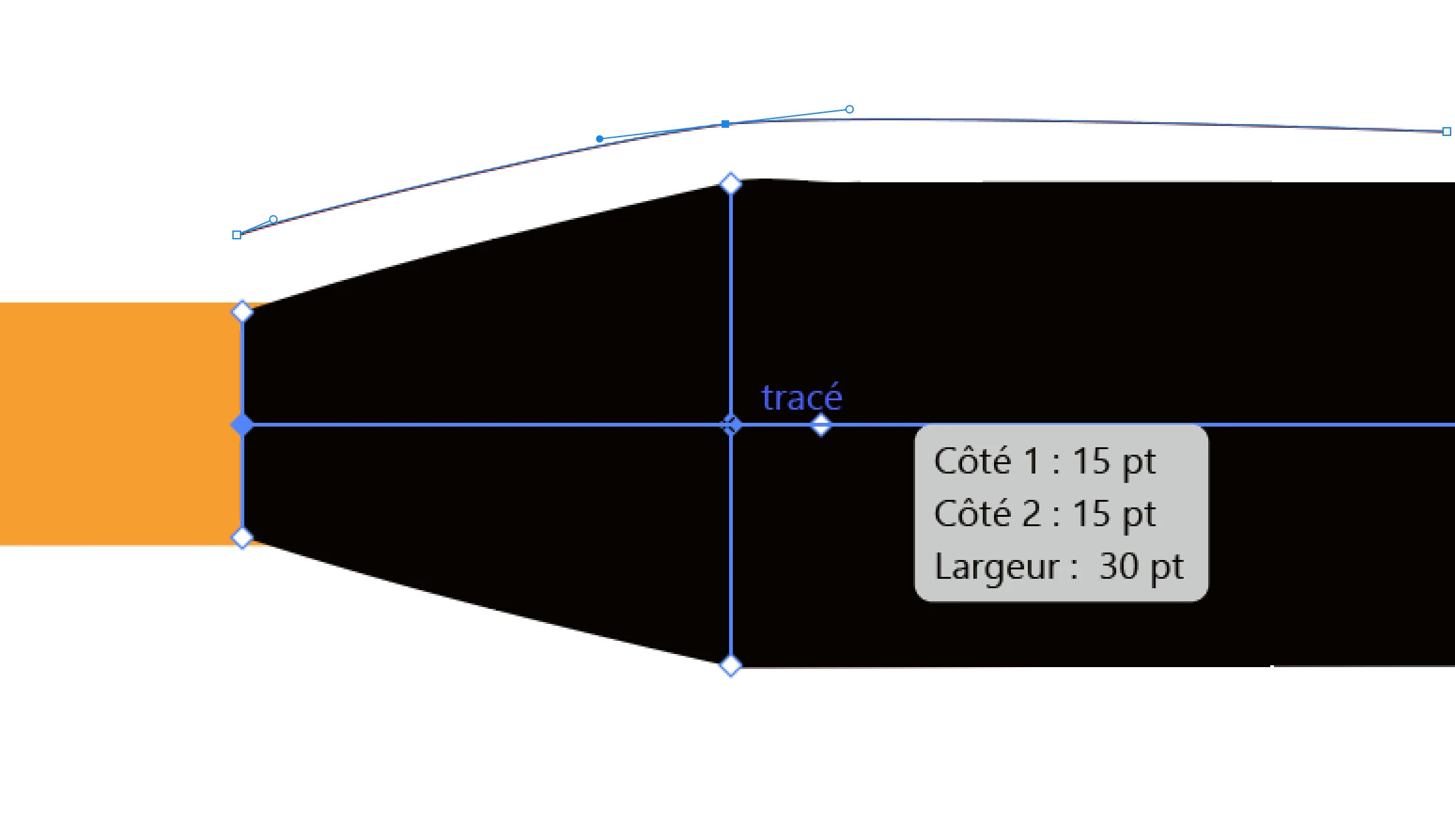
You see the "tip" of the Profile that I thickened but how would I "smooth" the two points where the thickness of the Profile becomes 30 pts, the thickness of the Stroke? That does not seem to be possible. 
I wish Adobe would make some kind of "Profile Editor"... 


This topic has been closed for replies.

1 reply

Kurt Gold
Community Expert
August 19, 2024

You can smooth out it by adding and modifying more width points. Depending on your demand it may require an unreasonable number of additional width points, though.


Therefore a question arises: Perhaps it's better to create and use appropriate brushes for your Coke bottle in that case?

Roger Breton
Brainiac
August 19, 2024

That is a good suggestion.
The (Stroke) Profiles feature is very underrated in Illustrator.
Adobe ought to invest a little programming in it, in my opinion...