
Participating Frequently
August 28, 2018
Answered

Creating outline
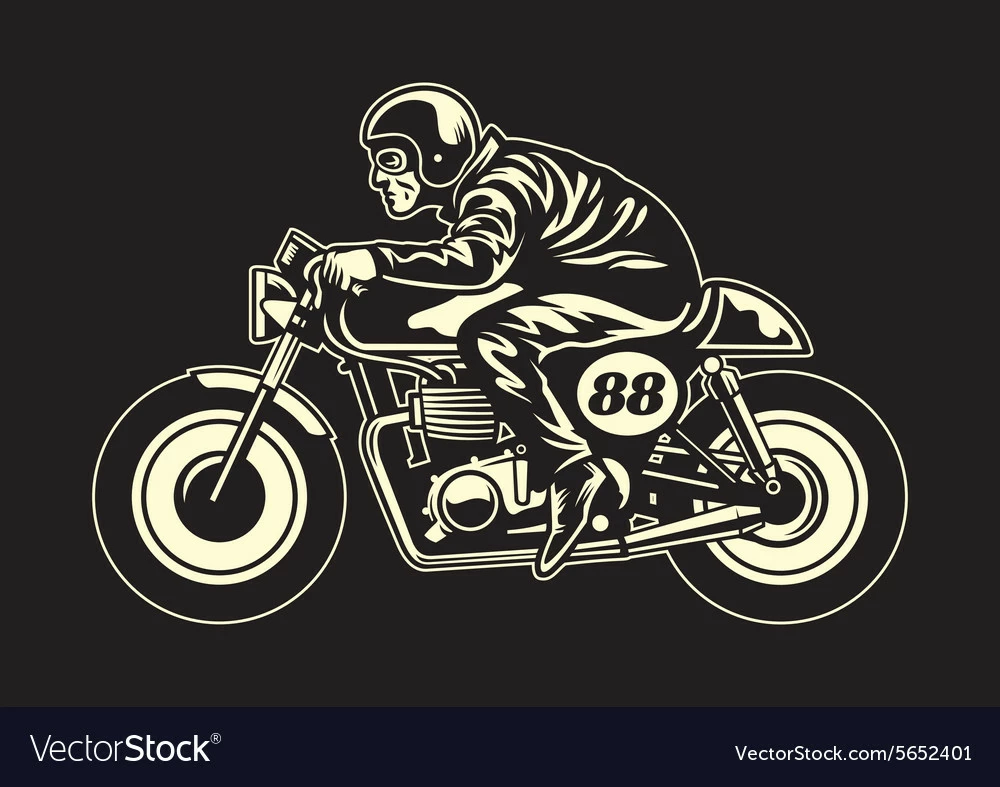
  • August 28, 2018
  • 2 replies
  • 585 views

Hi there, I am interested in learning how to create an image like this. In particular I'd like to learn and understand how to create that overall white outline around the image. I'm assuming the final image is just the white parts and the "black" is just empty and filled by whatever background color it is placed on. Hopefully that makes sense and I look forward to any tips. Thanks.
    This topic has been closed for replies.
    Correct answer Doug A Roberts

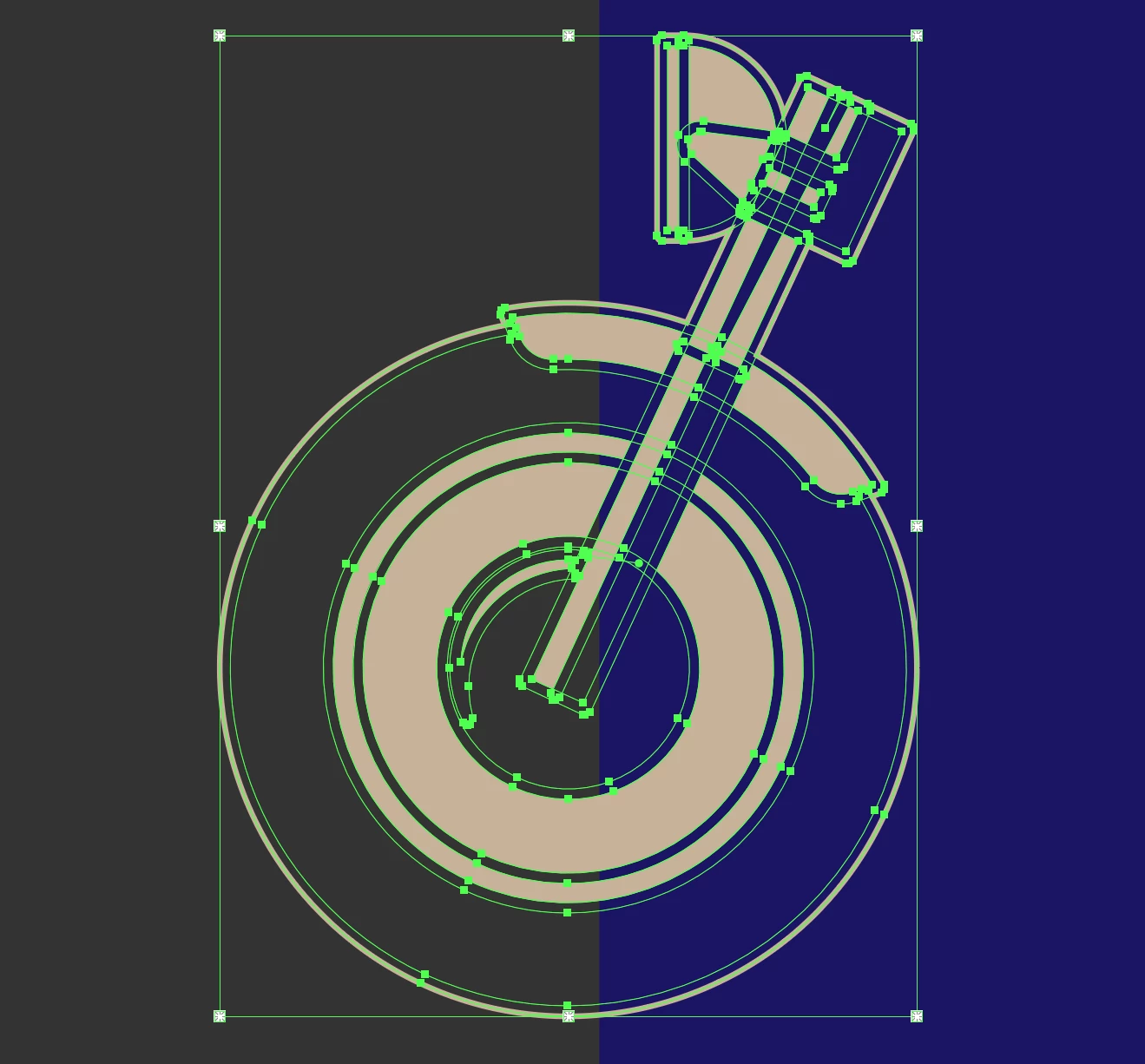
    here's a quick example of what I would do:

    draw the shapes involved, with a stroke to account for the fixed-width dark areas around some shapes. outline the stroke. create a live paint group and fill in the coloured areas. When you're finished, create the final outline separately: duplicate the live paint group, fill it all one colour, expand it, use pathfinder > unite, then switch it from fill to stroke.

    2 replies

    Doug A Roberts
    Community Expert
    Doug A RobertsCommunity ExpertCorrect answer
    Community Expert
    August 28, 2018

    here's a quick example of what I would do:

    draw the shapes involved, with a stroke to account for the fixed-width dark areas around some shapes. outline the stroke. create a live paint group and fill in the coloured areas. When you're finished, create the final outline separately: duplicate the live paint group, fill it all one colour, expand it, use pathfinder > unite, then switch it from fill to stroke.

    Cons19Author
    Participating Frequently
    September 5, 2018

    I feel like I understand what you said, but we'll see once I try it out haha. I tend to muddle things up sometimes when I'm learning new concepts. Thanks for the response

    Monika Gause
    Community Expert
    Community Expert
    August 28, 2018

    You can draw that any way you want. Using black and yellow shapes and strokes, with parts overlapping etc.

    The final step would then be to generate this outline around all the other elements. Outlining strokes. Combining it all in a way that only the yellow is left.