
Exit
  • Global community
    • Language:
      • Deutsch
      • English
      • Español
      • Français
      • Português
  • 日本語コミュニティ
  • 한국 커뮤니티
0

Creating "placeholder objects"?

Community Beginner ,
Dec 16, 2020 Dec 16, 2020

Hi.

I wonder if anyone can tell me, if or how i can create some kind of "placeholder object".


I have to create a template for printing, where numerous logos have to be placed at exact places. 

Is it possible for me to create some kind of temporary logo or object, where I can then just swap out one of the logos, and it then swaps out every logo, and still keeps the right placement? (see photo)
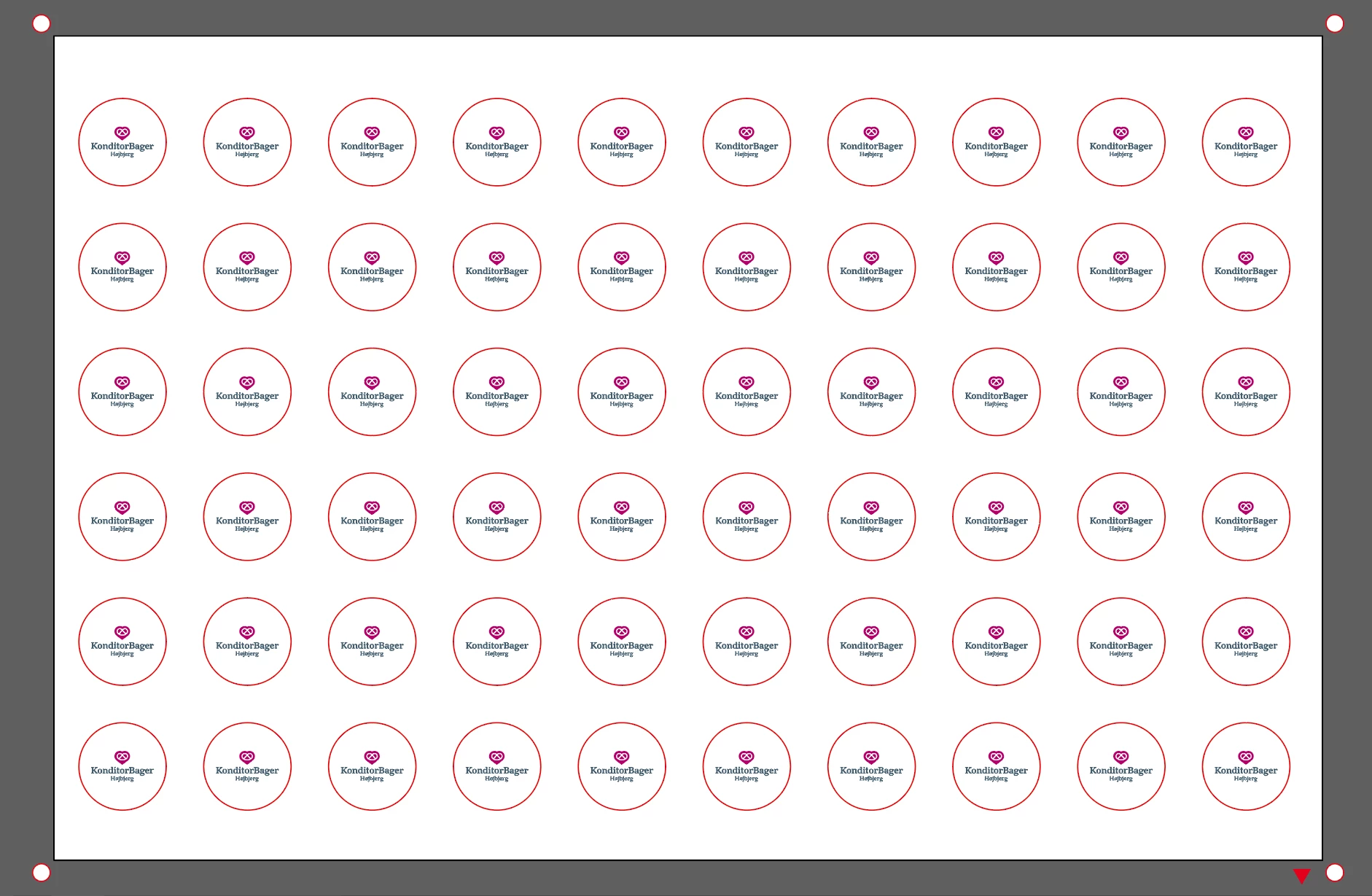
 

jig_snip.PNG


Thank you.

TOPICS
Print and publish , Tools
316
Translate
Report
Community guidelines
Be kind and respectful, give credit to the original source of content, and search for duplicates before posting. Learn more
community guidelines
Adobe
Community Expert ,
Dec 16, 2020 Dec 16, 2020

You could make a symbol, then replace it when needed.

https://helpx.adobe.com/uk/illustrator/using/symbols.html

Translate
Report
Community guidelines
Be kind and respectful, give credit to the original source of content, and search for duplicates before posting. Learn more
community guidelines
Community Beginner ,
Dec 16, 2020 Dec 16, 2020

That makes sence. Thank you. 

But is there no way to do like a "find and replace" on objects, logos etc., without them having to be symbols first?

Translate
Report
Community guidelines
Be kind and respectful, give credit to the original source of content, and search for duplicates before posting. Learn more
community guidelines
Community Expert ,
Dec 16, 2020 Dec 16, 2020

global edit does this.

Translate
Report
Community guidelines
Be kind and respectful, give credit to the original source of content, and search for duplicates before posting. Learn more
community guidelines
Community Beginner ,
Dec 16, 2020 Dec 16, 2020
LATEST

This could be the one for me. Thank you for your answer.

The thing is though, when i have selected more than one object/logo, the replace check box is greyed out (replace in File > place)


Capture12.PNG

Translate
Report
Community guidelines
Be kind and respectful, give credit to the original source of content, and search for duplicates before posting. Learn more
community guidelines
Community Expert ,
Dec 16, 2020 Dec 16, 2020

One instance of your logo with two instances of Effect > Distort and Transform > Transform...


Once you have worked out the numbers to use, you can apply the settings for any of your logos. 

Screen Shot 2020-12-16 at 8.53.59 AM.png Screen Shot 2020-12-16 at 8.54.53 AM.pngScreen Shot 2020-12-16 at 8.55.13 AM.png Screen Shot 2020-12-16 at 8.56.09 AM.png

Translate
Report
Community guidelines
Be kind and respectful, give credit to the original source of content, and search for duplicates before posting. Learn more
community guidelines