

Answered
Creating Rounded Elongated Triangle in Illustrator CS6
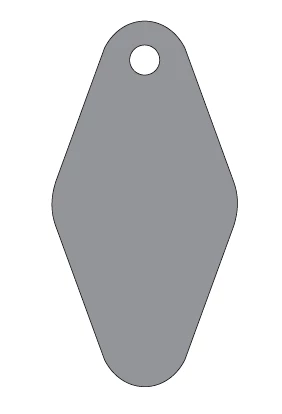
 I cannot figure out how to correctly create this shape in CS6, I use rounded corners from stylize effect, but the the top and bottom corners will not stay as widely rounded as the pictured triangular shape. can anyone please help show me a method to creating this shape?
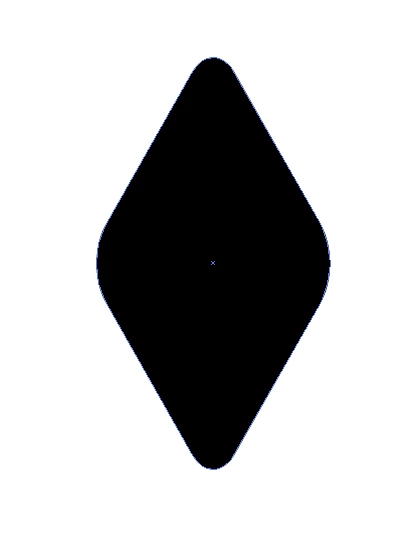
below is what I keep getting.
 AdChoices