
charityeve
Participant
July 19, 2017
Answered

Crop in Illustrator

  • July 19, 2017
  • 5 replies
  • 1861 views

Hello,

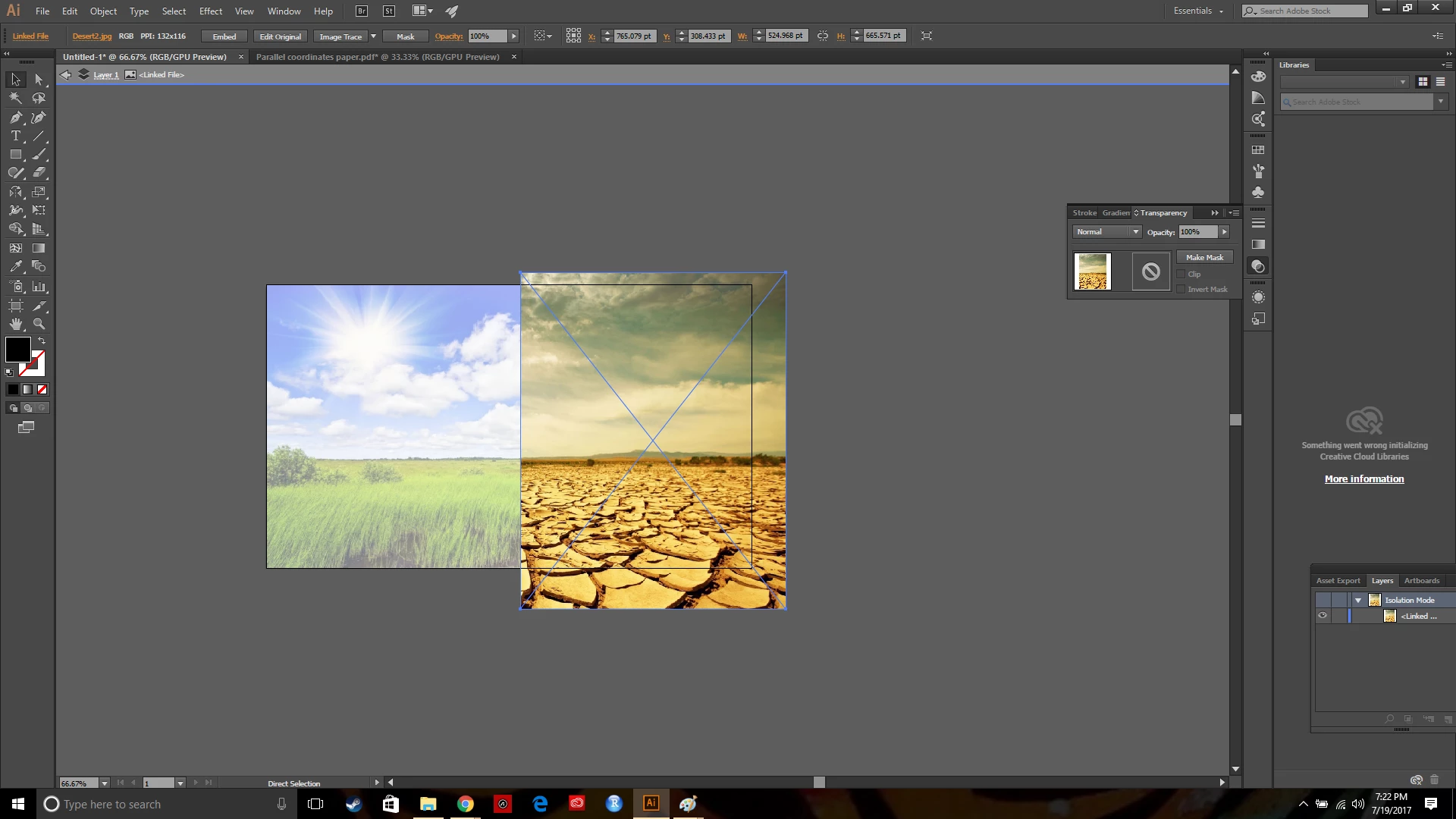
I am attempting to complete a project in Illustrator. Every time I attempt I run into this and usually end up giving up but I am super motivated. I can't for the life of me figure out how to crop my image. I know that there is supposed to be a button that says "Crop" next to "Mask" on the toolbar, but I see no such button. I haven't found any other explanation. Help would be greatly appreciated
    This topic has been closed for replies.
    Correct answer Ton Frederiks

    I can see (your screendump shows the old tool icons) that you are using an older version.

    Update to the latest version to get the Crop function.

    5 replies

    Ton Frederiks
    Community Expert
    Ton FrederiksCommunity ExpertCorrect answer
    Community Expert
    July 20, 2017

    I can see (your screendump shows the old tool icons) that you are using an older version.

    Update to the latest version to get the Crop function.

    gökhanyaka
    Participating Frequently
    July 20, 2017

    Hi,

    I guess that you don't use latest version of illustrator and so you should use Clipping Mask option to border images.

    Ray Yorkshire
    Participating Frequently
    July 20, 2017

    what version of illustrator is this?

    maybe update to a newer version

    sharp_hands16B8
    Community Expert
    Community Expert
    July 20, 2017

    After you select your image, go to OBJET > CROP IMAGE. (It's just above Rasterize) That will give you a crop bounding box similar to what you would see in other applications. It puts you into a temporary mode where all that image object is available. From there, you can adjust your crop however you would like.

    kglad
    Community Expert
    Community Expert
    July 19, 2017