Inspiring
September 28, 2016
Answered

Current Document Tabs Disappeared

  • September 28, 2016
  • 4 replies
  • 138997 views

Hi,

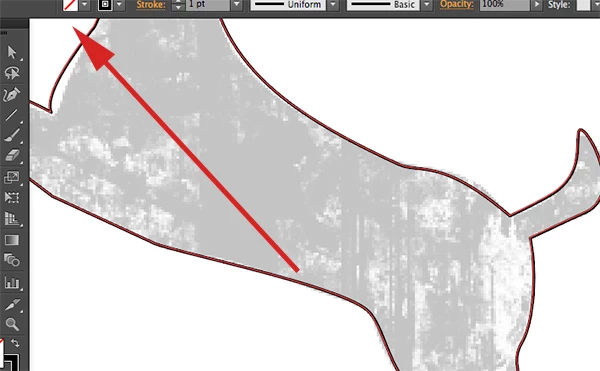
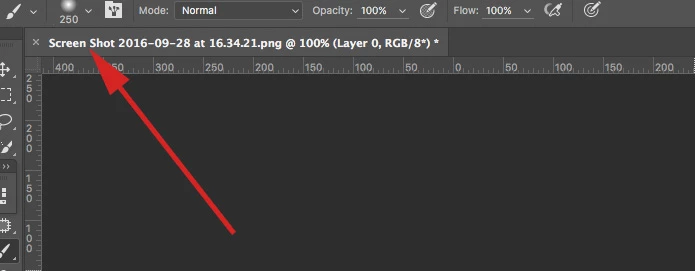
I've noticed a couple of times in illustrator recently my current document tab has disappeared (with/without images below).  When I quit the application and re-open it, it comes back, but it's starting to happen more often.  Is there anyway to show the document tabs without having to quit the application?

Many thanks in advance for any help.
Correct answer Barb Binder

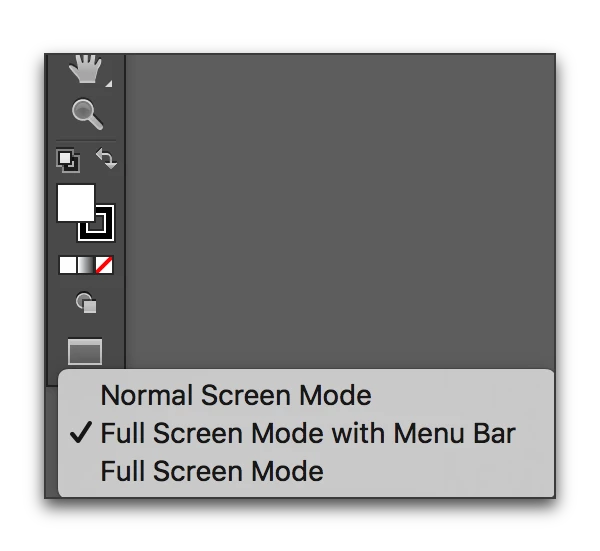
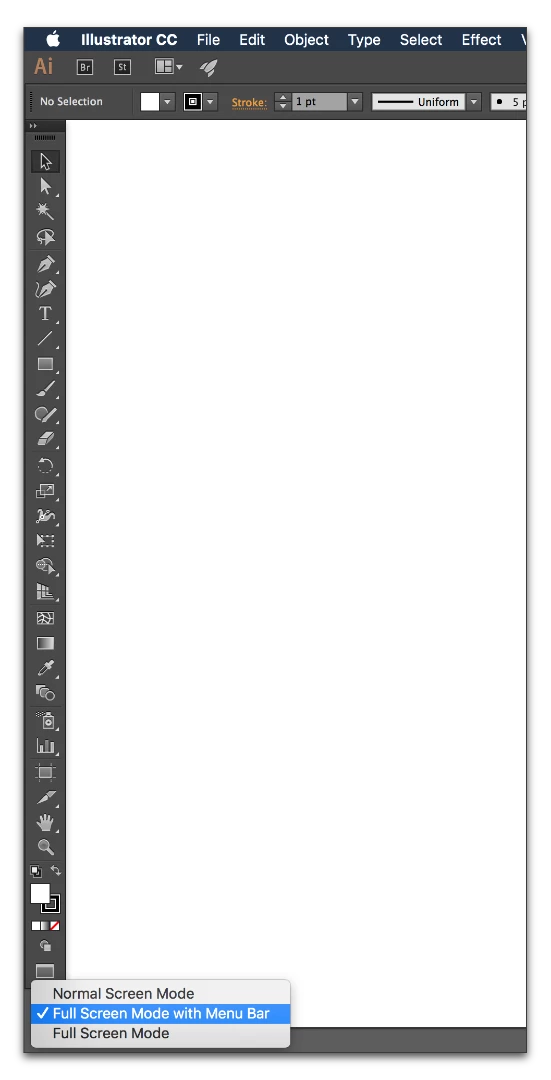
Or as I think about it, more likely, you have moved into Full Screen with Menu bar, which happens from this button or by simply tapping the letter F. Tap F until the tab bar returns.

This versus:

this:

4 replies

R Fowler
Participant
November 5, 2021

It worked for me. Crisis avoided! lol

Participant
November 5, 2018

thanks! it really helps

Participant
June 17, 2021

Thank You!!! What a nutty thing to happen. It was driving me nuts.

Barb Binder
Community Expert
Barb BinderCommunity ExpertCorrect answer
Community Expert
September 28, 2016

Or as I think about it, more likely, you have moved into Full Screen with Menu bar, which happens from this button or by simply tapping the letter F. Tap F until the tab bar returns.

This versus:

this:

~Barb at Rocky Mountain Training
Inspiring
October 1, 2016

Ah yes, this is what is doing it.  I seemed to have gotten into the habit of subconsciously lightly tapping my index finger on my left hand up and down when drawing with my tablet with my right hand. 

Barb Binder
Community Expert
Community Expert
October 2, 2016

Ah ha! Well, recognizing that behavior is the critical first step to changing it... I watch my students do so many unconscious little things while I'm teaching—that they swear they didn't do. It's human nature. Good for you for figuring it out on your own.

~Barb at Rocky Mountain Training
Barb Binder
Community Expert
Community Expert
September 28, 2016

I wonder if the file is undocking and sliding behind the toolbar and control panel? Next time it happens try clicking this button on the Application bar.

Arrange Documents button > Consolidate All (to tabs)

~Barb at Rocky Mountain Training
rjgajsek
Known Participant
September 22, 2020

This is the one that worked for me. Just wish this was available in the menu system instead of scrolling, clicking and pausing on icons