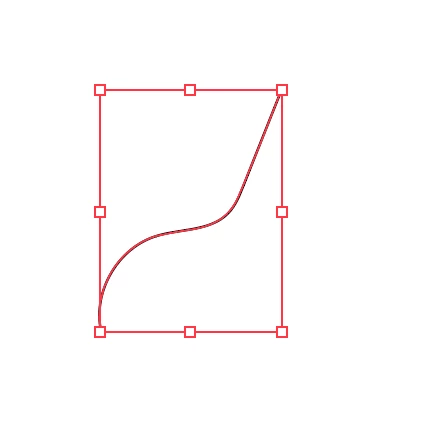
If this is what you want:

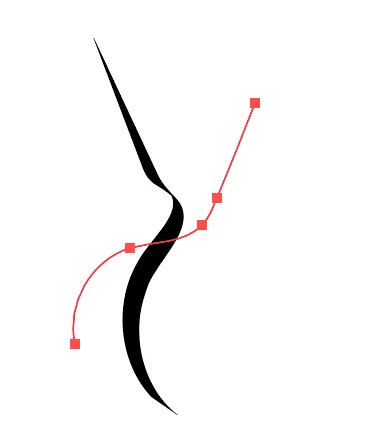
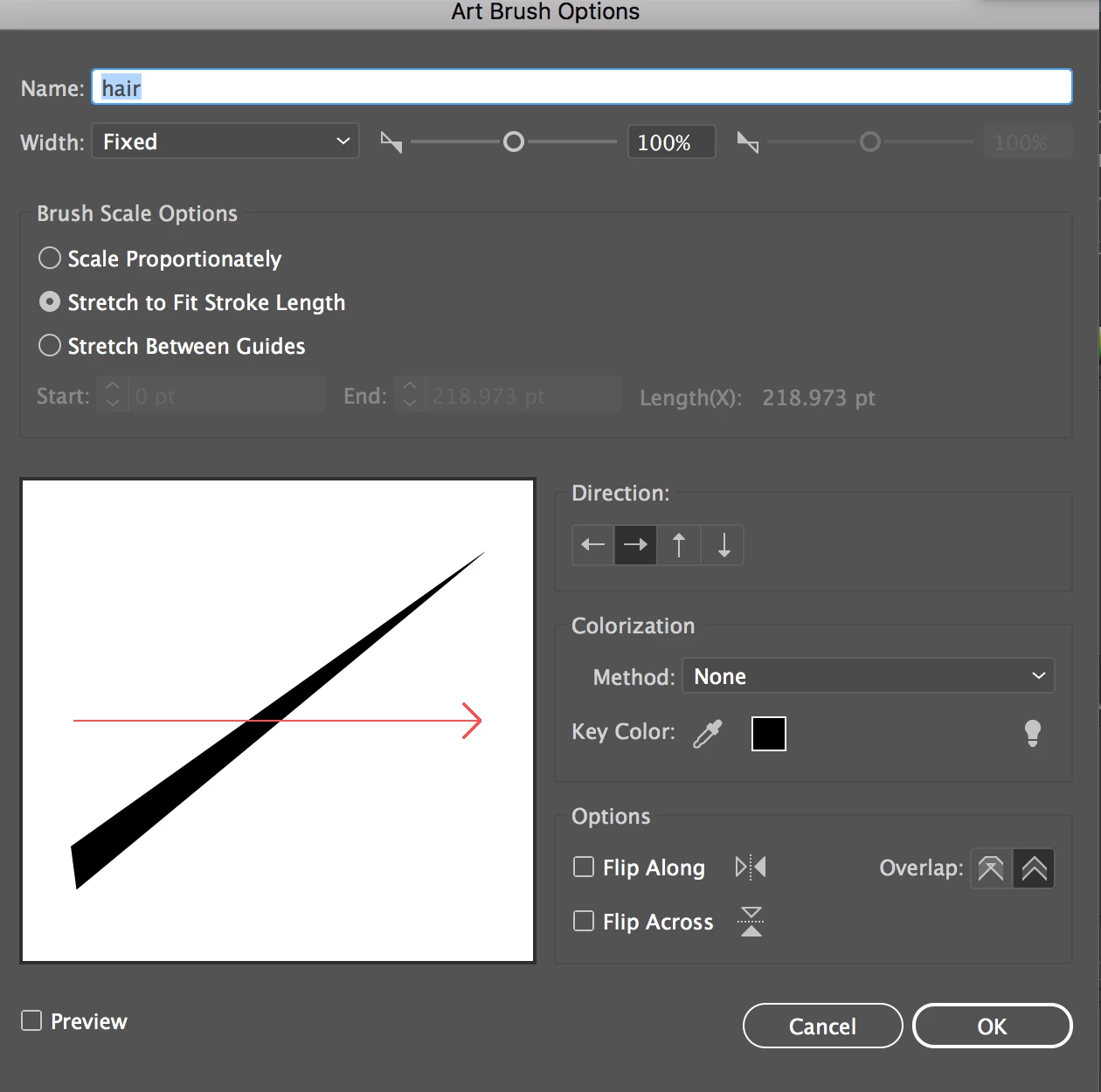
then the shape you make your brush from needs to be oriented like this, to follow the arrow in the Brushes panel:

If you still have the original path you drew, rotate it so that it lies horizontally, then opt/alt-drag the shape on top of the image of your brush in the Brushes panel.
If you no longer have the original path, open the Brushes panel, click and drag the image of your brush onto the Artboard. Select it and rotate it so that it lies horizontally. With the path still selected, take the Direct Selection Tool (the white arrow), and drag a selection marquee through the bounding box above or below (but not both) your drawn path (this selects a no-stroke, no-fill rectangle that all brushes have), and delete twice, or until nothing is selected. Then opt/alt-drag the shape on top of the image of your brush in the Brushes panel. Your brush should now behave as you expect.
Please let me know If this is confusing or doesn't work for you.
Peter

 AdChoices