

Answered
Custom Keyboard Shortcuts missing
I have created a set of keybord shortcuts in Illustrator 2023 (27.6.1) - My system is Ventura 13.4.1
I often find that some of my custom shortcuts stop working or go missing. I have created a custom set called 'MD2023', but some of the shortcuts disappeares from time to time.
I would like to keep a safe copy of these settings and to be able to 'reinstall' them again - Also I am working on more than one copy of Adobe Illustrator, and I would like the ability to update/sync manually from time to time.
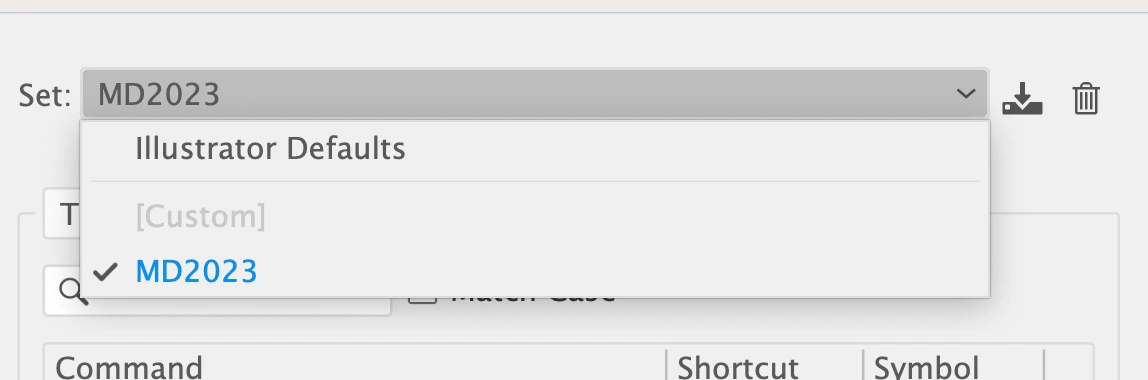
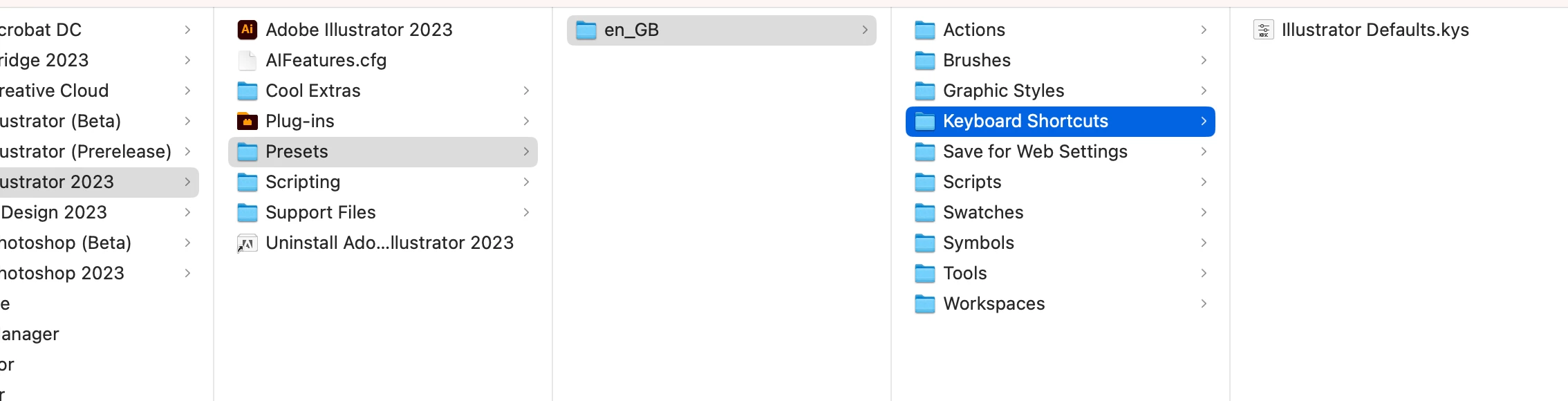
The custom shortcut set MD2023 is not in the folder called "Keyboard shortcuts", which I would have expected:
Does anybody know a fix to this?
Thank You for your time.
++michael
 AdChoices