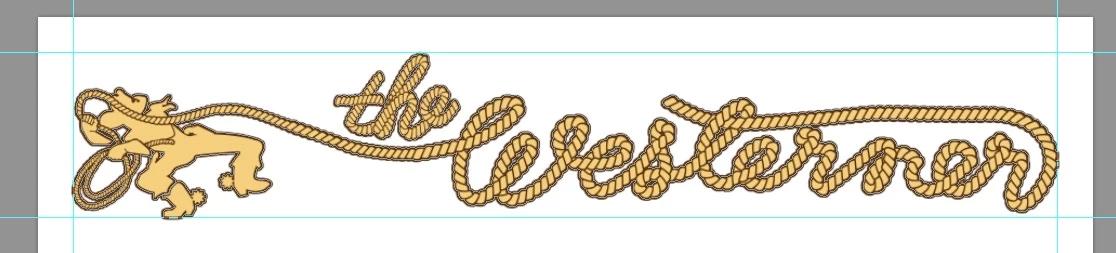
Morning, OK Briefly, I design and make decals for vintage trailers and campers from the late 30s to early 80s. Some are simple, most are relatively complex. Most are cut from either solid or printed vinyl. The drawings are done either solely in AI or in a combination of AI and Photoshop, as the one shown. This particular decal is 24” wide.
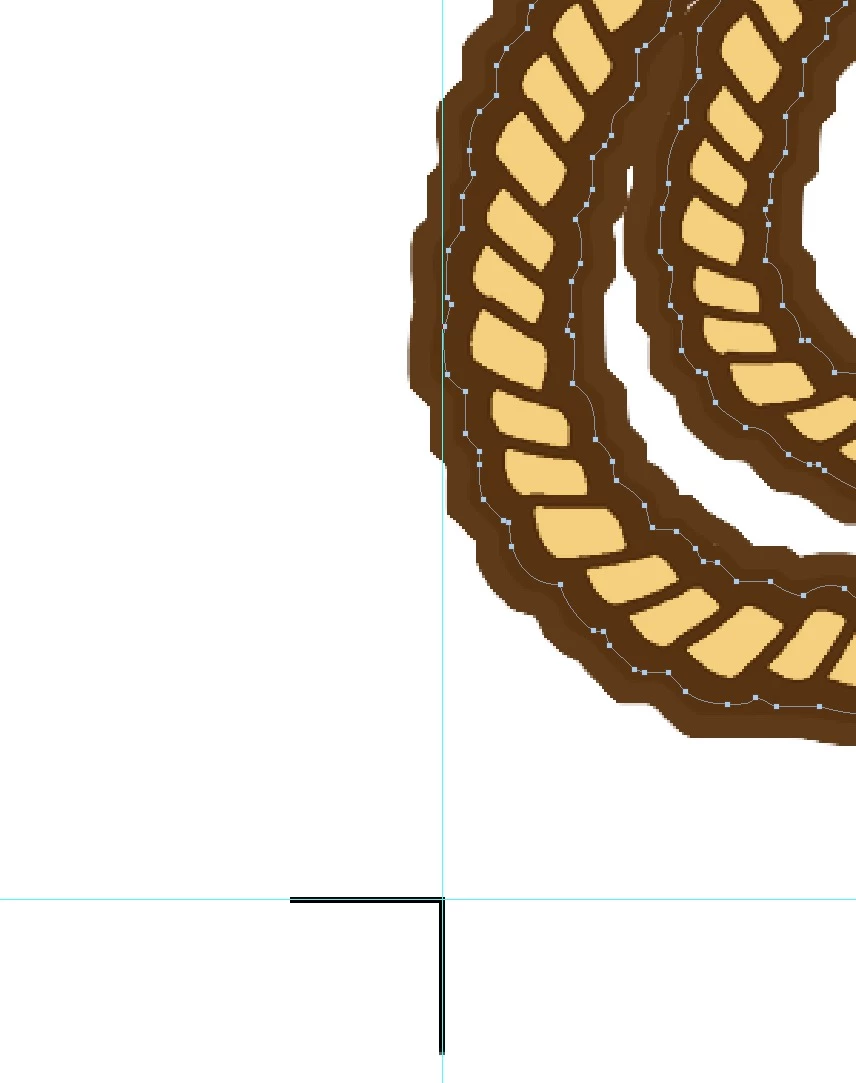
The vector path used to cut the image boarder is stroked to create a bleed which will be trimmed off.
Angle trim marks that meet to form a right angle are needed so the cutter’s laser can establish the outside edges of the vector drawing.
These are now being done by hand. They have to be exact in order for the cutter to still be acceptably. A small decal 12” or less is not critical but in larger decals as this one, if it’s off even slightly, the cutter may be off as much as a 1’16” of an inch toward the final cut. Doings these by hand is not a complex scenario, just time consuming when you are doing a volume of images.
My question is, can Illustrator do this kind of trim mark automatically for me ?
Thanks
Lanny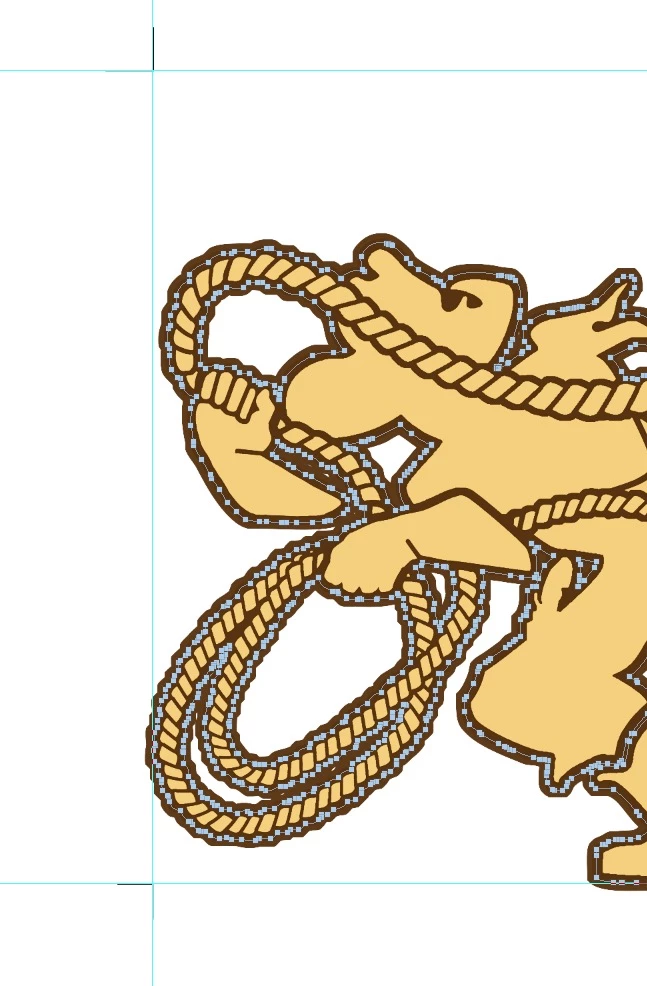
Maybe this script will do what you want, it can use geometric bounds instead of the visible bounds of the object.
MakeCropMarksAI.jsx - DTP Scripting

 AdChoices