Participant
June 13, 2024
Answered

Customize the scale without changing the size of the drawing

  • June 13, 2024
  • 1 reply
  • 320 views

Is there a way to customize the scale space?
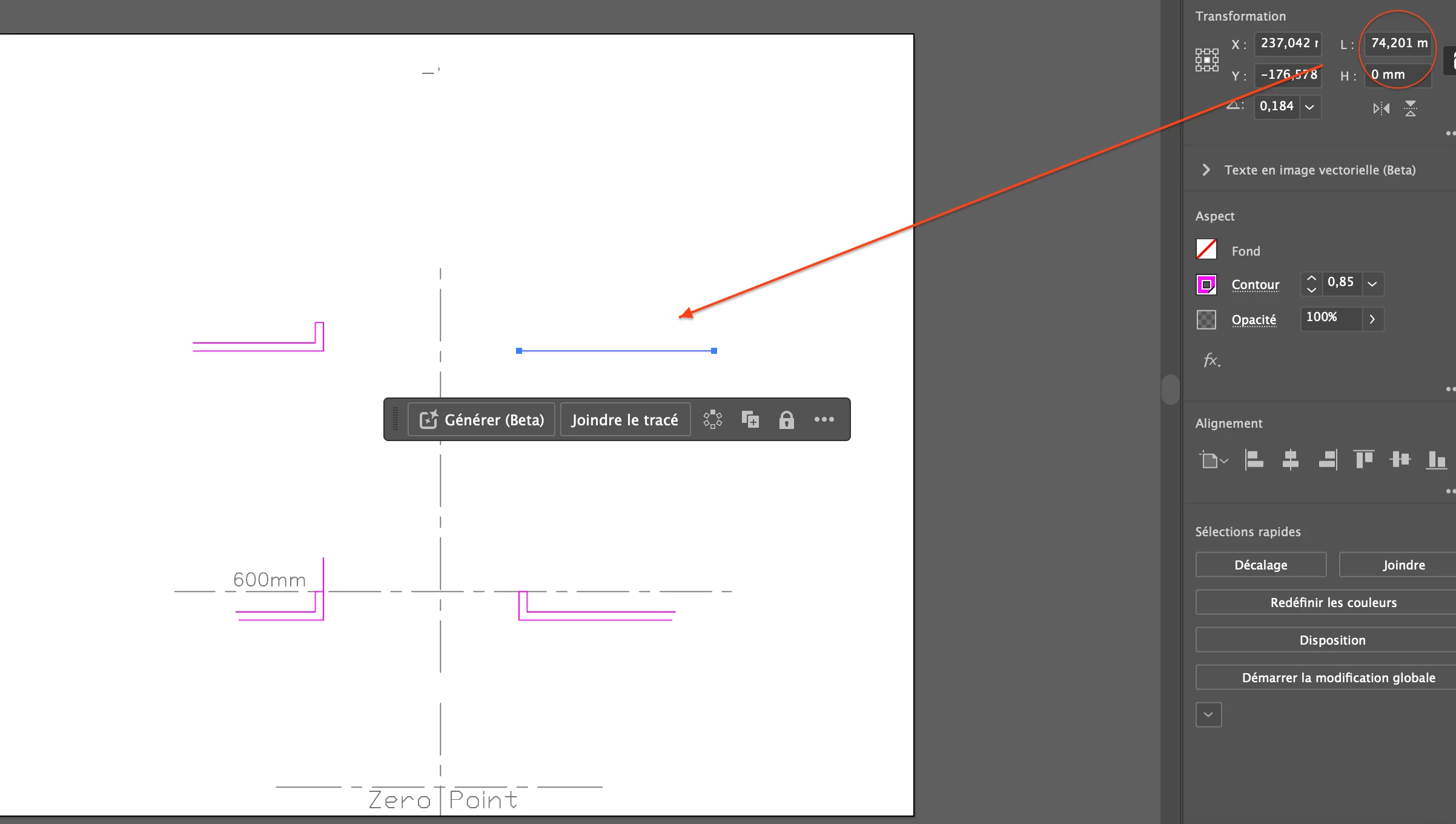
My unit is the millimeter, for example if I have a line which Illustrator measures 75mm but which actually makes 600mm. How can I change the scale so that my line doesn't change dimension on the drawing but the measurement shown in the properties is 600mm? Thanks. 
This topic has been closed for replies.
Correct answer Ares Hovhannesyan

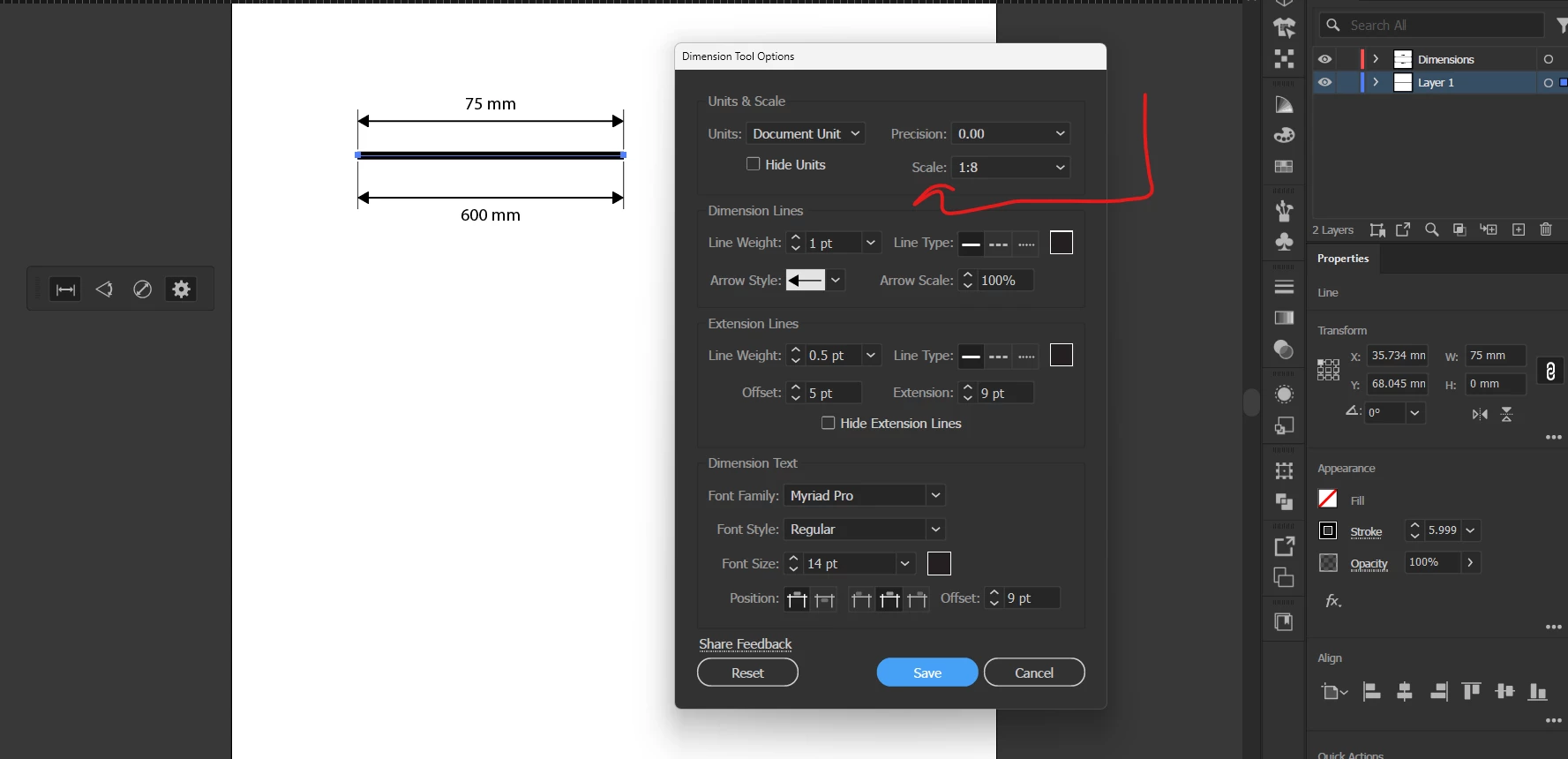
I am not aware why you need that , but may be you can use Dimension tool property tool to show that visually. What is your general task?


1 reply

Ares Hovhannesyan
Community Expert
Ares HovhannesyanCommunity ExpertCorrect answer
Community Expert
June 13, 2024

I am not aware why you need that , but may be you can use Dimension tool property tool to show that visually. What is your general task?


Participant
June 13, 2024

@Ares Hovhannesyan Indeed, I wanted to draw 600mm lines, but I just realized that all I had to do was change the size of my sheet. You've introduced me to a new feature. Many thanks for this!